

What is BAMA?
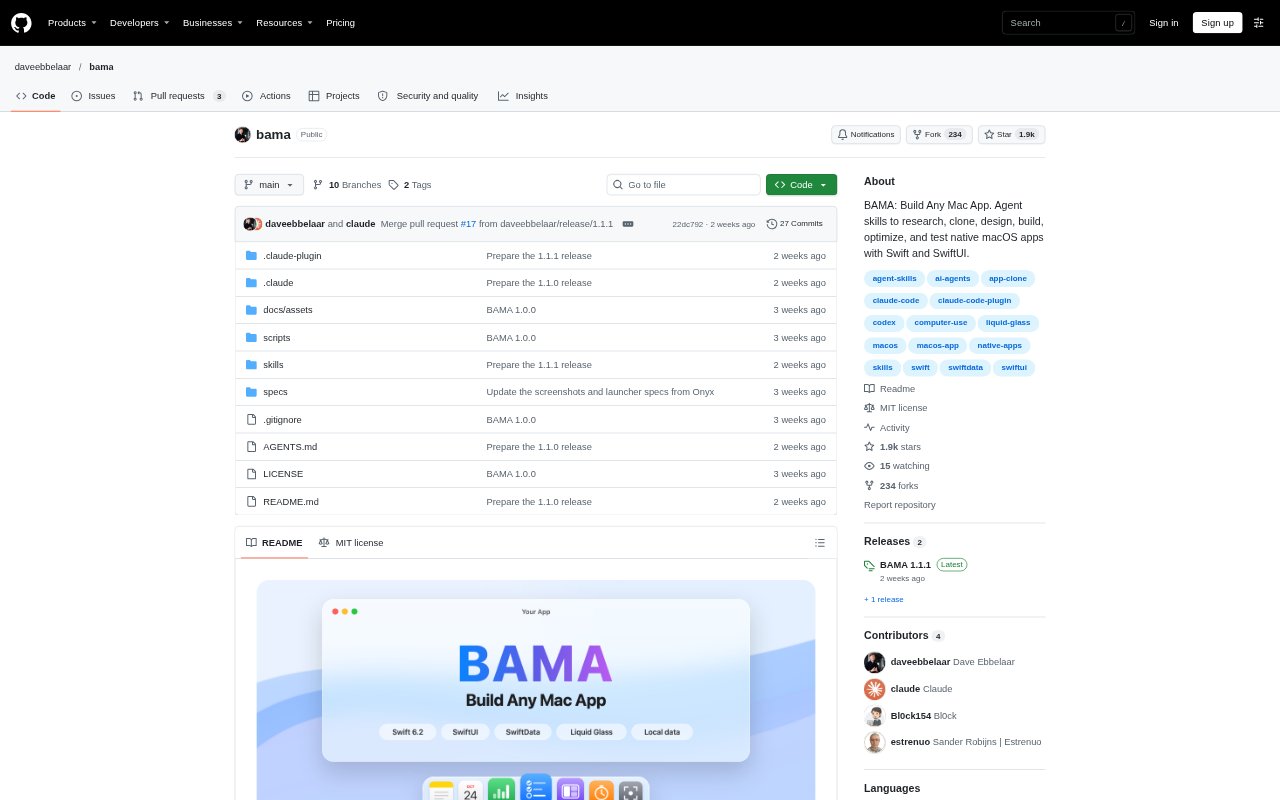
BAMA is a collection of agent skills for planning and building native macOS apps with Swift and SwiftUI. It guides an AI coding agent from researching or cloning an app through design, implementation, testing, and installation. Founders, developers, and other builders can use it with Claude Code, Codex, or compatible agents; it requires macOS 26 or later and Xcode 26 or later.
BAMA Features:
App Planning: Skills turn an idea into a one-page brief, research market and macOS API details, and organize work into milestones with checkable acceptance criteria.
Screen Capture: The clone workflow captures screens from an existing app and creates a screen index to guide a rebuild.
SwiftUI Development: Coding guidance covers Swift 6 concurrency, app state, SwiftData, AppKit bridges, and resolving compiler errors.
Mac Design: Design skills cover macOS layouts, menus, toolbars, keyboard support, dark mode, accessibility, and reusable design systems.
OS Integrations: Guidance includes global hotkeys, menu bar apps, floating panels, window controls, screen capture, Shortcuts, URL schemes, and permissions.
Build Verification: Build and testing workflows run checks and capture app screens in light and dark modes before changes are committed.
BAMA Benefits:
Clearer Scope: Breaking an app idea into stories and milestones gives builders a reviewable plan before they commit to implementation.
Visual Reference: A screen index and repeated snapshots make it easier to spot gaps between the intended interface and the app being built.
Safer Iteration: Working through one story at a time with tests and commits helps isolate changes when something needs fixing.
Native Experience: Mac-specific design and operating-system guidance helps builders account for platform conventions rather than treating the app as a generic interface.
Less Setup Work: A starter template with a Swift package, SwiftData, build script, snapshot mode, and git gives a new project a working foundation.
Use Cases:
App Recreation: Use the clone workflow to study an app you like, document its screens, and build a native Mac version around its interface.
New App Prototype: Start with an idea brief and milestone backlog when turning an early product concept into a working SwiftUI app.
Menu Bar Utility: Plan and build a small utility that uses menu bar access, global hotkeys, floating panels, or window controls.
Interface Refinement: Use design skills to review layout, accessibility, dark mode, and component consistency as an app takes shape.
Release Checks: Run build, test, and screen-review steps while completing a milestone or checking changes before committing them.