

What is Beeuni?
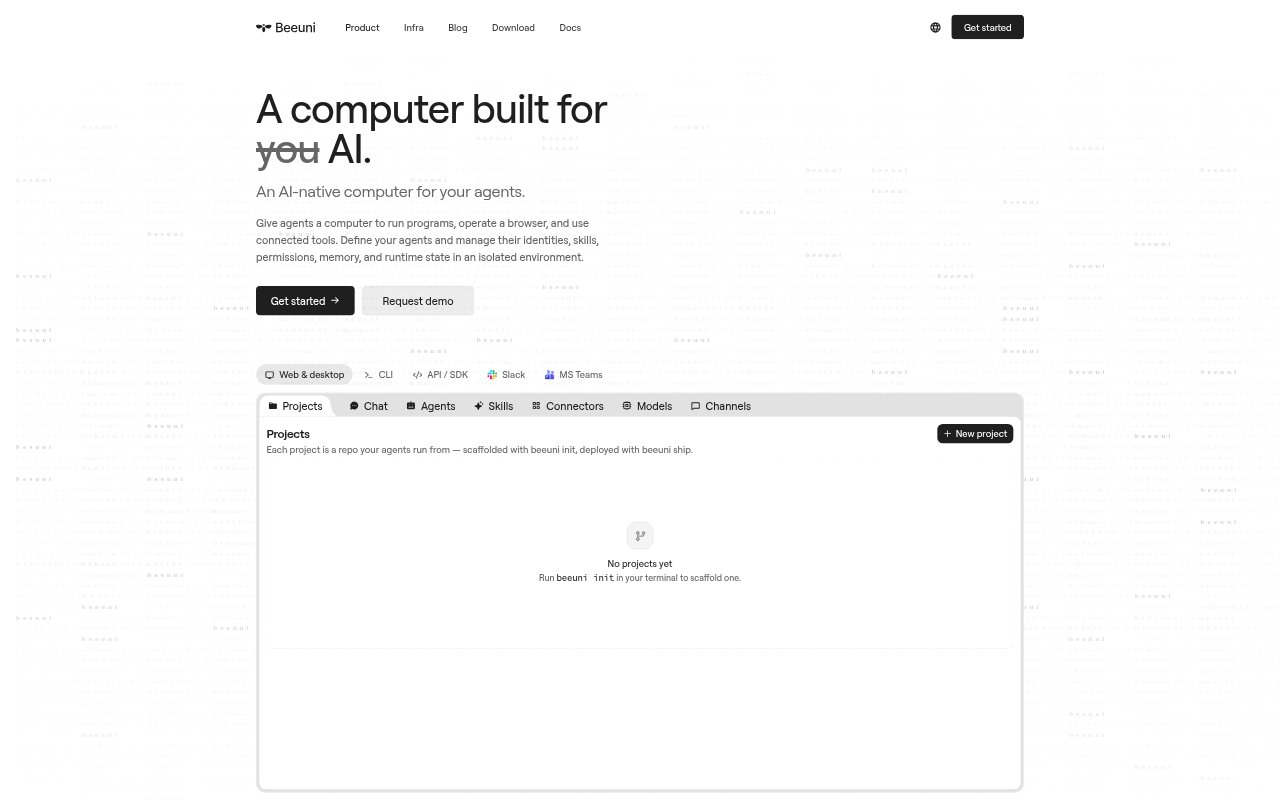
Beeuni provides cloud computers where AI agents can run code, use browsers and connected tools, and work with project files. Teams can define agents, set their permissions, and give them instructions, skills, and memory. Tasks can be started from Beeuni’s web or desktop apps, through an existing agent connected with MCP, or through the API and SDK. Each session runs in an isolated environment, with proposed work available for review before it is accepted.
Beeuni Features:
Isolated Sessions: Each task runs in its own sandbox with separate files and state, scoped permissions, and an audit trail of actions.
Agent Configuration: Set each agent’s instructions, skills, tool access, identity, memory, and runtime state to suit its task or product.
Connected Tools: Agents can use connected apps, MCP, OpenAPI, GraphQL, and HTTP, with access scoped by project, agent, and person.
Reviewable Changes: Inspect files, diffs, and results, then review proposed changes in a change request before merging them into a project.
Reusable Skills: Save a useful workflow as a skill file, attach it to agents, and review proposed improvements before accepting them.
Persistent Memory: Keep project context, decisions, and approved changes in inspectable files, choosing what information carries into later sessions.
Beeuni Benefits:
Controlled Automation: Scoped permissions and approval gates let teams automate work while keeping sensitive or consequential actions subject to review.
Less Repeated Setup: Agents can reuse approved context and skills, reducing the need to restate project details or explain recurring workflows.
Safer Collaboration: Separate sessions let agents work independently while teams decide which code, skills, or memory changes to bring together.
Clear Accountability: An audit trail and reviewable outputs make it easier to see what an agent did before keeping its work.
Flexible Deployment: Teams can start tasks through different interfaces or connect Beeuni to an existing agent or product backend.
Use Cases:
Pull Request QA: Have an agent check out each GitHub pull request, run the test suite, exercise the change, and post its results.
Documentation Updates: Use an agent to check recent code changes and prepare documentation updates as a pull request for review.
Support Triage: Connect an agent to support conversations and relevant company tools so it can triage threads and pause for approval on sensitive cases.
Incident Postmortems: After an incident, have an agent gather the channel timeline, correlate deploys and log spikes, and draft a postmortem for review.
HR Policy Replies: Use an agent to draft answers to HR policy questions from documented policies and escalate ambiguous or sensitive requests.