
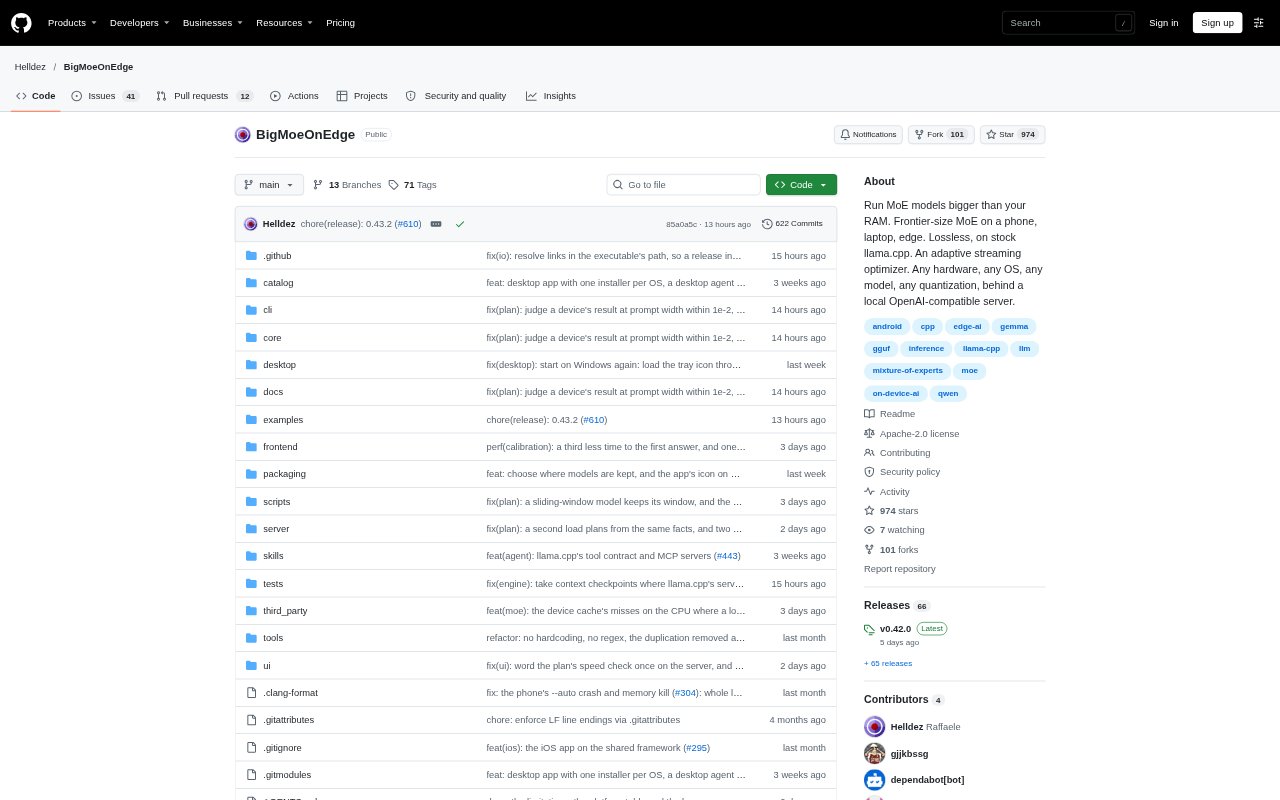
What is BigMoeOnEdge?
BigMoeOnEdge runs Mixture-of-Experts language models that are larger than a device’s available memory by streaming needed model experts from storage. It is built on llama.cpp and offers desktop and phone apps, command-line tools, and a local server for using models on Android, macOS, Windows, Linux, and iOS. The automatic planner chooses how to use the machine’s memory, processors, and supported accelerators.
BigMoeOnEdge Features:
Expert Streaming: The engine keeps frequently used experts in memory and reads others from storage as the model needs them, so it can run MoE GGUF models larger than device memory.
Automatic Planning: The planner measures the machine and model, then selects cache sizes, thread settings, and which devices handle different tasks; its screen explains those choices.
Hardware Backends: Inference can use CPU, Metal, CUDA, HIP, Vulkan, OpenCL, or the Hexagon NPU, with frequently used experts kept in GPU memory when available.
Apps and Server: The project provides desktop and phone apps, command-line tools, and a server with a web UI that can run as a machine service.
Compatible APIs: The local server supports OpenAI and Anthropic API formats, including streaming, tool calls, and reasoning, and can be configured to accept connections from other machines.
Image Input: For vision models supported by llama.cpp’s projector library, the server can process images when the model’s projector file is available.
Built-In Agent: The desktop app includes an agent that can read and edit files and run commands in a chosen folder, asking before changes unless permission is allowed.
BigMoeOnEdge Benefits:
Use Larger Models: Running experts from storage makes it possible to try MoE models that exceed the memory capacity of a phone, laptop, or graphics card.
Less Manual Tuning: Automatic planning reduces the need to work out cache sizes, thread settings, and device allocation by hand for each machine and model.
Keep Local Control: Running models through apps or a local server lets users work with their selected models on their own hardware.
Reuse Existing Tools: API compatibility lets developers connect supported coding agents and other clients without changing to a separate model-serving format.
Review Changes: The built-in agent’s confirmation step gives users a chance to inspect proposed file changes before allowing them.
Use Cases:
Phone Model Testing: Try a large MoE model on an Android phone or iPhone when its full model weights exceed the phone’s memory.
Local Coding Agents: Run a local model server and connect a coding agent such as OpenCode, Claude Code, or Codex CLI through its compatible API.
Desktop File Tasks: Use the built-in desktop agent to work through a chosen project folder, edit files, and run commands with approval for changes.
Image Questions: Send images to a supported vision model through the server or command-line interface when its projector file is available.
Shared Model Server: Set up the server as a service on a machine that stays on, then make its API available to clients on other machines.