
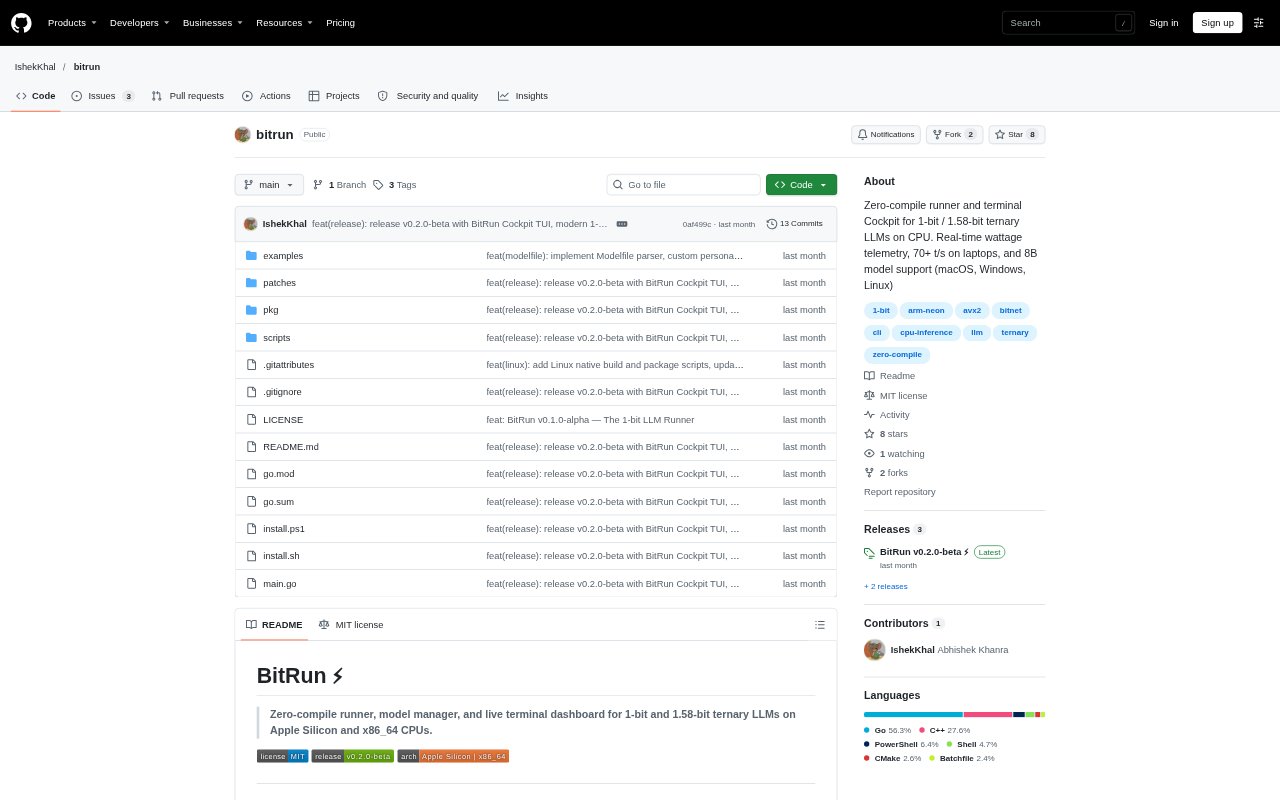
What is BitRun?
BitRun is a command-line runner and model manager for running 1-bit and 1.58-bit language models on CPUs, with a full-screen terminal interface for chatting and monitoring hardware. It supports Apple Silicon and x86_64 systems, with native installation options for macOS, Linux, and Windows. Developers and technical users can download supported models, run prompts locally, configure custom personas, or expose a local REST endpoint without building the inference engine themselves.
BitRun Features:
Model Downloads: The pull command fetches supported models from Hugging Face, including BitNet, Bonsai, and Falcon3 variants in several sizes and quantization formats.
Terminal Cockpit: Cockpit provides a full-screen chat interface with multi-turn history, scrolling, and token-by-token response streaming.
Hardware Telemetry: The interface reports generation speed, prompt time-to-first-token, CPU core utilization, available RAM, and the SIMD engine in use.
Energy Monitoring: BitRun can track package power, energy per token, cumulative energy use, and estimated battery runtime, with telemetry hooks for macOS, Linux, and Windows.
Local REST Server: The serve command starts a local OpenAI-compatible REST server, including a chat completions endpoint with streaming support.
Custom Modelfiles: Declarative Modelfiles let users set a system persona, temperature, and context size before creating and running a customized model.
BitRun Benefits:
Less Setup Work: A standalone runner avoids the need to manage C++ submodules, compiler toolchains, CMake, or virtual environments for the supported workflow.
Local Model Testing: CPU inference lets users test supported language models on their own machines instead of requiring a dedicated GPU for every experiment.
Visible Performance: Live speed and timing figures help users judge how a model responds on the hardware they actually have.
Energy Awareness: Power and energy readings help users compare the resource cost of local inference sessions and assess battery use.
Repeatable Personas: Saved Modelfile settings make it easier to reuse a chosen instruction style and generation configuration across sessions.
Use Cases:
Local Model Evaluation: Compare supported model sizes on a laptop or desktop CPU before choosing one for a local inference workflow.
Battery-Conscious Chat: Use a supported compact model for instruction chat on a laptop and monitor energy use during the session.
REST Prototyping: Run the local server to test an application or development workflow against an OpenAI-compatible chat endpoint.
Persona Experiments: Create a model configuration with a specialist system prompt, adjusted temperature, and a chosen context size.
CPU Benchmarking: Run a synthetic benchmark with a selected model and thread count, then review generation speed and joules per token.