
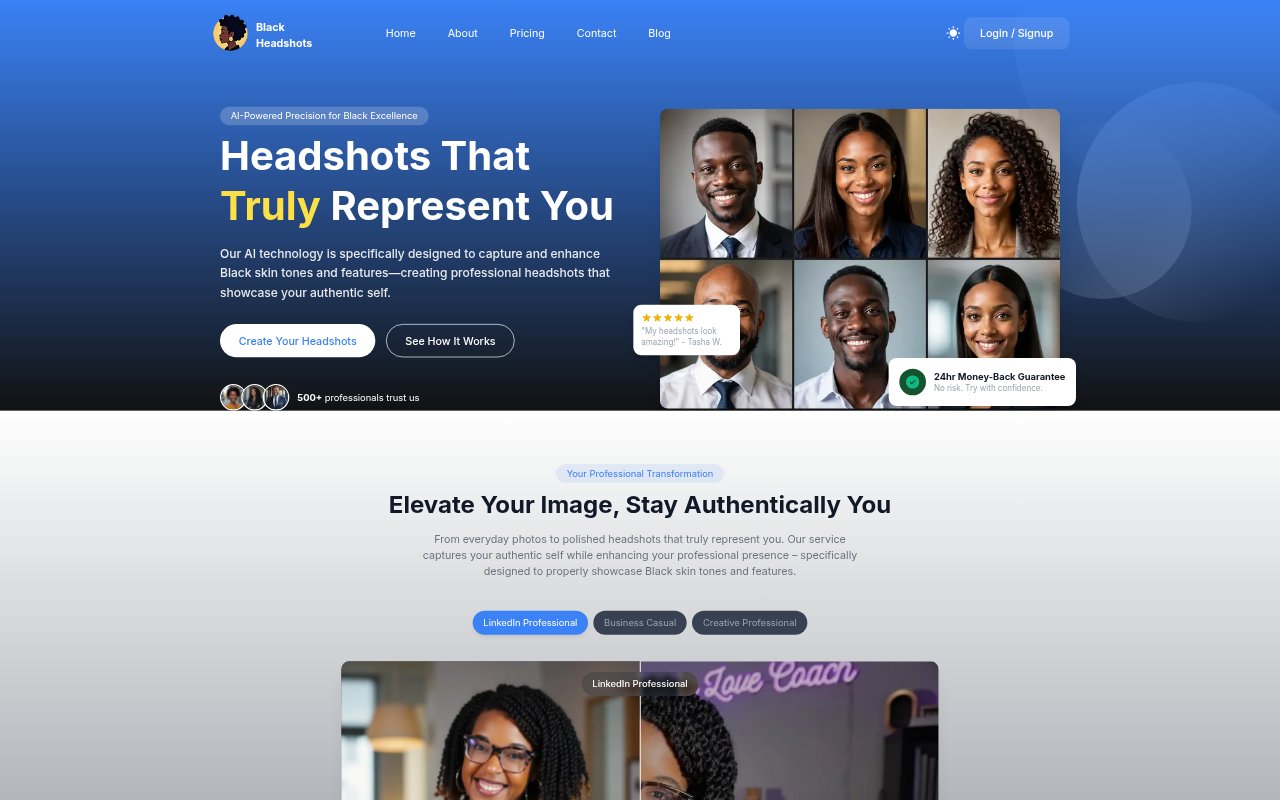
What is Black Headshots AI?
Black Headshots AI creates professional portraits from a set of selfies, with its AI designed to represent Black skin tones and features. It is for people who want polished images for professional profiles, job applications, portfolios, or social media without arranging a traditional photo shoot. Users upload 8–14 photos, then choose from headshot styles and backgrounds; the service says most results are ready within 30 minutes, depending on the plan.
Black Headshots AI Features:
Skin Tone Representation: The AI is designed to account for Black skin tones and features, with attention to lighting, skin tone accuracy, and natural facial features.
Selfie Uploads: Users provide 8–14 clear, front-facing photos showing one person, with consistent lighting and no glasses or hats for best results.
Portrait Studio: A portrait tool turns a description into a new professional shoot while letting users change the setting, wardrobe, lighting, or mood.
Style Selection: Headshots can be generated in styles including LinkedIn, Bold, Casual Chic, Dating, Pensive, and Dashiki, depending on the plan.
Background Options: Users can choose from multiple styles and backgrounds for the finished headshots.
Image Ownership: Users retain ownership and full commercial usage rights, and can request permanent deletion of their data from the servers.
Image File Support: The upload platform accepts JPEG, JPG, PNG, AVIF, GIF, TIFF, and WebP images.
Black Headshots AI Benefits:
More Representative Portraits: A focus on Black skin tones and features can help users get professional images that feel closer to their own appearance.
Skip Studio Booking: Generating portraits from selfies offers an alternative to scheduling and paying for a conventional photography session.
Room to Choose: Multiple generated images and available styles give users options when selecting a portrait that suits their intended use.
Flexible Image Use: Commercial rights and ownership let users apply their chosen portraits across professional and personal channels.
Control Over Personal Data: The option to delete uploaded data gives users a way to remove it from the service after generating their images.
Use Cases:
LinkedIn Profile: Create a polished portrait for a LinkedIn profile when a current photo does not match the professional image you want to present.
Job Applications: Prepare a professional headshot to use alongside a resume or job application.
Creative Portfolio: Generate portraits for an actor, founder, or other professional portfolio that needs a fresh profile image.
Social Profiles: Choose a style and background for profile photos used on social media or other online accounts.
Press Announcements: Create a headshot for a press release when a professional image is needed on a short timeline.