
What is blender skills?
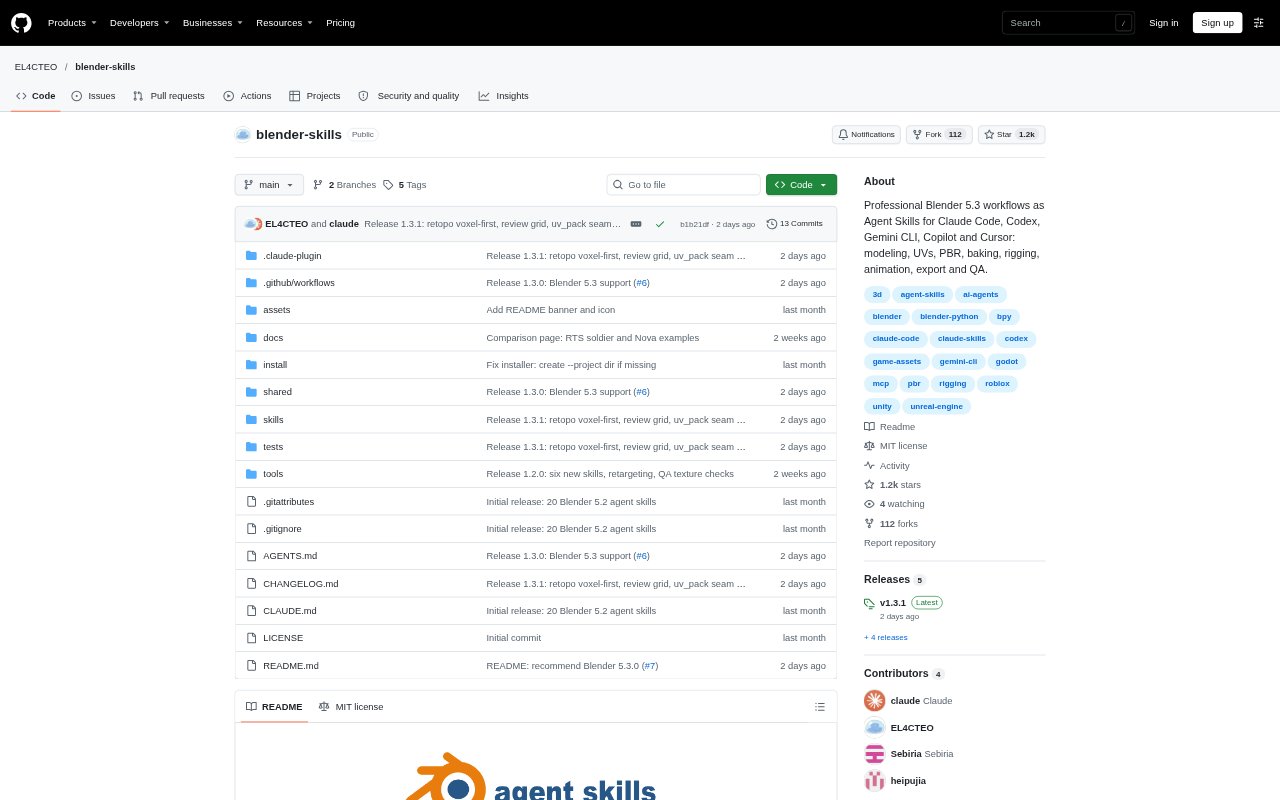
Blender Skills is a collection of 28 workflows for AI coding agents working with Blender. It supports agents including Claude Code, Codex, OpenCode, Gemini CLI, GitHub Copilot and Cursor, and covers tasks across the 3D production pipeline, from modeling and materials to animation, rendering and export. The skills require Blender 5.2 LTS or newer and are verified on Blender 5.3. An installer can set them up for supported agents or a single project.
blender skills Features:
Modeling and UVs: Skills cover hard-surface modeling with bevels and booleans, organic sculpting, retopology, UV mapping and texel density.
Materials and Baking: Workflows build PBR materials from textures, add wear and surface details, and bake normal, ambient occlusion, curvature and ORM maps.
Character Production: Character skills include Rigify rigging, skinning, game skeletons, ARKit blendshapes, visemes, clothing, hair grooming and animation.
Animation and Simulation: Agents can work with actions, mocap retargeting, loop checks and root motion, as well as rigid-body, cloth and fluid simulations.
Rendering and Scenes: Scene workflows cover Cycles and EEVEE rendering, batch rendering, studio lighting, HDRI setups, turntables and stylized toon or anime looks.
Export and Optimization: Skills address game budgets, levels of detail and draw calls, with export workflows for Roblox, Unity, Unreal, Godot, web and USD.
Installer and QA: An installer supports macOS, Linux and Windows, while asset QA checks for issues such as z-fighting, floating parts, bad normals, weights and textures.
blender skills Benefits:
Broader Agent Use: Teams using different supported coding agents can work from the same collection of Blender workflows rather than maintaining separate task instructions.
Fewer Pipeline Gaps: Coverage from scene setup through export makes it easier to handle connected production steps within one Blender workflow.
More Predictable Handoffs: Guidance for naming, collections, asset libraries and export formats helps keep project files organized for later work.
Earlier Issue Checks: The asset QA workflow can surface common geometry, normals, weighting and texture problems before an asset moves on.
Repeatable Production: Workflow recipes and pipeline automation provide a reusable starting point for recurring asset creation and file-conversion tasks.
Use Cases:
Game-Ready Prop: Create a prop for a game engine, bake its maps, prepare levels of detail and export it for Unity, Unreal, Godot or Roblox.
Character Animation: Rig a character, add facial shapes or clothing, retarget a motion-capture action and check the animation loop.
Stylized Environment: Build a modular level or terrain scene, then add toon shading, lighting, weather effects or time-of-day atmosphere.
Asset Review: Check a model for z-fighting, floating geometry, incorrect normals, weight problems and texture issues before export.
Batch Conversion: Automate recurring Blender batch jobs or convert files as part of a production pipeline.