

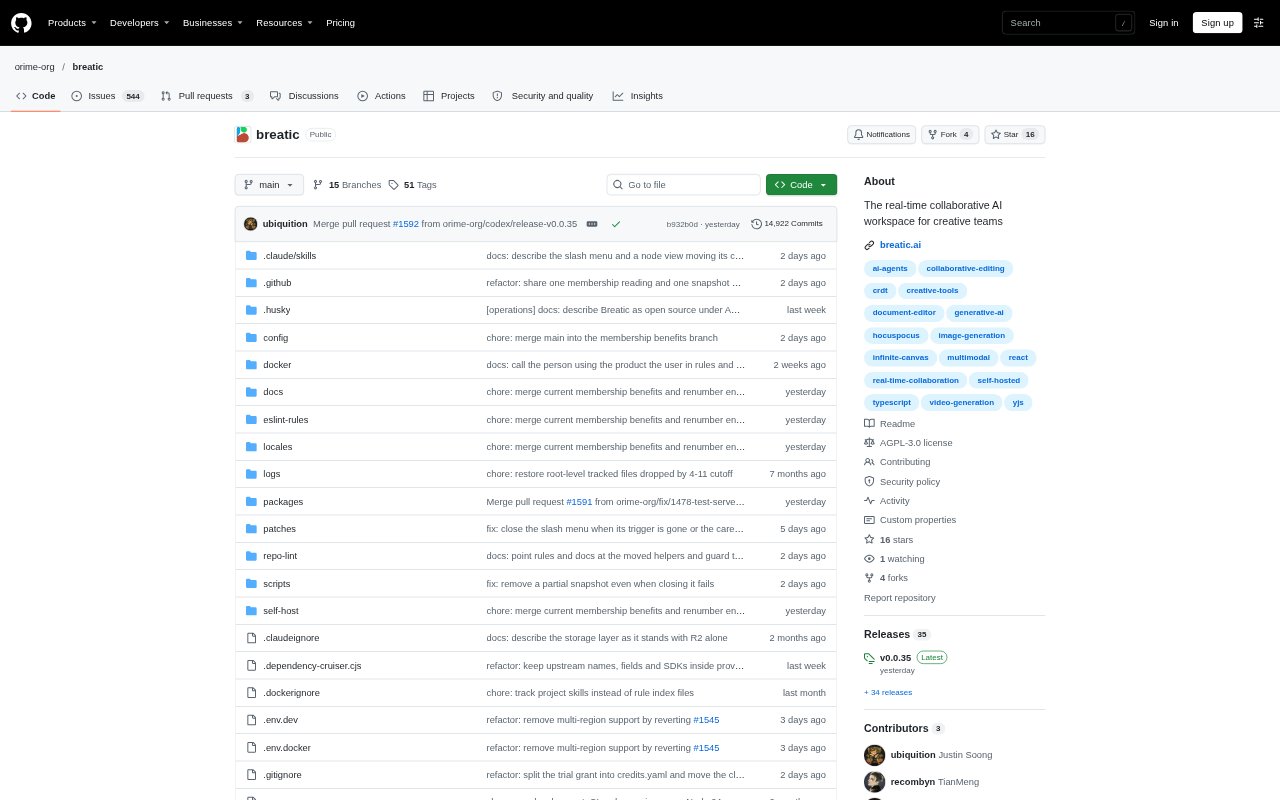
What is Breatic?
Breatic is a collaborative workspace for creative teams developing projects such as scripts, scenes and visual assets. A project brings together documents, an infinite canvas and an AI agent that can use project and conversation context; collaborators can work in the same spaces in real time. The product also includes 3D and timeline editing tools marked as in development. Teams can use the hosted service or self-host the open-source software.
Breatic Features:
Project Spaces: A project can hold separate Document and Canvas Spaces, with 3D and Timeline Spaces also available as development-stage tools.
Infinite Canvas: Canvas Spaces let teams arrange nodes, references and media, compose freely, and generate or refine assets using prompts, models and reference inputs.
Collaborative Documents: Document Spaces support formatted writing with headings, lists, tables and comments, as well as uploaded pictures, video and audio.
Contextual Agent: The project agent can use project and conversation memory, discuss ideas with users, and propose document rewrites for review.
Live Collaboration: Multiple collaborators can see live presence, cursors and shared selections while working on synchronized project spaces.
3D and Timeline: Development-stage tools support shared 3D scenes and arranging, trimming, splitting and previewing video clips on a timeline.
Breatic Benefits:
Connected Production: Keeping briefs, writing and visual work in one project makes it easier to carry decisions from an initial idea into scene development.
Shared Awareness: Live presence and shared selections help collaborators follow what others are changing without relying only on separate status updates.
Reviewable Changes: Teams can consider an agent's proposed rewrite before applying it, helping preserve editorial control over shared documents.
Context Retained: Project and conversation memory give the agent relevant working context, reducing the need to restate it during a thread.
Deployment Choice: The hosted option and self-hosting make it possible to choose between using the service online and running the open-source software on your own infrastructure.
Use Cases:
Video Preproduction: Draft a brief and shot descriptions in a document, then develop references and candidate visuals for each scene on canvases.
Script Development: Write and revise a script with collaborators, using the agent to discuss ideas or suggest passage rewrites for the team to review.
Visual Direction: Compare image candidates and references beside a shared project direction while the team decides which creative approach to pursue.
Production Planning: Organize a production brief, scene materials and checklists in separate spaces within one project.
Rough Timeline Review: Use the development-stage timeline to arrange and preview video clips or web animations before continuing in a video editor.