
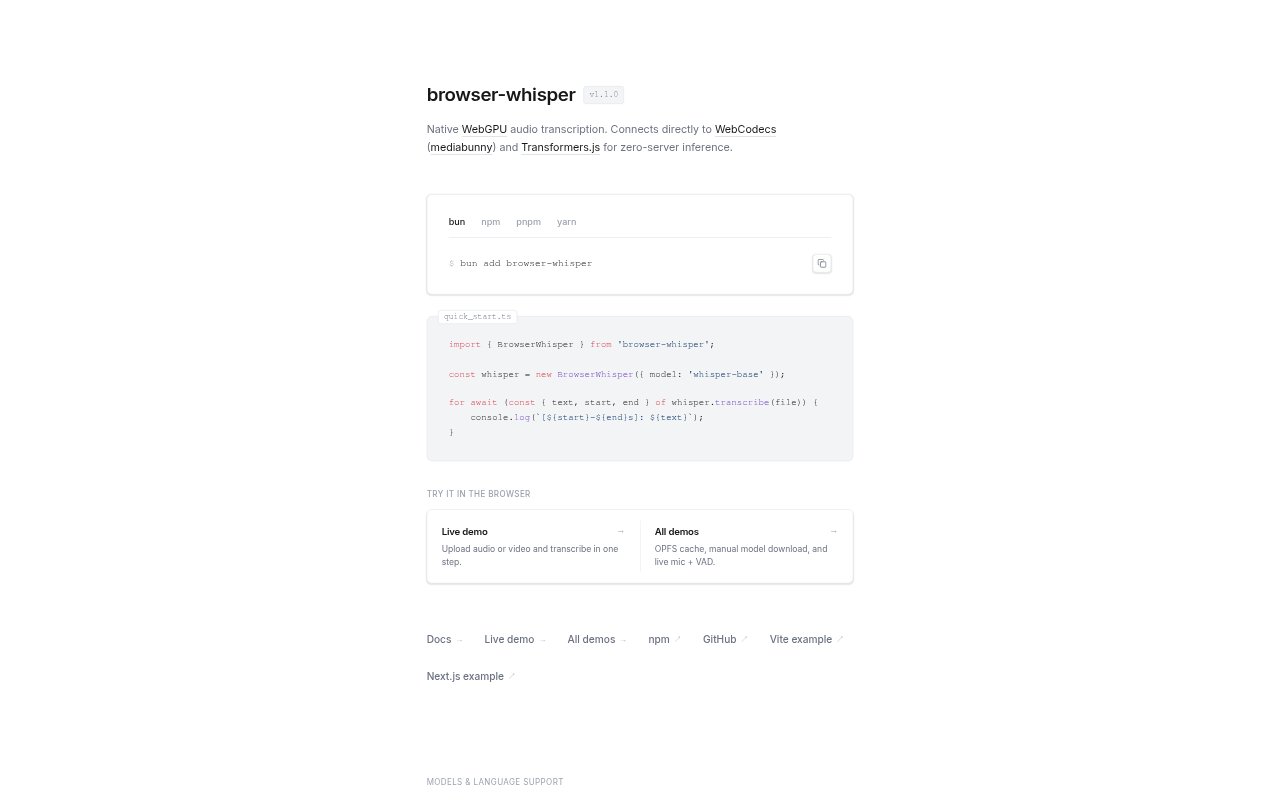
What is browser-whisper?
browser-whisper transcribes uploaded audio and video, or live microphone input, directly in a web browser using WebGPU. Processing happens locally rather than on a server, with Transformers.js and WebCodecs (mediabunny) supporting inference and media handling. Users can choose among Whisper, Moonshine, Distil-Whisper, and Parakeet models, whose language coverage ranges from English-only options to multilingual models. It suits people who want to turn recordings into transcripts in the browser without sending them to a transcription server.
browser-whisper Features:
Local Transcription: Audio transcription runs entirely in the browser through WebGPU, without sending the recording to a server for inference.
Audio and Video: Upload an audio or video file and transcribe it in one step, with media handling through WebCodecs and mediabunny.
Live Microphone: Transcribe speech from a live microphone, alongside the option to work from uploaded recordings.
Voice Activity Detection: Live microphone transcription includes VAD, which detects voice activity during capture.
Model Selection: Choose from Whisper, Moonshine, Distil-Whisper, and Parakeet models, including different model sizes and language coverage.
Language Coverage: Whisper models support 99 languages, while listed English-only models and Parakeet options offer other coverage choices.
Model Cache: Use an OPFS cache and manually download models, giving you control over model storage and download timing.
browser-whisper Benefits:
On-Device Processing: Keeping transcription local can help limit where sensitive recordings are sent during the transcription task.
Fewer Handoffs: Turning an uploaded recording into a transcript in one step avoids moving between separate upload and transcription services.
Flexible Languages: The range of model language coverage lets you pick an option suited to the language in your recording.
Faster Known-Language Runs: Providing a known language can make transcription slightly faster and more accurate than relying on automatic detection.
Choice of Workflow: Support for both recordings and live speech lets you work with existing media or capture speech as it happens.
Download Control: Manual model downloads let you decide when to fetch a model instead of having that choice hidden in the workflow.
Use Cases:
Recorded Interviews: Upload an interview audio file to produce a transcript without routing the recording through a transcription server.
Video Transcription: Submit a video when you need its spoken content transcribed using the browser-based workflow.
Live Speech Capture: Use the microphone option to transcribe speech while speaking, with voice activity detection available.
Multilingual Recordings: Choose a multilingual Whisper model for recordings in one of its supported 99 languages.
English Audio: Select an English-only Moonshine, Distil-Whisper, or Parakeet model for an English recording.
Known Language Audio: Enter a BCP-47 language code when the recording language is known to skip automatic detection.