

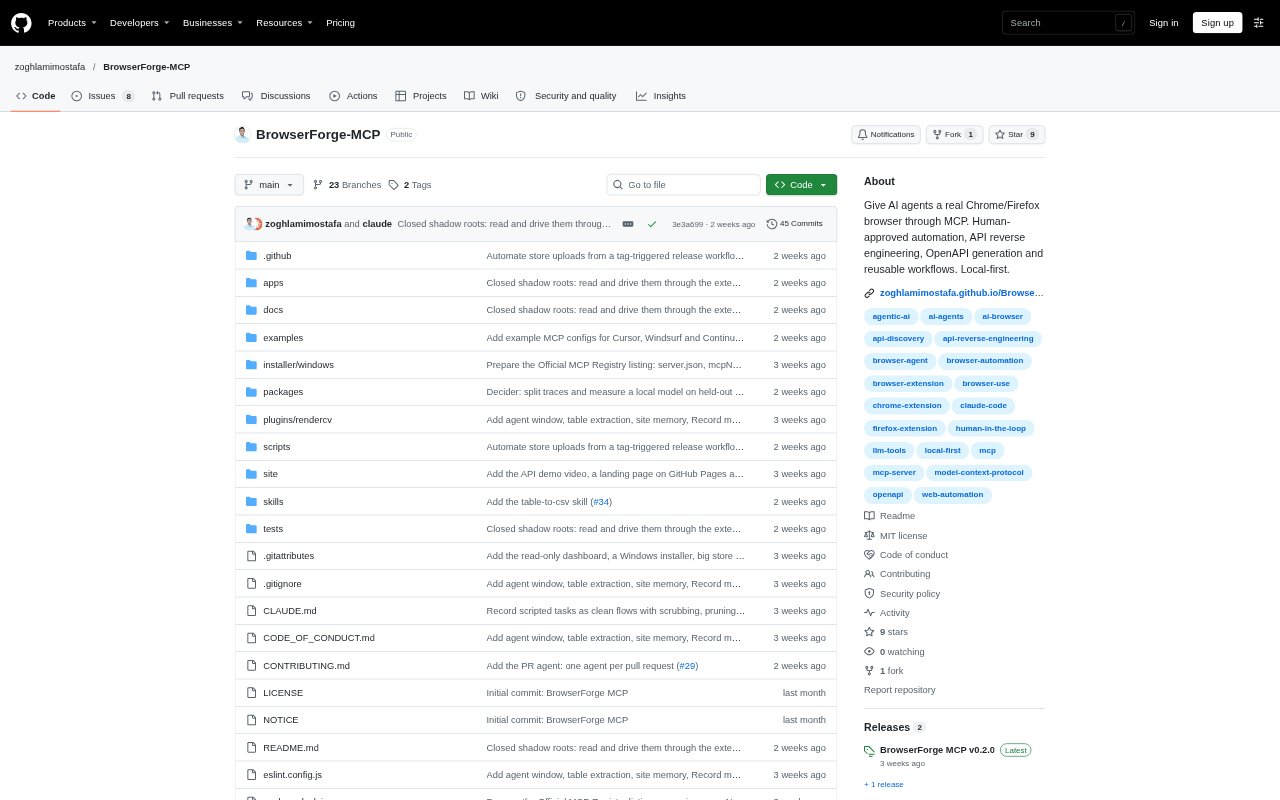
What is BrowserForge?
BrowserForge connects AI agents to a real Chrome- or Firefox-based browser through a local program and the Model Context Protocol (MCP). It is for developers and other people who want agents to work with websites using their existing browser sessions, while keeping consequential actions under human control. It can also analyze captured website traffic and turn it into API documentation and client code, as well as save browser tasks as reusable flows.
BrowserForge Features:
Browser Control: An MCP server lets agents inspect pages, navigate tabs, interact with forms and controls, and take screenshots in a connected browser.
Action Approval: The extension waits for human approval before consequential actions such as submitting forms, sending messages, making purchases, handling passwords, or uploading files.
Traffic Capture: Network tools list, search, inspect, and export browser requests, with options to configure, clear, or import captures.
API Generation: Traffic analysis identifies endpoints, schemas, authentication, and pagination, then generates OpenAPI 3.1 specifications and Python, TypeScript, JavaScript, or PHP clients.
Reusable Flows: Browser actions can be recorded as flows with named input parameters, replayed without a model, or exported for Playwright, Selenium, Puppeteer Replay, or neutral JSON.
Form Assistance: Agents can discover and fill forms from saved profiles, validate entries, preview submissions, and prepare cover letters.
BrowserForge Benefits:
Keep Account Control: Approval gates and a stop control let people review sensitive actions instead of leaving an agent to complete them unchecked.
Work in Context: Using a real browser session gives agents access to the user's open tabs, logins, and cookies rather than a separate headless browser.
Document APIs Faster: Generating specifications and client code from observed traffic reduces the manual work of tracing requests and writing API references.
Repeat Tasks: Saved flows let teams run familiar browser procedures again without asking an agent to rediscover every step.
Keep Data Local: The local-first setup keeps browser activity and captured information on the user's computer rather than sending it through a cloud service.
Use Cases:
Inspect Checkout APIs: Browse a shop's checkout flow and examine the network requests it makes to identify the site's endpoints.
Generate API Clients: Analyze traffic from a website you use, create an OpenAPI specification, and generate a client for its observed endpoints.
Fill Applications: Use a saved profile to fill a job application, preview the entries, and approve the submission yourself.
Replay Browser Tasks: Record a recurring website procedure as a flow, then replay it or export it as a Playwright or Selenium script.
Review Site Traffic: Capture and search requests while exploring a site, then export the results as a HAR file with secrets redacted.