

What is BuildGist?
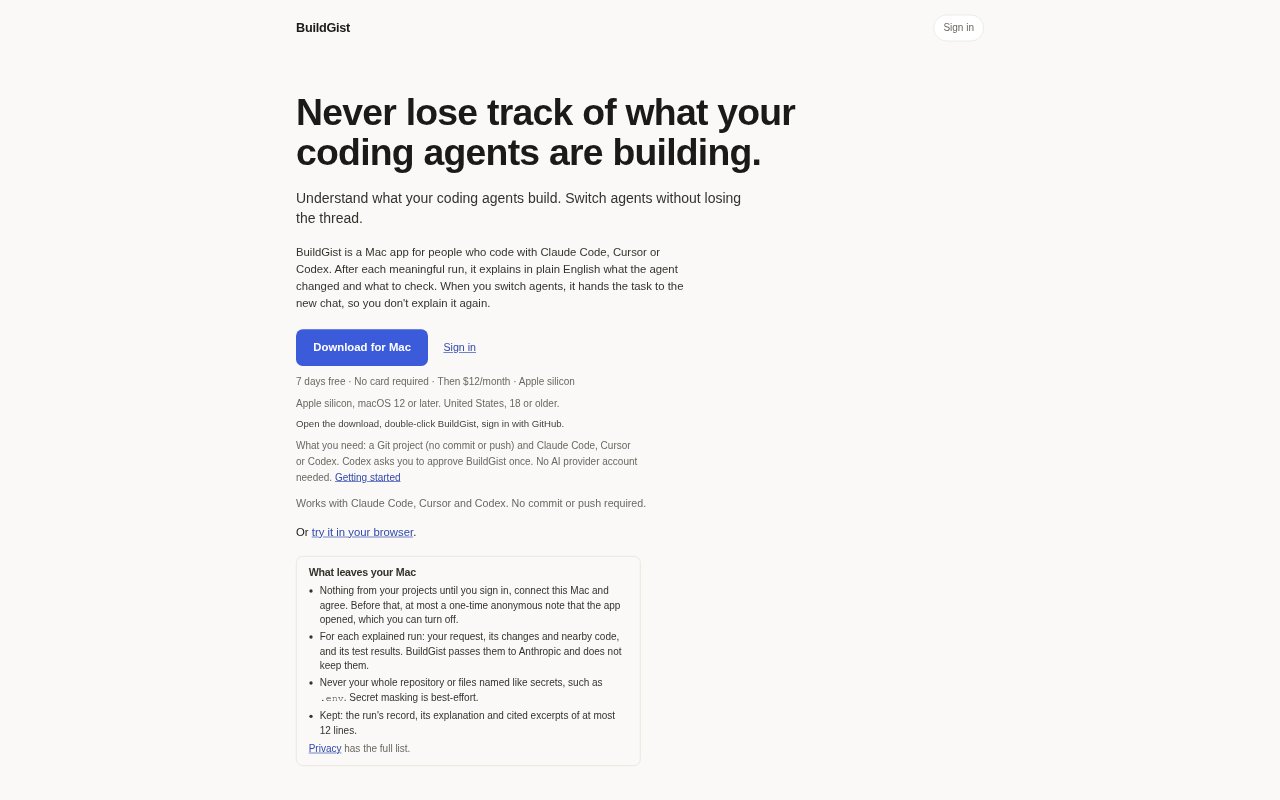
BuildGist is a Mac app for people who use Claude Code, Cursor or Codex to work on Git projects. It turns meaningful coding-agent runs into plain-English explanations of what changed, what the changes mean and what to check, and can carry a task into another agent when you switch. It runs on Apple silicon Macs with macOS 12 or later. There is a seven-day free trial, then Pro costs $12 per month.
BuildGist Features:
Run Explanations: After a meaningful run, BuildGist summarizes the agent’s work in plain English, including what changed and what the changes mean.
Review Pointers: Each explanation identifies things to check, with test results included as context for reviewing the agent’s work.
Concern Flags: BuildGist can flag potential concerns in the changes and explain why an issue, such as a missing ownership check, may matter.
Agent Handoffs: Continue transfers the task context to a new Claude Code, Cursor or Codex chat, so you can pick up where you left off.
Cited Excerpts: Explanations can include short excerpts from changed code as citations, limited to 12 lines per excerpt.
Project Data: For an explanation, the app sends the request, relevant changes, nearby code and test results for processing; it does not send the whole repository or files it did not change.
BuildGist Benefits:
Quicker Catch-Up: A concise account of an agent’s work helps you understand a run without first tracing every change through the project.
More Informed Reviews: Pointers to relevant behavior and tests give you a clearer starting point for checking whether a change does what you expect.
Earlier Risk Checks: Surfaced concerns can draw your attention to possible problems before you continue building on top of a change.
Fewer Repeated Prompts: Carrying task context into another agent saves you from restating the background when you switch tools mid-task.
Lower Setup Friction: You can use a Git project without committing or pushing changes, and the setup does not require an AI provider account.
Use Cases:
Review Agent Work: Use an explanation after a coding agent adds a feature to see which parts changed and what behavior deserves a closer check.
Switch Agents Midtask: Move a task from Claude Code to Codex, or between the other supported agents, when you want to continue in a different chat.
Check Authentication Changes: Review an agent’s sign-in implementation by looking at the explanation, cited changes and any concerns it flags.
Resume After a Limit: When one coding agent reaches a limit, hand the current task to another supported agent without starting the conversation from scratch.
Inspect Test Results: After a meaningful run, use the explanation and test results to decide what to verify before accepting the change.