

What is Burning Bridges AI?
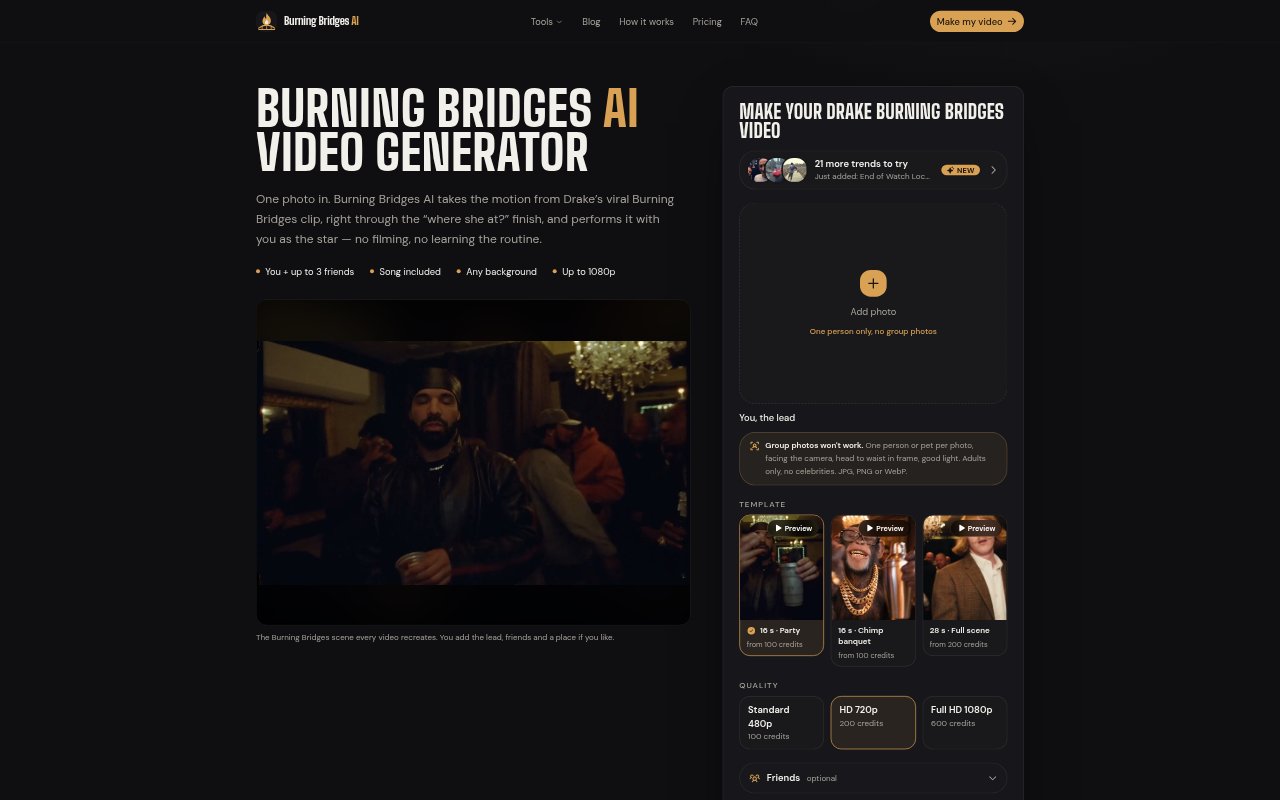
Burning Bridges AI turns a photo of one person or pet into a video built around the Drake “Burning Bridges” party trend. It follows the clip’s sequence, from the opening grin and dance to the “where she at?” gesture, with the song included. You can add up to three friends or pets as the crowd, choose a 16- or 28-second version, and select output quality up to 1080p.
Burning Bridges AI Features:
Photo-Led Performance: A photo of one person or pet supplies the lead subject for the preset Burning Bridges video.
Preset Dance Sequence: The choreography follows the clip’s beats, including the opening grin, party dance, room scan, and final point at the camera.
Friends in Crowd: Add up to three friends or pets to appear in the crowd alongside the lead.
Optional Place Photo: Include a photo of a new place if you want to set the scene somewhere beyond the default background.
Length and Resolution: Choose a 16- or 28-second video and Standard 480p, HD 720p, or Full HD 1080p quality.
Downloadable Results: After rendering, the finished video remains in the studio for download, even if you close the tab while it processes.
One-Time Credit Packs: Packs start at $9.90 for 100 credits, which can be used across the tools for 12 months; failed videos are refunded automatically.
Burning Bridges AI Benefits:
Skip Filming: A still photo can become a performance without you recording the dance or learning the routine yourself.
Less Manual Editing: With the motion and timing already built in, you do not need to assemble the clip or write a generation prompt.
Share the Moment: Adding friends or pets gives a group a way to take part in the trend without coordinating a live shoot.
Choose Your Spend: Selecting the length and quality lets you balance the video you want against the credits it uses.
No Recurring Bill: One-time credit purchases make it possible to try the tool without taking on a subscription.
Use Cases:
Trend Social Post: Make a personal take on the “where she at?” trend to download and share on a social account.
Friends Party Video: Create a party-scene clip with one person as the lead and up to three friends appearing in the crowd.
Pet Trend Clip: Use a clear photo of a pet to make it the star of the preset dance and meme sequence.
Creator Content: Prepare a short trend video for a creator account without filming a performance or matching the choreography by hand.
Alternate Scene: Add a photo of a different place when making a version of the trend set somewhere beyond the usual party backdrop.