

What is Busabase?
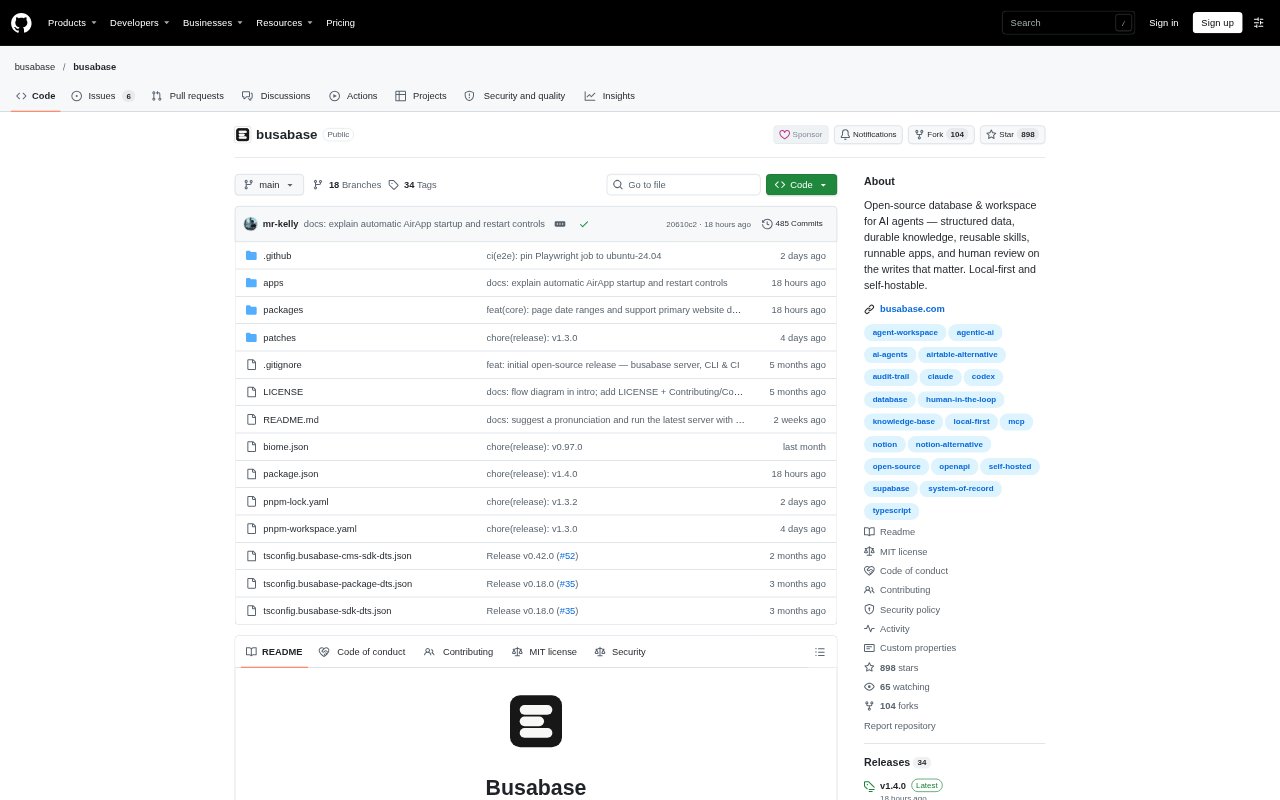
Busabase is an open-source database and workspace for teams that use AI agents alongside people. It gives agents and teammates shared structured records, documents, reusable instructions, and internal apps, so work can carry across sessions instead of remaining in individual chats. Agents connect through options such as Agent Skills, MCP, OpenAPI, or the CLI, and their changes can be recorded for review. Teams can run it locally, host it on their own servers, or use its cloud service.
Busabase Features:
Shared Structured Data: Create bases of typed records with fixed fields, relations, views, and forms, giving agents and people a common place to read and update business information.
Docs and Knowledge: Keep shared documents with version history alongside structured data, so connected agents can refer to team context and information that people have checked.
Human Review Queue: Agent changes can arrive as Change Requests with an author, message, field-level diff, and history, while permissions determine whether they merge or wait for review.
Reusable Agent Skills: Store skills, prompts, and playbooks in the workspace for connected agents to consult and reuse when carrying out recurring tasks.
Workspace Apps: Build internal apps such as dashboards, CRMs, and content desks on workspace data, so their interfaces use the same records as agents.
Flexible Agent Connections: Connect agents and automations through Agent Skills, MCP, OpenAPI, the CLI, or an ACP chat session, without relying on a built-in model.
Local and Self-Hosted: Run Busabase on a computer, deploy it on a server inside your network, or choose its cloud service; the local desktop works offline.
Busabase Benefits:
Persistent Team Context: Keeping project facts and decisions in one workspace helps the next agent or teammate continue without rebuilding context from separate chat histories.
Traceable Decisions: Attribution and change history help reviewers understand proposed edits, follow decisions, and explain how a record reached its current state.
Flexible Agent Choices: Teams can change which agents they use without leaving their accumulated work behind, since agents share the same workspace and there is no built-in model.
Control Over Data: Local and self-hosted deployment options give organizations a way to keep workspace data on their own machines or within their network.
Easier Handoffs: Work that remains available after a person or agent finishes makes it easier for another teammate or agent to pick up the next task.
Use Cases:
CRM Follow-Up: Have agents research prospects, update customer records, log visits, and track follow-up activity in a shared sales workspace.
Content Operations: Move marketing work from topic planning and briefs through drafts, review, and publication while keeping materials together for the next cycle.
Product Q&A: Let agents draft replies using product facts, then route answers that need a person’s approval before they are accepted.
Software Delivery: Track feedback, tasks, specifications, conventions, and release notes as agents and teammates move work through development cycles.
Vendor and Access Reviews: Keep vendor checks, access reviews, and their supporting records together so reviewers can follow decisions and the audit trail.