
What is Byakugan Scan?
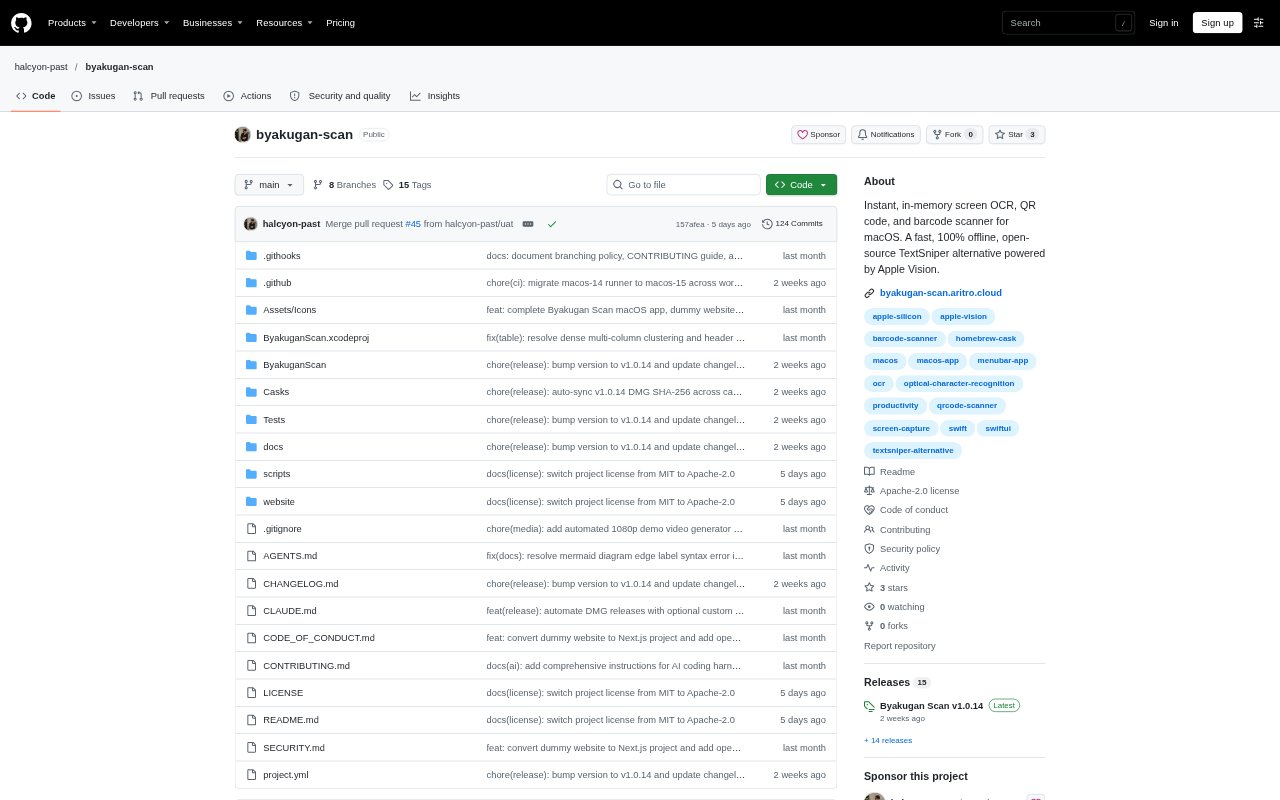
Byakugan Scan is a macOS menu bar utility for extracting text and decoding QR codes and barcodes from selected areas of the screen. It uses Apple’s on-device Vision framework, putting results on the clipboard without sending captures over a network or writing temporary image files to disk. People working with videos, PDFs, presentations, dashboards, and other on-screen material can start scans with customizable global shortcuts. It is open source under Apache 2.0 and requires macOS 14 or later.
Byakugan Scan Features:
Screen Text OCR: Select a screen region to recognize text from videos, slides, PDFs, images, and other content, with options for paragraph formatting and automatic joining of split words.
QR Code Scanning: Decode QR and MicroQR codes displayed on screen, then use contextual actions to open a URL, compose email, call a number, or copy a secret.
Barcode Recognition: Read formats including EAN-8 and EAN-13, UPC-E, Code 128, Code 39, Code 93, PDF417, Aztec, Data Matrix, and ITF-14.
Table Extraction: Detect columns in tables, spreadsheets, and dashboard grids, then format the captured content as aligned Markdown or RFC 4180 CSV for pasting.
OCR Language Controls: Automatically detect text across 13 or more primary languages and choose whether to preserve line breaks, join paragraphs, or append results to the clipboard.
History and Automation: Search and filter local scan history, pin results, or trigger text, QR, and barcode scans through deep links and supported automation tools.
Byakugan Scan Benefits:
Less Manual Re-Typing: Recovering text from material that cannot be selected helps avoid transcribing code, figures, and passages by hand.
Private Processing: Keeping screen captures in memory and processing them on-device helps prevent captured content from being sent elsewhere or left in temporary image files.
Cleaner Data Transfer: Structured table output reduces the cleanup needed when moving screen-based data into documents or spreadsheet apps.
Faster Repeat Work: Global shortcuts, deep links, and saved scan results make recurring capture tasks easier to fit into an existing workflow.
No Subscription Cost: The free, open-source app lets Mac users handle common screen recognition tasks without paying for a proprietary OCR utility.
Use Cases:
Code From Tutorials: Copy a code snippet from a paused video lesson or webinar when the presenter’s shared screen does not allow text selection.
Research From PDFs: Capture passages from a scanned or protected PDF for notes, quotations, or later reference without retyping them.
Monitor QR Codes: Read a QR code shown in a meeting, web page, or presentation on the Mac display without reaching for a phone.
Logistics Data Entry: Scan a barcode shown in an invoice, shipping manifest, packaging mockup, or retail page while handling inventory or fulfillment work.
Dashboard To Spreadsheet: Extract columns from a dashboard or spreadsheet displayed on screen and paste them into a spreadsheet app as CSV or Markdown.