
What is capslkagent?
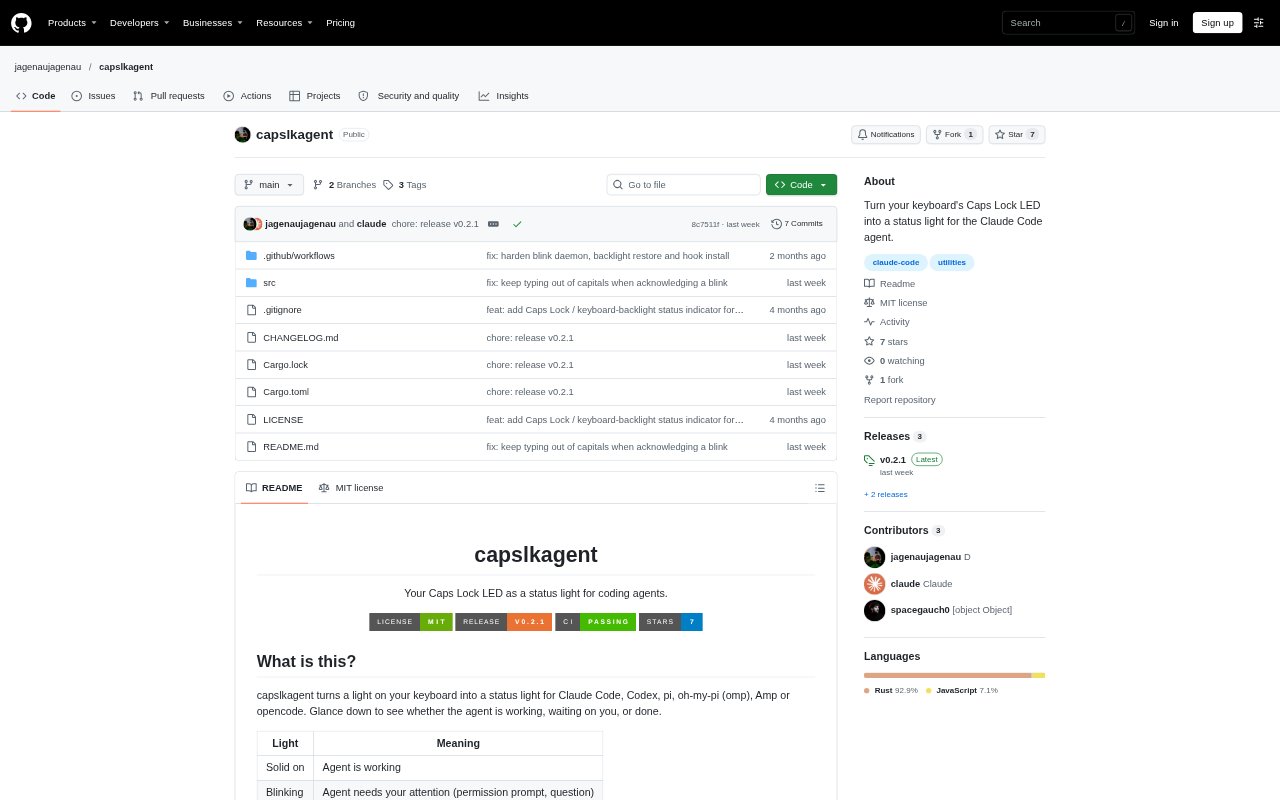
capslkagent turns a keyboard light into a status indicator for coding agents, showing when an agent is working, waiting for your input, or idle. It supports Claude Code, Codex, pi, oh-my-pi, Amp, and opencode on macOS, Linux, and Windows. The tool is a small Rust command-line binary that installs agent hooks or plugins and controls the Caps Lock LED; on Mac laptops, it can use the keyboard backlight instead. On macOS and Windows, using Caps Lock as the light also affects typing.
capslkagent Features:
Agent State Signals: A steady light indicates work in progress, blinking signals a prompt or request for attention, and an unlit LED indicates the agent is idle.
Supported Agents: The installer supports Claude Code, Codex, pi, oh-my-pi, Amp, and opencode, with agent-specific hooks or plugins.
Hook Installation: Install or remove hooks for one supported agent or all agents set up on the machine, with existing Claude Code and Codex hooks kept intact.
Backlight Mode: On Mac laptops, the backlight can signal agent activity, flash for attention, and return to its previous brightness when switched off.
Blink Acknowledgement: On macOS and Windows, keyboard or mouse activity stops a blink and returns the light to its prior state; on Linux, the next agent event stops it.
Manual LED Controls: The command line can turn the light on or off, start or stop blinking, toggle it, and report whether it is on, off, or blinking.
capslkagent Benefits:
At A Glance: You can check an agent’s progress from the keyboard instead of keeping its terminal window in view.
Prompt Awareness: A distinct attention signal helps you notice when an agent is waiting for a decision or response.
Fewer Status Checks: The light gives you a passive cue, so you can spend less time switching back to agent sessions just to see whether work is still running.
Preserved Backlight: On a Mac laptop, backlight mode avoids using real Caps Lock, so the status signal does not make typed letters uppercase.
Existing Setup Kept: Keeping existing Claude Code and Codex hooks intact makes it less disruptive to add agent status signals to a configured environment.
Use Cases:
Long Agent Tasks: Use the steady light to monitor a Claude Code or Codex task while you read, write, or work in another window.
Permission Requests: Use the blinking signal to spot when an agent pauses for approval, such as a Codex permission request or an Amp approval state.
Multi-Agent Work: Install hooks for all supported agents on a machine to follow activity across Claude Code, pi, Amp, and other configured tools.
Mac Laptop Sessions: Choose backlight mode when you want an agent status cue without using the Caps Lock state while typing.
Terminal Workflows: Use the manual commands to switch the LED on, off, or blinking when you want to test or control the signal yourself.