
What is Casco?
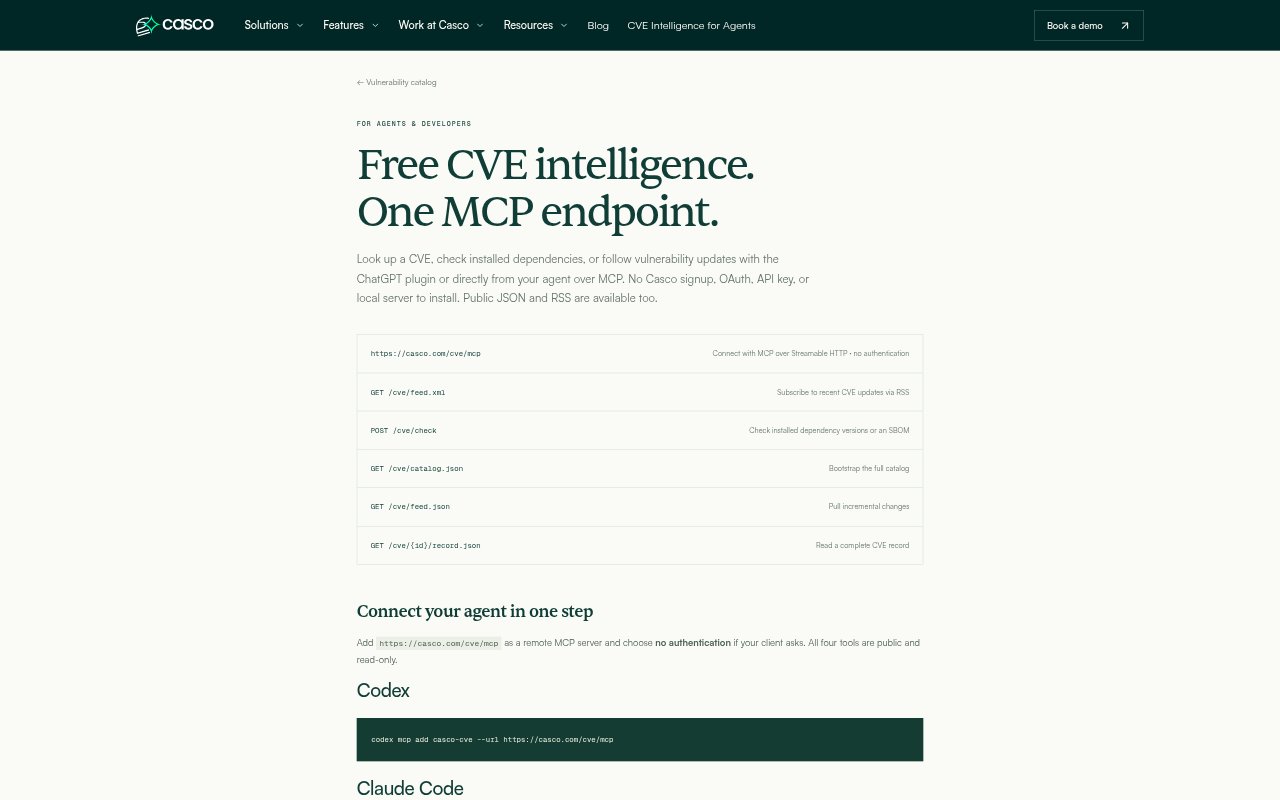
Casco provides a free, public CVE intelligence service for people using AI agents and teams checking software dependencies. It works through a ChatGPT plugin, a remote MCP server, JSON endpoints, and an RSS feed, with no Casco signup or API key required. The read-only MCP tools look up CVEs, check installed package versions, list vulnerability updates, and identify supported package ecosystems.
Casco Features:
CVE Lookups: Look up a CVE record and review details such as affected version ranges, references, CVSS vectors, and source revisions.
Dependency Checks: Check up to 100 exact package versions per request, using package names and versions or Package URLs across supported ecosystems.
Inventory Uploads: Check dependency inventories through a browser workflow that detects supported lockfiles and SBOMs, or submit CycloneDX and SPDX JSON documents.
Update Tracking: Read CVE changes through a checkpointed JSON workflow, following pagination cursors to continue from a saved position.
RSS Feed: Subscribe to a rolling feed of recently updated CVEs with descriptions, severity, status, source dates, and links to full records.
Agent Access: Connect an agent to the remote MCP server without OAuth, an API key, or a local server installation; the four tools are public and read-only.
Casco Benefits:
Lower Setup Effort: Teams can try CVE lookups from an existing agent without creating a Casco account or managing service credentials.
Clearer Risk Reviews: Results distinguish affected versions, versions with no known active matches, and unknown or incomplete checks, helping prevent uncertainty from being treated as a clean bill of health.
More Useful Evidence: Advisory details and source-reported affected ranges give reviewers context for investigating a finding and checking possible fixes.
Ongoing Visibility: Checkpointed updates and RSS let teams follow changes over time instead of relying only on one-off lookups.
Flexible Inventory Checks: Package lists, supported lockfiles, and SBOM formats provide different ways to review dependency versions already in use.
Use Cases:
Agent CVE Research: Ask an AI agent to look up a CVE and return affected versions while investigating a security report.
Dependency Review: Check exact installed package versions during an application security review or while assessing a dependency update.
SBOM Assessment: Submit a CycloneDX or SPDX inventory to check identified components for active advisory matches.
Vulnerability Monitoring: Use the RSS feed or checkpointed update workflow to follow CVE record changes and refresh an internal catalog.
Ecosystem Discovery: Find out whether a package manager or ecosystem is supported before preparing dependency checks for an inventory.