
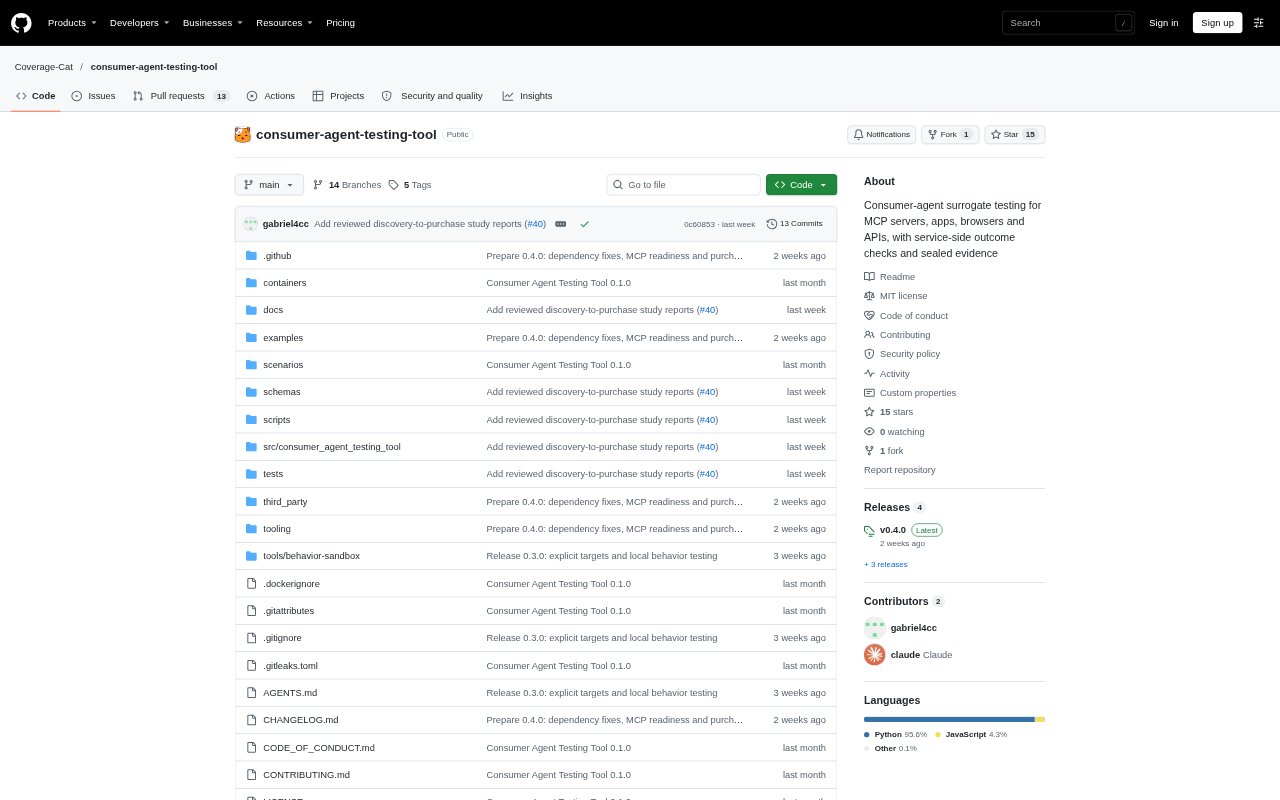
What is CATT?
CATT is a testing tool for teams building services that AI assistants can use. It runs scripted or model-driven agents against MCP servers, embedded MCP apps, websites, and HTTP APIs, then checks service outcomes and the agent’s responses. Teams can inspect run evidence and compare builds. CATT emulates an assistant’s host rather than its private implementation, so passing tests do not certify compatibility with any hosted assistant.
CATT Features:
Agent Test Runs: Run scripted or model-driven agents against supported services, with scripted runs available without a model account.
Outcome Checks: Check recorded service outcomes alongside the agent’s answer, including whether calls followed approval rules and whether the response made unsupported claims.
MCP App Testing: Render embedded MCP apps in Chromium and check their forms, tool calls, resources, and service responses.
Browser Testing: Run website scenarios in Chromium using accessibility snapshots and request rules, with a takeover option that pauses a run.
Readiness Checks: Inspect MCP catalogs, schemas, sessions, and operation contracts, or check connector catalogs against selected guidelines without calling service tools.
Evidence Comparison: Generate reports, redact exported evidence, replay sealed runs, and compare results across builds.
CATT Benefits:
Catch Service Errors: Checking backend outcomes as well as agent replies can reveal failures that a plausible-sounding final answer would otherwise hide.
Review Decisions: Recorded evidence makes it easier to investigate what happened during a run and whether approvals matched the actions taken.
Repeatable Testing: Scripted scenarios let teams rerun service checks without relying on a model account or unpredictable agent decisions.
Safer Sharing: Redacted exports give teams a way to share run evidence without distributing the private values held in the original run directory.
Track Changes: Comparing sealed runs helps teams see whether a new build changed the results of an existing test.
Use Cases:
MCP Connector QA: Test whether an agent can use an MCP server’s tools while respecting account permissions, approval rules, and private values.
Booking Workflows: Check a reservation scenario from room search and quote through booking, including confirmation details and duplicate-charge outcomes.
MCP App Review: Validate an embedded app’s forms and tool interactions against the responses returned by its service.
Website Agent Trials: Evaluate an agent’s browser actions on a website under request policies, and pause a run when a human needs to take over.
Build Regression Checks: Replay sealed scenarios and compare results when updating a connector, app, or service integration.