
What is Caudra?
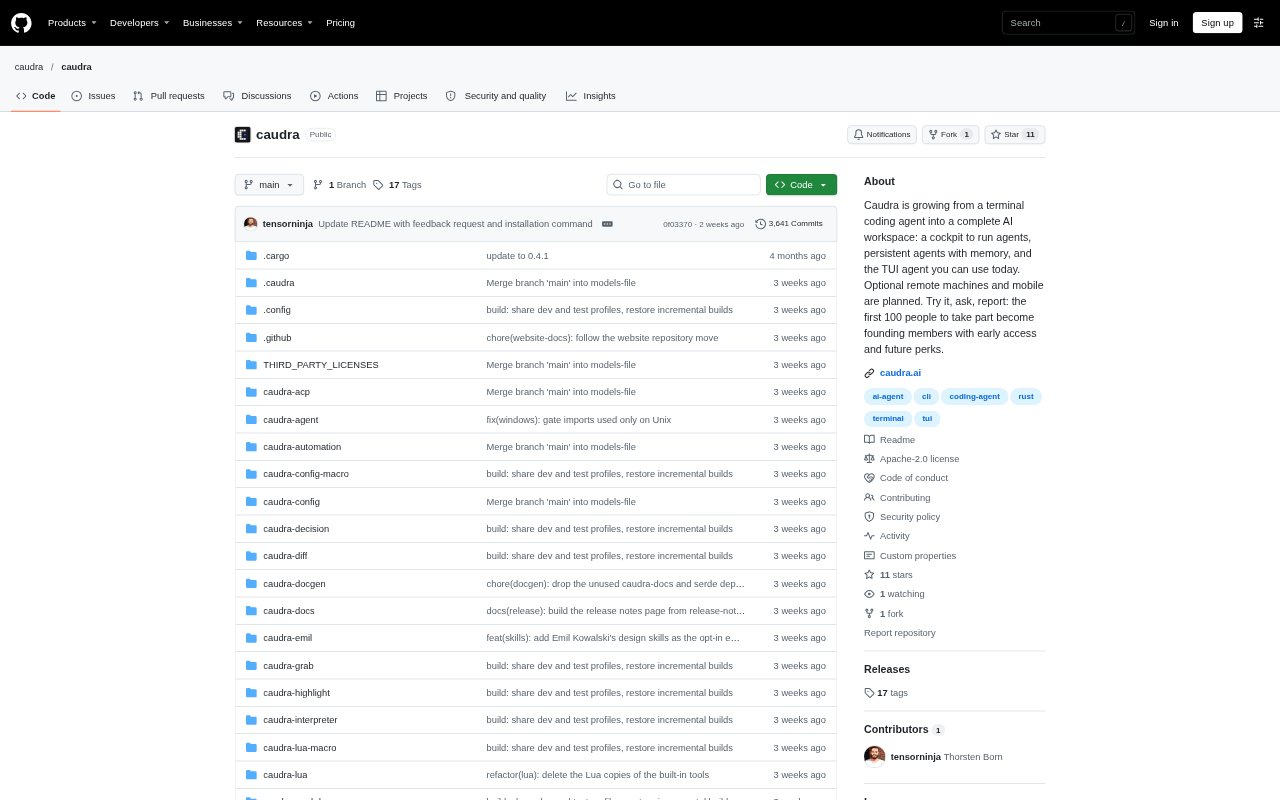
Caudra is an open-source coding agent that runs in a terminal on macOS, Linux, and Windows. It works inside a repository, starts in Plan mode, and waits for approval before writing code. Developers can connect it to one of 17 model providers or a local model, then use it for interactive coding or goal-directed work that continues while they are away.
Caudra Features:
Plan Mode: When launched in a repository, Caudra drafts a plan and waits for your approval before it starts making changes.
Autopilot Goals: Set a completion goal for a session, and Autopilot handles certain questions and approval prompts while following your permission rules.
Content Screening: Screen fetched web, MCP, and code output for instructions aimed at the agent, with flagged or unscreenable content withheld in enforce mode.
Shell Output: Command-aware filters reduce build and test output, preserve failure details, and let you switch between filtered and raw results.
Code Navigation: File outlines and source-code tools surface relevant symbols, callers, call sites, and traceable tests without requiring an index.
Background Subagents: Run subagents in the background, steer them while they work, and keep their exploration separate from the main conversation.
Learning Memory: A background learner checks corrections against past sessions and can write supported project conventions to AGENTS.md for review.
Caudra Benefits:
Controlled Changes: Reviewing the plan before implementation gives you a chance to redirect work before the agent edits the repository.
Less Waiting: Goal-based sessions can keep progressing while you step away, so routine questions do not always need an immediate response from you.
Lower Context Noise: Smaller shell results and task-focused code context leave more of the conversation available for the work that matters.
Faster Orientation: Relevant code structure and test references can help you understand where a change belongs without building a separate index.
Reusable Conventions: Reviewable notes from past corrections can help keep project guidance consistent across later coding sessions.
Use Cases:
Feature Implementation: Ask Caudra to plan a feature in an existing repository, inspect the proposed steps, and approve the work when the approach looks right.
Test Debugging: Use filtered build or test output to investigate failures while keeping the first and last lines of a failing command available.
Unattended Tasks: Set a bounded goal for an ongoing coding task when you need the session to continue while you are away from the keyboard.
Codebase Exploration: Trace relevant symbols, callers, and tests when you are locating the parts of a repository connected to a requested change.
MCP Workflows: Use code mode to coordinate independent calls to an MCP server, with tool calls still subject to your permission rules.