

What is ccfleet?
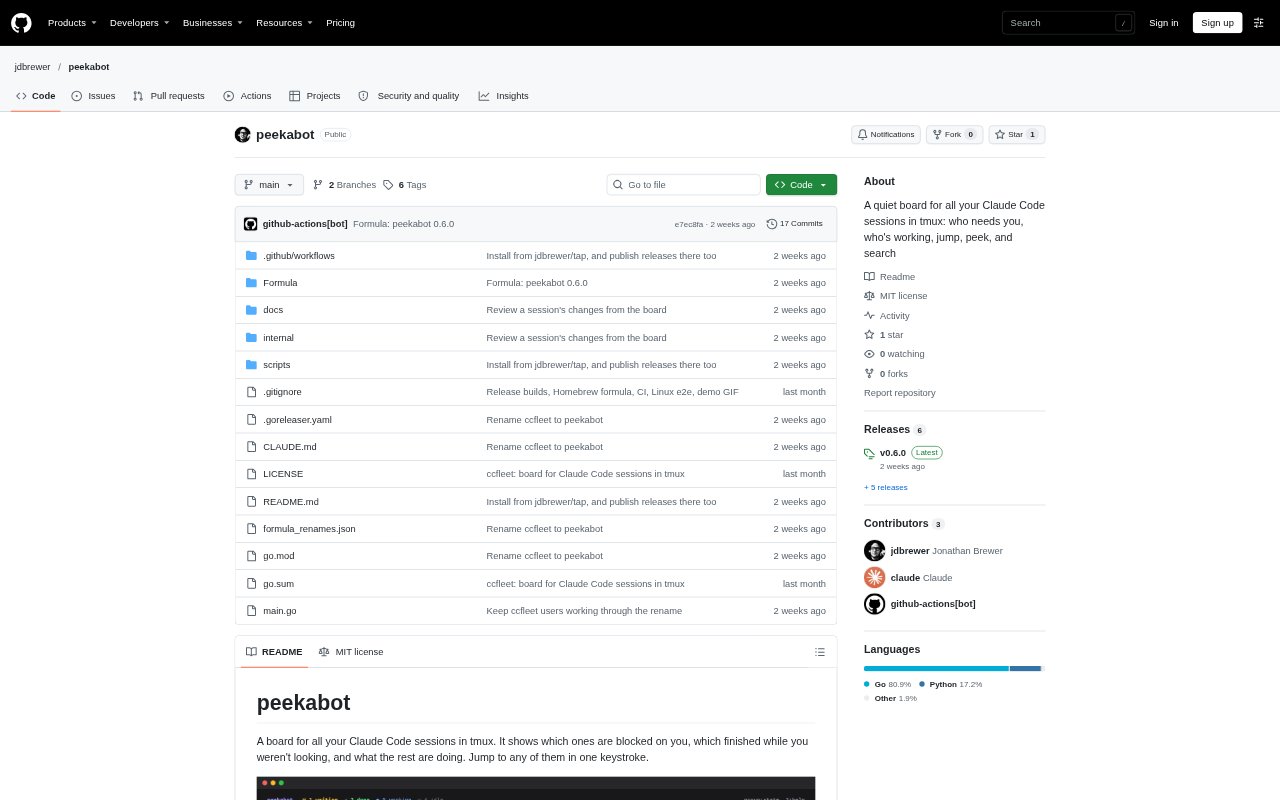
ccfleet, now named peekabot, is a tmux board for monitoring Claude Code sessions that are already running in tmux panes. It helps developers overseeing several agents see which sessions need input, which have finished, and which are still working, then jump to a pane when needed. The board also supports transcript search and review of session changes. It runs on macOS and Linux and requires Claude Code and tmux 3.2 or later.
ccfleet Features:
Session Status: The board marks sessions as waiting, done, failed, working, idle, or in collision, with details such as the waiting prompt or recent activity.
Needs You Queue: Waiting sessions appear in a queue ordered by how long they have been waiting, with a count available in the tmux status line.
Prompt Controls: For supported permission prompts, you can approve or deny from the board after it checks that the prompt matches what is shown in the pane.
Change Review: Review files written by a session against HEAD, commits made since it started, and the associated diff, including for worktrees.
Transcript Search: Search live sessions by terms in names, titles, branches, prompts, Claude replies, and tool output, with matching transcript snippets.
Tmux Navigation: Open the board in a tmux popup, jump to a session's pane, preview session activity, or group sessions by state, tmux window, or repo.
ccfleet Benefits:
Fewer Interruptions: A quiet, on-demand board lets you check progress when you choose instead of relying on an alarm for every completed turn.
Clear Priorities: Sorting waiting sessions by elapsed wait time makes it easier to decide which blocked agent to handle first.
Faster Triage: Seeing failures, prolonged inactivity, and completed work in one view helps you identify sessions that may need attention.
Safer Responses: Checking a prompt against the pane before sending an answer helps avoid responding to a different prompt than the one shown on the board.
Less Context Switching: Previewing a session's activity and changes before jumping helps you choose where to focus without opening every pane.
Use Cases:
Multi-Agent Oversight: Monitor a collection of Claude Code sessions running in tmux and quickly distinguish agents that need input from those still working.
Permission Handling: Review supported Bash or file-edit permission requests and approve or deny them from the board without first switching panes.
Completed Work Review: Check which files an agent changed and inspect its diff or commits before deciding whether to jump into its session.
Session Investigation: Find a prompt, response, or tool-output phrase across live sessions when you remember the content but not which pane contains it.
Conflict Checking: Look for sessions editing the same file in a checkout or working on the same branch before coordinating overlapping agent work.