
What is Celorga?
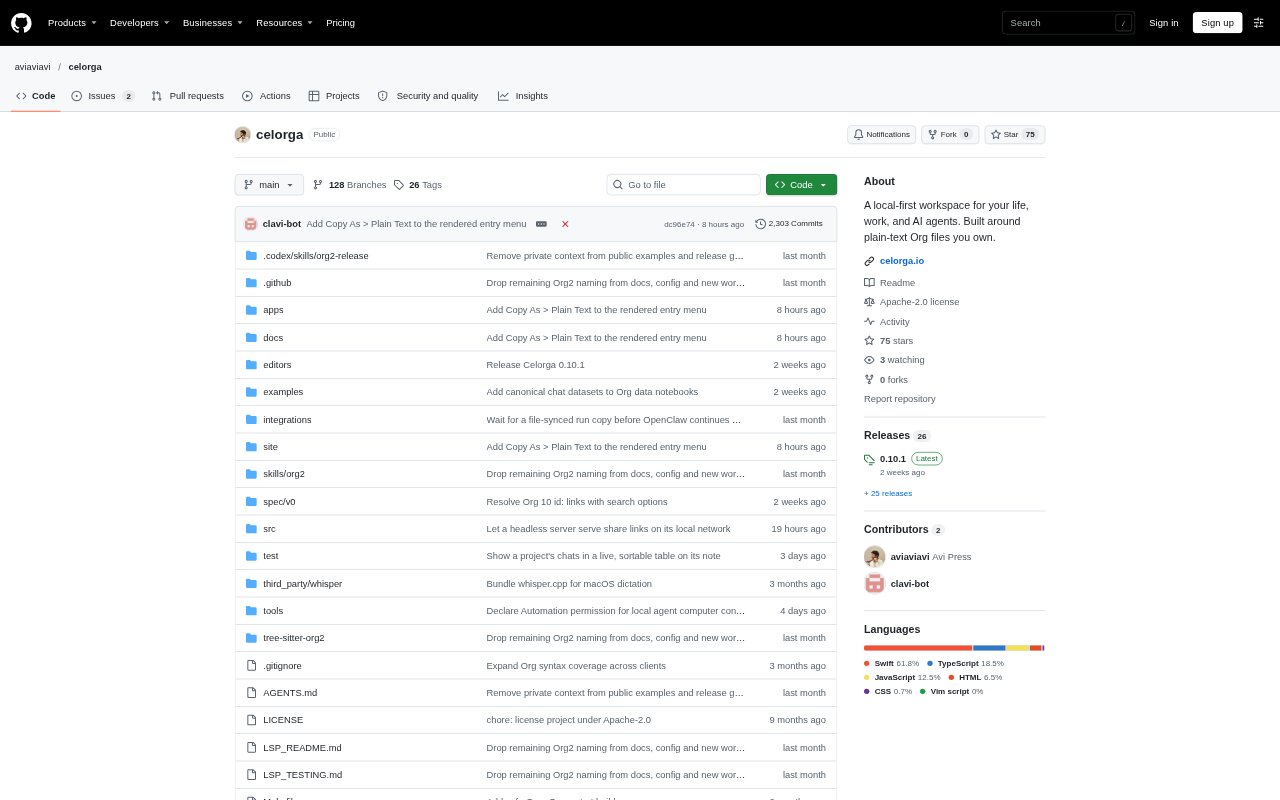
Celorga is an open-source workspace for knowledge work that brings AI agents, local models, notes, tasks, meetings, and data into one local-first environment. It works with agents such as Claude Code and Codex, while also functioning as a notes and planning app without an agent connection. Work is stored in plain-text Org files you control, and tasks or threads can be handed to agents, scheduled, and reviewed from a desktop or phone.
Celorga Features:
Multi-Agent Threads: Mention agents such as Claude, Codex, or a local model in one thread to compare responses or pass work between them, with visible handoffs and limits on consecutive turns.
Task-Based Runs: Turn a TODO into a durable agent run that cites the task and its supporting notes, then track whether it is working, waiting for input, or complete.
Scheduled Automations: Assign an agent and prompt to a schedule, with missed runs catching up after the machine wakes and attempts prevented from overlapping.
Approval Queue: Review consequential agent actions such as publishing or sending a follow-up, inspect the linked draft and source notes, and approve, reject, or request changes.
Meeting Capture: Record and transcribe calls on your own machine, place decisions in a note, and turn action items into tasks that can be assigned to an agent.
Data Notebooks: Query CSV, Parquet, DuckDB, or ClickHouse data from a note and save results that agents can read alongside charts.
Document Publishing: Publish notes as Google Docs, Slides, Sheets, PDFs, or private links, with task details, IDs, and comments removed before publishing.
Celorga Benefits:
Shared Context: Agents can work from the same notes and cite where information came from, so moving between tools or models does not require rebuilding the background each time.
Owned Work Files: Keeping notes and agent work in plain-text files gives you direct access to your material instead of locking it inside a hosted workspace database.
Clear Oversight: Visible run statuses and human review points make it easier to see what is underway and retain a say over work that could affect other people.
Controlled Access: Sealed sections let you share a workspace while limiting which agents or devices can read particular content.
Flexible Setup: You can begin on one desktop without connecting an agent, then add a phone or server when remote steering or continued background work is useful.
Use Cases:
Meeting Follow-Ups: After a team call, capture the discussion, record decisions in the meeting note, and assign resulting actions such as sending pilot terms to an agent.
Launch Planning: Keep a launch brief, readiness tasks, and supporting notes together while agents help draft work and a person reviews what is ready to publish.
Weekly Metrics: Use a note to query saved business data, chart a trend, and ask an agent to interpret the results alongside the project context.
Research Handoffs: Ask one agent to investigate a question and pass the task to another for a follow-on step, while keeping the shared notes and visible handoff in the thread.
Routine Operations: Schedule recurring work such as an inbox triage or morning brief, then check the run status and handle any request that needs human approval.