

What is Cerea?
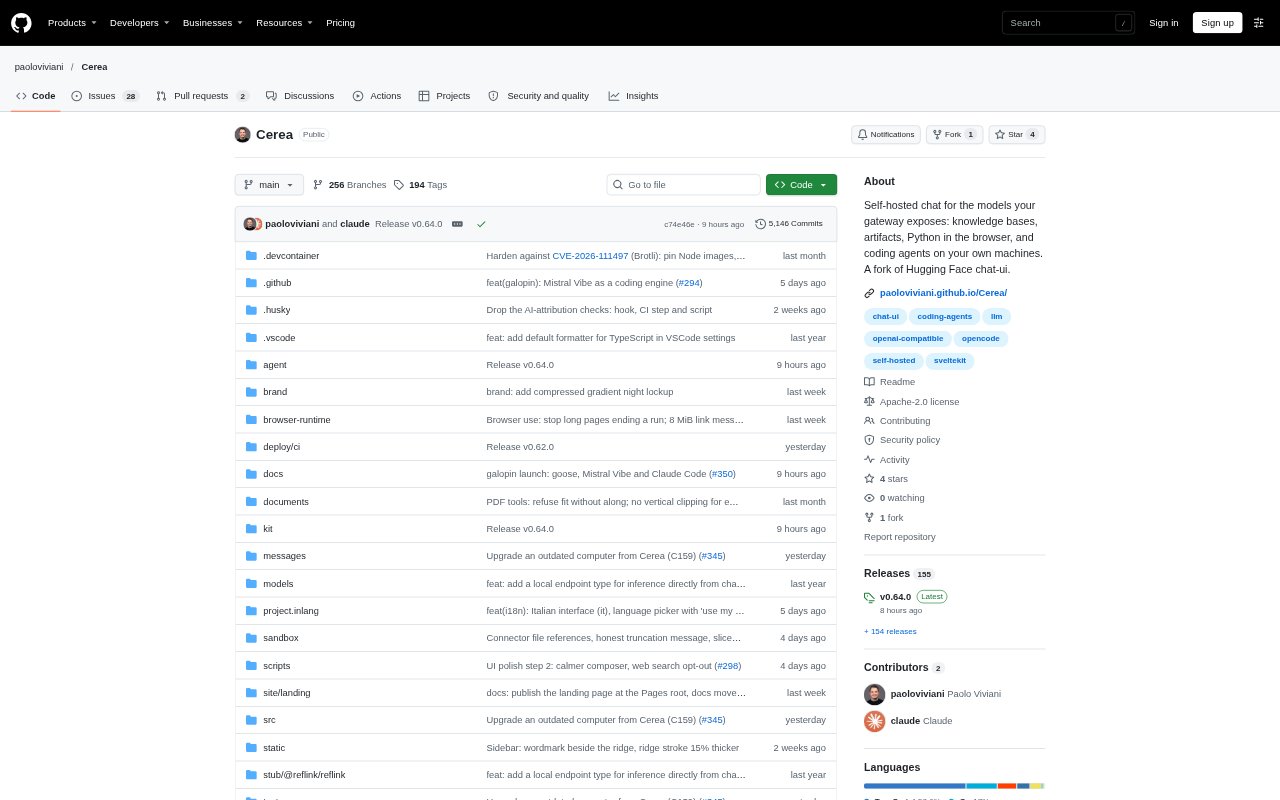
Cerea is a self-hosted chat application for people and teams who want to work with models exposed through an OpenAI-compatible endpoint. It combines conversations with knowledge bases, file and document work, Python execution, generated artifacts, connectors, and coding agents that run on users’ own machines. It can use a single configured API key or run alongside Pystino, which adds per-user sign-in tokens and gateway-managed services. Operators can deploy the chat alone or use the repository’s deployment kit for the combined setup.
Cerea Features:
Endpoint Chat: Connects to any OpenAI-compatible endpoint, supports OIDC sign-in, and can use either one configured shared key or each user’s Pystino token.
Knowledge and Projects: Create knowledge bases and projects that can be shared with people or groups, with optional project memory for ongoing work.
Document Work: Upload PDFs, Office files, images, and text for extraction, then ask the assistant to create or edit Word, Excel, PowerPoint, and PDF files.
Python Execution: Run Python in a browser-based WebAssembly sandbox, where files stay on the user’s device, or use an operator-enabled server sandbox.
Artifacts and Connectors: Preview HTML, React, and Mermaid artifacts in sandboxed frames, connect remote MCP servers, and use built-in office and data-analysis skills.
Coding Agents: The /code panel pairs agents on users’ own machines with a file explorer, scheduled actions, and an optional browser terminal.
Web Search: With Pystino, searches run through the gateway using a backend selected by the deployment operator.
Cerea Benefits:
Deployment Control: Self-hosting lets teams manage their chat environment and choose from the models exposed by their compatible endpoint.
Local File Privacy: Browser-based Python keeps working files on the user’s device, reducing the need to send them to a separate compute service.
Preserved Originals: Document edits are saved as new versions, making it easier to review changes while keeping the original file intact.
Shared Context: Shared knowledge and optional project memory help collaborators carry relevant background into ongoing work without repeatedly rebuilding it.
Local Agent Work: Running coding agents on users’ own machines lets them work with local files rather than relying on a cloud browser.
Use Cases:
Internal AI Workspace: Set up a private chat for staff using models served by an organization’s chosen OpenAI-compatible endpoint.
Team Reference Work: Give a project group shared knowledge materials and memory to support recurring research or internal question-answering.
Office Document Tasks: Draft or revise reports, spreadsheets, presentations, and PDFs, including slides styled from an uploaded template.
Local Data Analysis: Ask the assistant to analyze files with Python in the browser when the files should stay on the user’s device.
On-Machine Coding: Use the code panel to work with a coding agent on a user’s computer, inspect files, or schedule prompts for a session.
Artifact Sharing: Share a generated HTML, React, or Mermaid artifact with signed-in users or anyone through an expiring link.