

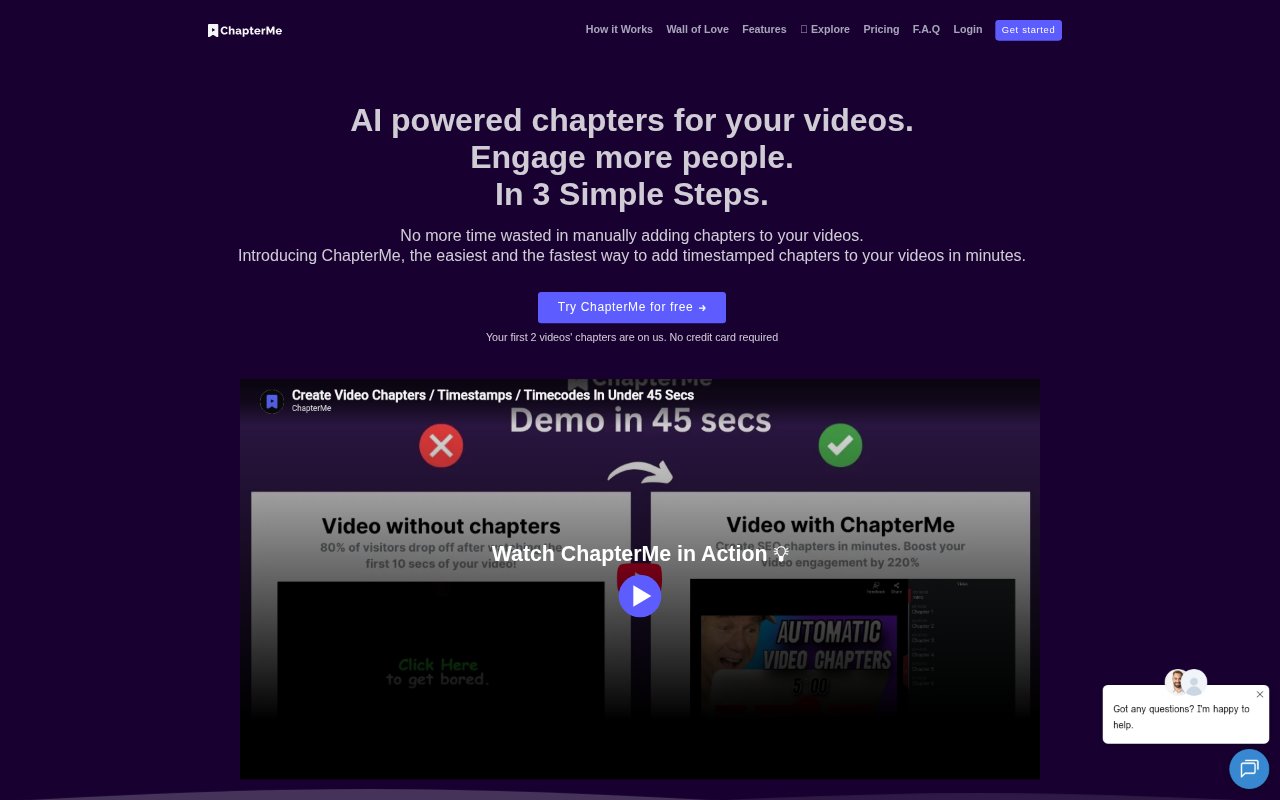
What is ChapterGPT?
ChapterGPT creates timestamped chapters for videos and podcasts from a video link, helping creators and teams make long-form content easier to navigate. It generates chapters automatically, and users can edit or remove timecodes that do not fit. The service supports more than 60 languages and works with major video and podcast platforms, with options to add chapters to platform descriptions or embed a branded player on a website.
ChapterGPT Features:
Automatic Chapters: Generate timestamped chapter markers for videos and podcasts, with processing times that vary by plan and can be around 20 minutes for a one-hour file on Premium.
Link-Based Processing: Submit a video link and select the AI tool to create chapters, without having to manually identify every section and timestamp.
Chapter Editing: Edit or remove generated timecodes, or manually add chapters to unlimited videos with keyboard shortcuts on the Premium plan.
Multilingual Support: Create chapters in more than 60 supported languages, including English, Spanish, Japanese, Arabic, Hindi, and Portuguese.
Branded Embeds: Add a customizable, white-label player to a website by copying and pasting its embed code, with options to change the player color and chapter text.
Analytics and Testing: Review views, shares, drop-offs, and interactions, and compare two or more videos through A/B testing on a website.
Platform Chapters: Add timestamps to descriptions on platforms including YouTube, Vimeo, and Wistia, or use podcast content from supported services and RSS feeds.
ChapterGPT Benefits:
Less Manual Work: Automated chapter creation reduces the time teams spend listening through recordings and entering timestamps by hand.
Easier Browsing: Viewers can scan a video’s sections and jump to relevant moments instead of searching through the full recording.
More Discovery: Search-optimized chapters can help make video content more visible in search results and easier for potential viewers to find.
Clearer Audience Signals: Section-level engagement data helps teams see which parts hold attention and where viewers lose interest.
Better Content Choices: Comparing videos can help a team choose which version to feature on its website when seeking more sign-ups.
Use Cases:
YouTube Publishing: Prepare timestamped sections for a YouTube description so subscribers can jump directly to a topic in a tutorial, interview, or update.
Podcast Show Notes: Add chapter timestamps to show notes for podcast episodes distributed through services such as Spotify, Apple Podcasts, or Castbox.
Course Libraries: Structure educational videos into navigable sections so learners can return to a particular lesson topic without replaying the full video.
Website Video Hubs: Embed a branded player on a company website to present organized video content without sending visitors to another destination.
Video Conversion Tests: Compare two or more videos on a website to decide which version to use for a page intended to generate sign-ups.