

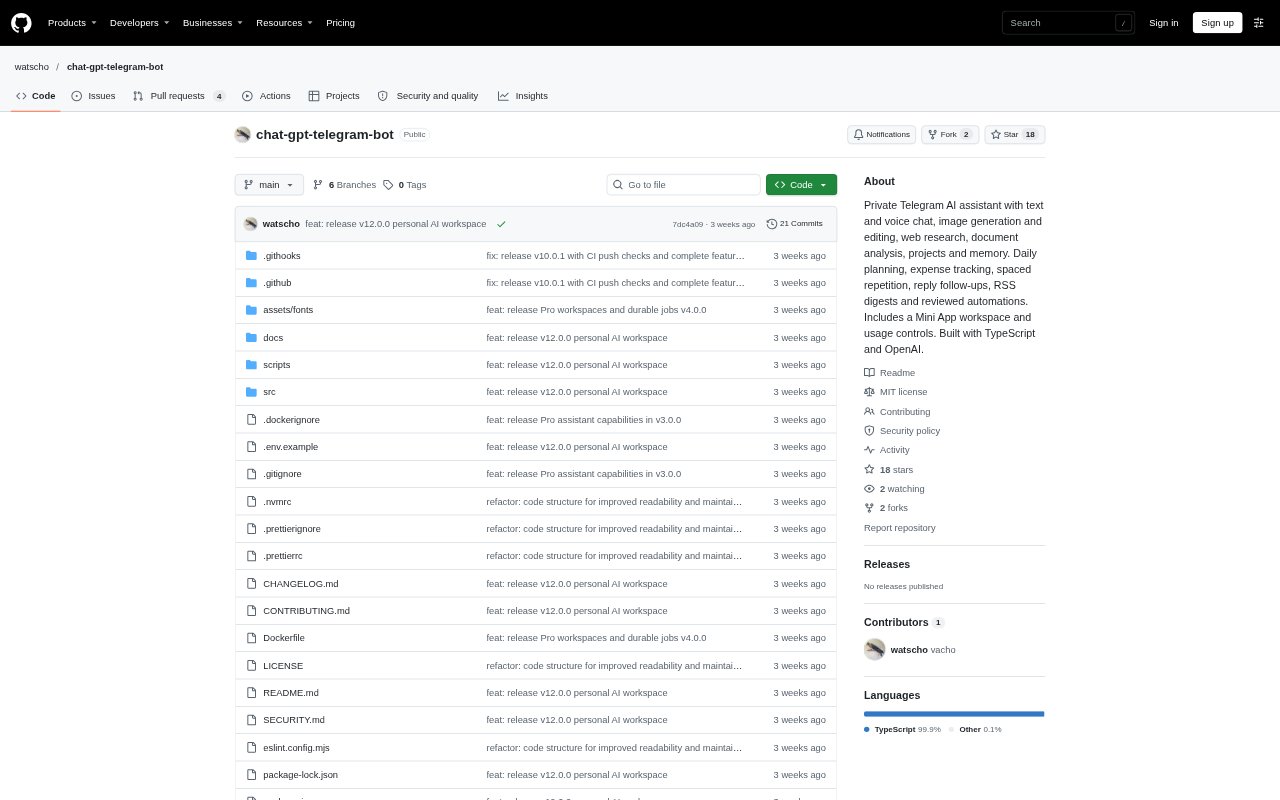
What is ChatGPT Telegram Bot?
ChatGPT Telegram Bot is a TypeScript assistant that brings text and voice conversations, image tools, research and document questions into Telegram. It supports ongoing chats with retained context, along with projects, saved memory and personal assistants that can be configured with instructions and selected tools. The project does not include a ChatGPT subscription or provider account access, so it is not a ready-made subscription to those services.
ChatGPT Telegram Bot Features:
Text Conversations: Chat in Telegram with retained conversational context, stream replies as they are generated, and stop foreground generation when needed.
Voice and Video: Use voice conversations and workflows for meetings or recorded video, with options for explicit camera or screen-frame capture.
Image Tools: Generate images, analyze photos, and review image-edit candidates, including edits guided by a selected image region.
Search and Documents: Search the web with sources, ask questions about documents, and use specialized research workflows and monitoring.
Tables and Files: Import CSV or JSON data, review and edit tables, filter or sort rows, make bar charts, and export table versions.
Assistants and Projects: Create named assistants with instructions and a selected model, add chosen source excerpts, and manage private or shared projects.
ChatGPT Telegram Bot Benefits:
Fewer Context Switches: Keeping chat, research, image work and document questions in Telegram can make it easier to move between everyday tasks.
Clearer Work History: Separate named conversations and projects help keep unrelated questions and ongoing work from blending together.
More Reviewable Changes: Retained document and image versions let you inspect edits and return to earlier work instead of starting over.
More Deliberate Access: Explicit tool permissions give users a way to decide which capabilities an assistant can use.
Useful Data Handling: Reviewing and editing imported tables in the same workspace can make small data tasks easier to complete and check.
Use Cases:
Quick Questions: Ask a question in Telegram, follow up in the same conversation, and stop a reply if it is no longer needed.
Source-Based Research: Look into a topic with web search and sources, or use monitoring and reading workflows to follow selected material.
Photo Review: Ask for an image analysis or create and inspect an edit candidate for a photo before choosing a version.
Document and Data Work: Ask questions about a document or import a CSV or JSON file to inspect, sort, filter and export its data.
Personal Workflows: Set up an assistant for a recurring kind of task, or use daily planning features to organize tasks around available time.