

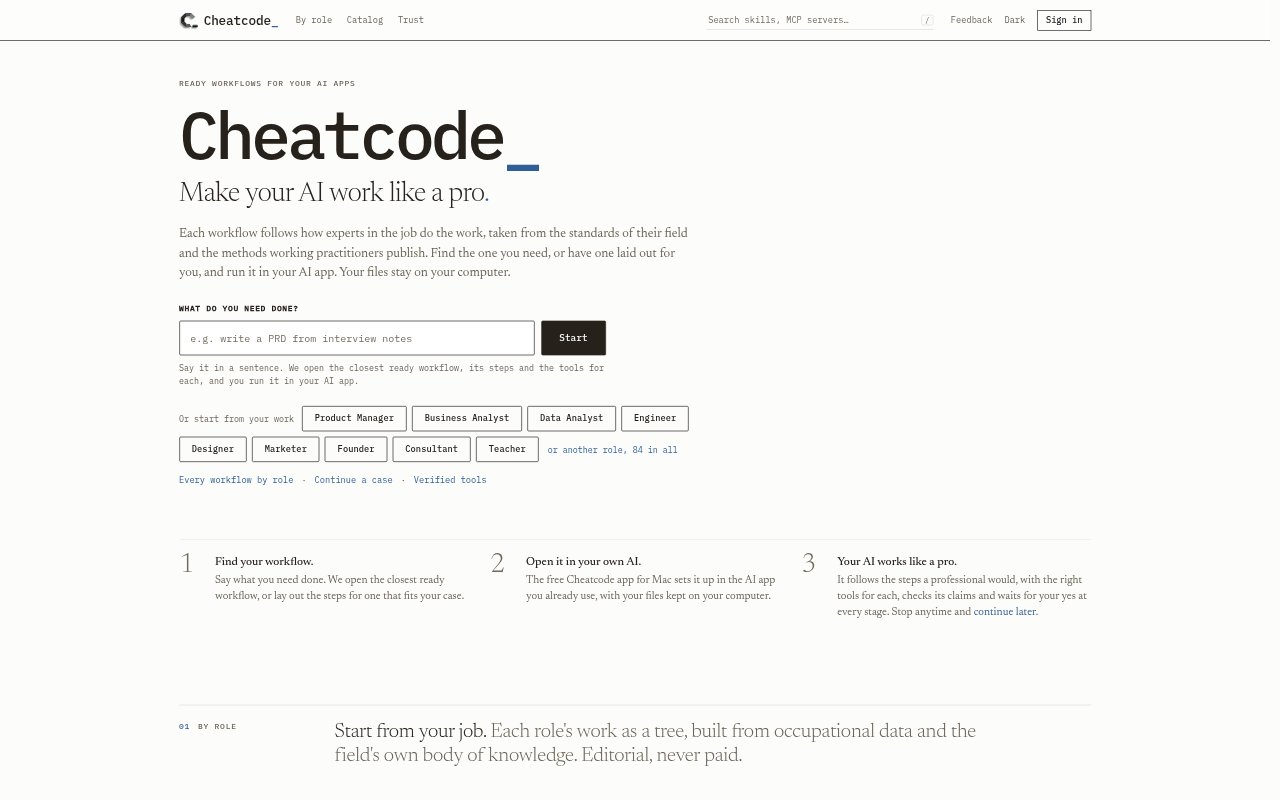
What is Cheatcode?
Cheatcode is a Mac app and catalog for finding and installing workflows, open-source skills, MCP servers, and plugins for AI apps. Its workflows guide an AI through professional tasks, with steps tailored to a role or a specific request. The app installs them into tools such as Claude Code, Codex, Cursor, and VS Code, while files and records remain on the user’s computer. It is aimed at people who want structured ways to use AI for work.
Cheatcode Features:
Ready Workflows: Browse role-based workflows that break work into stages, or describe a task to find a close match or have steps laid out for it.
Guided Steps: A workflow directs the AI through professional methods, checks its claims, and waits for approval at each stage; users can stop and continue later.
One-Click Installs: Use the free Mac app to add a workflow or individual catalog tool to a compatible AI app, then start work in a new chat.
Open-Source Catalog: Browse skills, MCP servers, plugins, subagents, and commands, with each catalog listing showing its author, license, and source.
AI App Support: Skills work with apps including Claude Code, Codex, Cursor, Gemini CLI, and VS Code; MCP servers and plugins have their own app support.
Local Files: Installed tools run in the connected AI app rather than on Cheatcode’s servers, and user files and records stay on the computer.
Cheatcode Benefits:
A Clear Process: Role-based steps give users a defined way to approach work instead of starting with an unstructured prompt.
Less Setup: One-click installation avoids manually locating and placing supported tools in an AI app’s configuration folders.
More Control: Approval checkpoints let users review the AI’s progress before it moves to the next part of a workflow.
Flexible Progress: The option to stop and resume lets people work through a multi-stage task across separate sessions.
Tool Transparency: Visible authors, licenses, and sources help users assess catalog items before installing them.
Use Cases:
Customer Research: Use a product workflow to synthesize customer conversations or review feedback at scale before deciding what needs attention.
Market Analysis: Explore a role-based workflow for studying a market and competitors when preparing product or business decisions.
Product Planning: Frame a product problem, set goals, prioritize a roadmap, or build a business case with a workflow for product work.
Writing Specifications: Turn notes into a problem statement, draft a product specification, or break planned work into stories for a team.
Launch and Measurement: Work through launch planning, define or track metrics, review an experiment, and capture what the team learned.