
What is Chemical X?
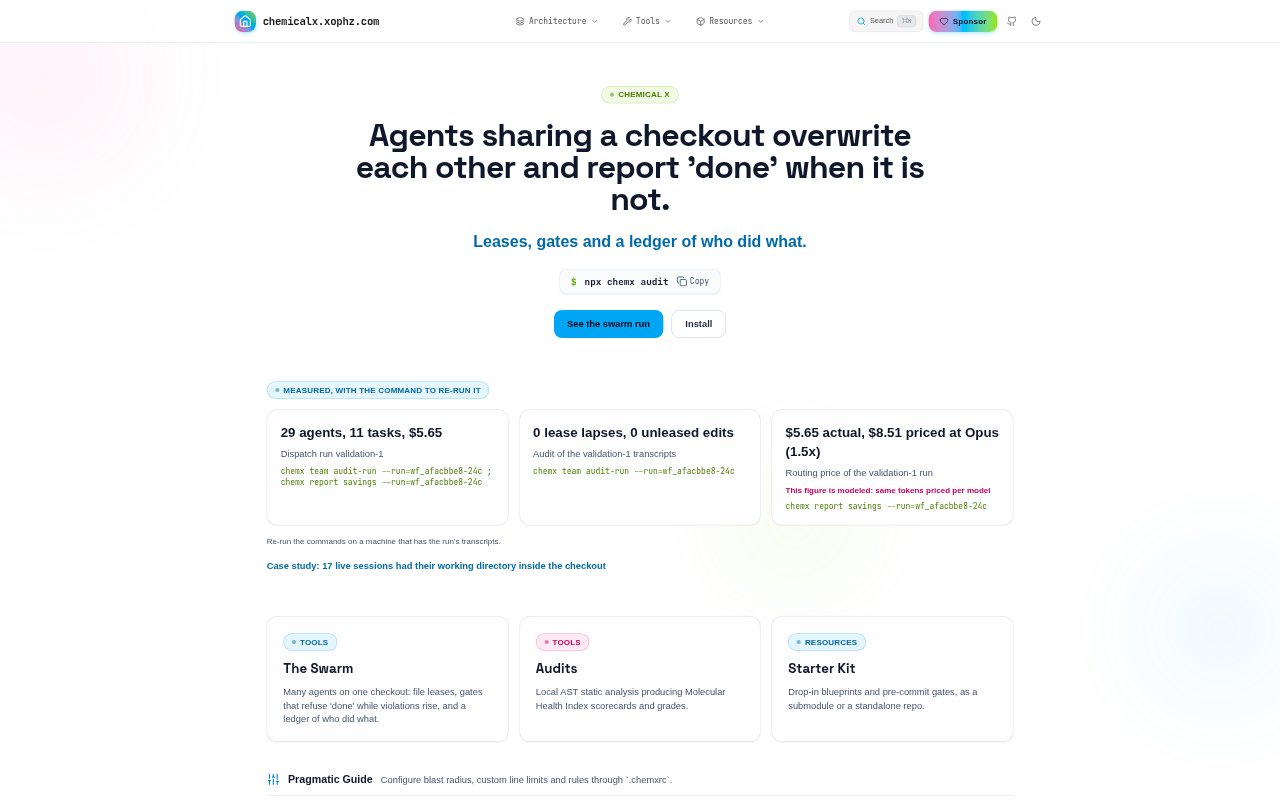
Chemical X is a coordination and architecture toolkit for teams using multiple coding agents in a shared code checkout. It combines file leases, completion gates, activity and cost tracking, and local static analysis to make agent work easier to control and inspect. The product also offers configurable engineering standards, starter blueprints, directive templates, a standards book, and architectural onboarding for developers and teams.
Chemical X Features:
Swarm Coordination: Chemical X coordinates several coding agents working in one checkout, with file leases intended to keep their changes from colliding.
Completion Gates: Gates can refuse a completion signal while violations are rising, and pre-commit gates can apply architectural checks before changes are committed.
Work Ledger: A ledger records who did what, while run tracking captures costs and provides commands to rerun measured runs when their transcripts are available.
AST Audits: Local abstract syntax tree analysis produces Molecular Health Index scorecards and grades, and can check component size and measure context saturation, token cost, and hallucination risk.
Rule Configuration: A .chemxrc file lets teams configure blast radius, custom line limits, and rules to fit their codebase.
Starter Materials: Drop-in blueprints and pre-commit gates are available as a submodule or standalone repository, alongside directive templates and a seven-chapter standards book.
Chemical X Benefits:
Fewer Collisions: Teams can run parallel agent work in a shared checkout with clearer boundaries around files, reducing the chance that one agent overwrites another's changes.
More Reliable Handoffs: A completion gate that checks for rising violations makes it harder for unfinished or increasingly problematic work to pass as done.
Clearer Accountability: The activity ledger gives teams a record to consult when they need to understand which agent made a change or how a run incurred its cost.
Earlier Architecture Feedback: Local analysis and pre-commit checks can bring structural concerns into view during development, rather than leaving teams to discover them only in a later review.
Adaptable Standards: Custom limits and rules let teams apply architectural guardrails that suit their own codebase instead of relying only on fixed defaults.
Use Cases:
Parallel Agent Work: Use leases and coordination when several coding agents are assigned separate tasks in the same checkout and their edits need to stay distinct.
Pre-Commit Review: Apply architectural gates before committing agent-written code, especially when a team wants violations checked as part of its change workflow.
Component Audits: Run local AST checks when reviewing component size, architecture grades, context saturation, token cost, or potential hallucination risk.
Team Conventions: Set custom line limits and rules for a project, then use the standards and directive templates to give agents consistent architectural guidance.
Architecture Onboarding: Bring an individual developer or engineering team through a codebase audit, directive calibration, or live refactoring session with an architect.