

What is ChirrOp MCP?
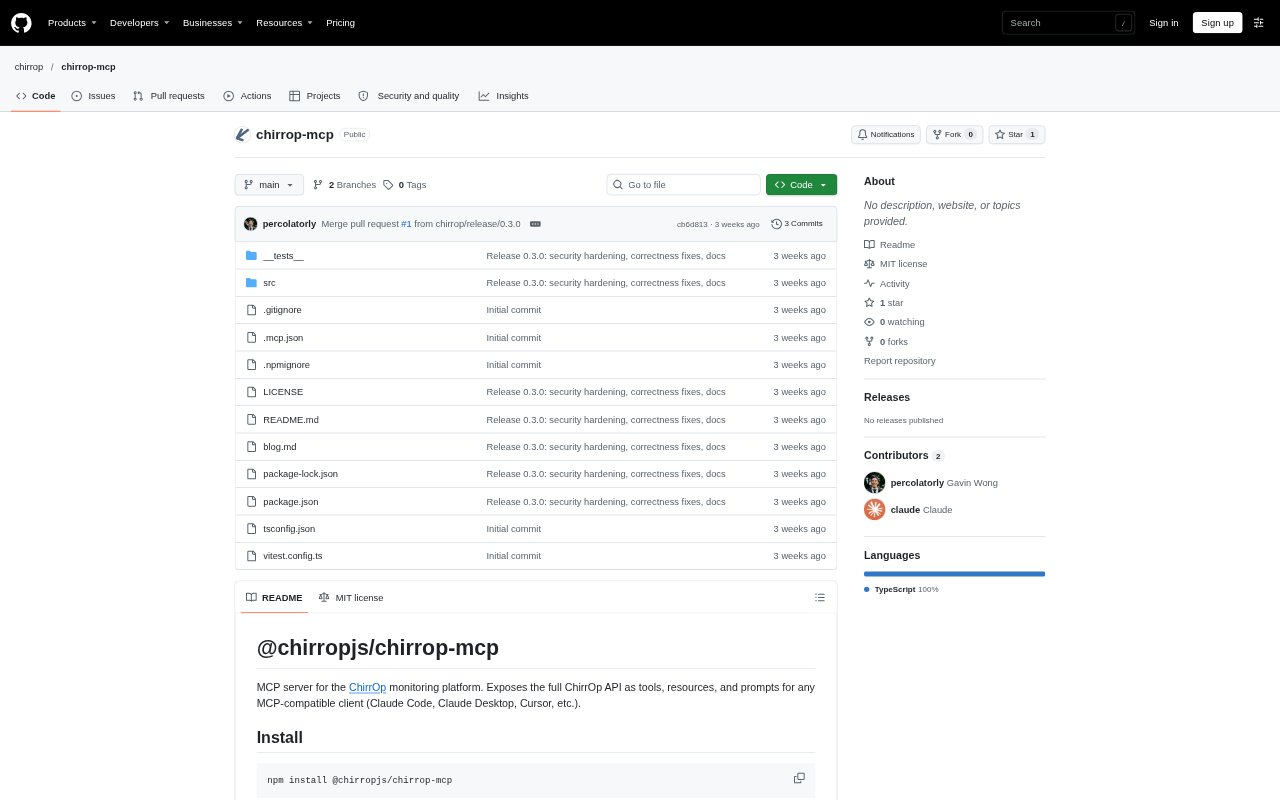
ChirrOp MCP connects the ChirrOp monitoring platform to MCP-compatible clients, including Claude Code, Claude Desktop and Cursor. It exposes ChirrOp’s API through tools for working with logs, event streams, analytics, monitoring policies, alerts and notification destinations, plus resources and guided prompts. It is for people who want to inspect and manage ChirrOp monitoring from an AI client, rather than switching between the client and separate API calls.
ChirrOp MCP Features:
Log Ingestion: Send batches of up to 250 log entries, with an ID for each entry to support retries without double-counting.
Event Management: List, create and update event definitions, browse agents, and retrieve rollups by minute, hour or day.
Stream Analytics: Compare event streams, review analytics across time windows, and scan rollup buckets for statistically anomalous results.
Health Checks: Check stream staleness, active alerts and proximity to policy thresholds, or get a health overview for an agent’s streams.
Alert Policies: Create and update monitoring policies, then list alerts, inspect delivery attempts, and acknowledge, resolve or archive alerts.
Notification Destinations: Manage email, webhook, Slack, Telegram and Discord destinations, test notifications, and use environment references for sensitive credentials.
ChirrOp MCP Benefits:
Fewer Context Switches: Monitoring data and actions are available in the MCP client, so investigation and routine administration can stay within the same working environment.
Safer Retries: Stable log IDs let you retry a failed send without counting the same entries twice.
Clearer Triage: Stream health, alert status and analytics can be examined together to help narrow down what needs attention.
Protected Credentials: Destination secrets can be referenced from the server environment, while returned destination details redact URLs and credentials.
Use Cases:
Investigate a Stream: Check an event stream’s health, scan for anomalies, review its trend context and form a recommendation using the guided investigation prompt.
Triage an Alert: Follow a structured investigation of a triggered alert, inspect its details and delivery attempts, then acknowledge or resolve it.
Set Up Monitoring: Use the guided setup prompt to create an event, configure a policy and destination, and verify the monitoring setup.
Review Ingestion: Assess ingest health across streams and produce a summary when checking whether event data is arriving as expected.