

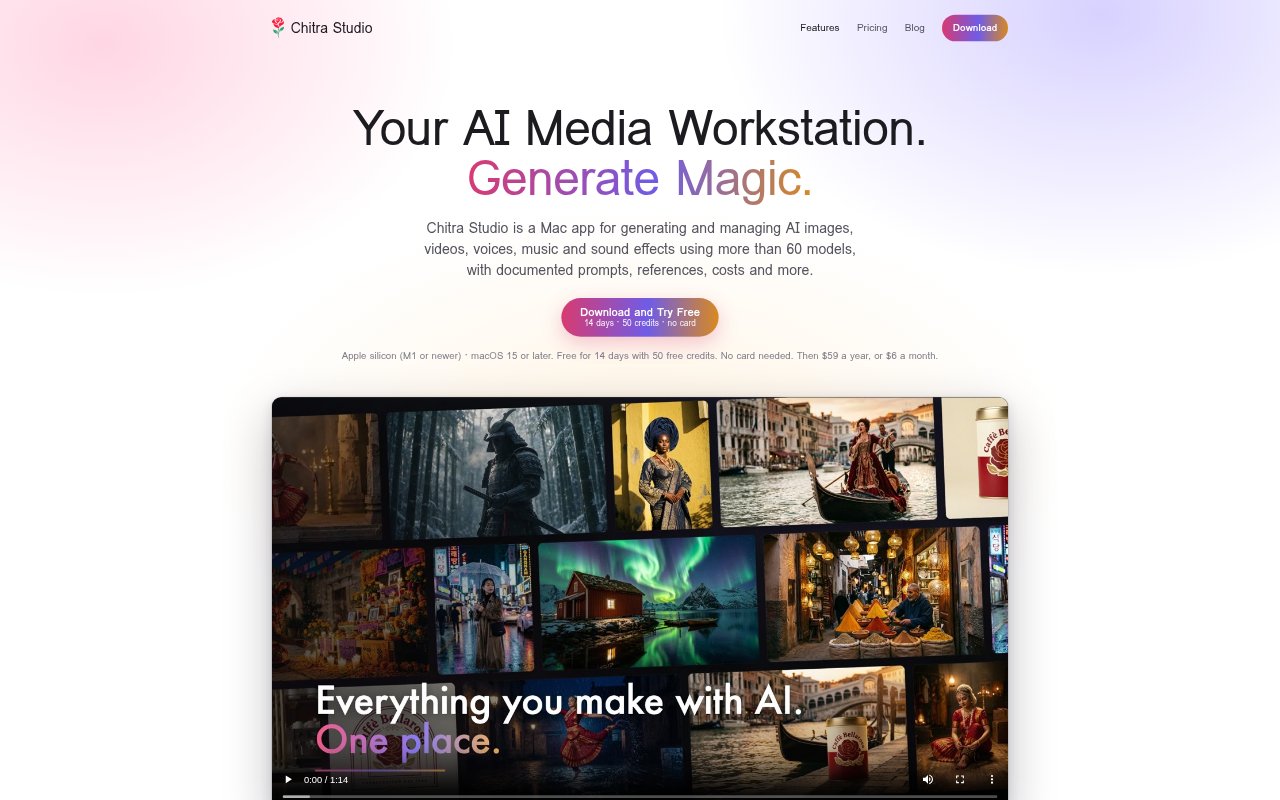
What is Chitra Studio?
Chitra Studio is a native app for Apple-silicon Macs that brings AI image, video, voice, music and sound-effect generation into one workspace, with more than 60 models and tools for editing and managing results. It is for people who want to create varied media and keep prompts, references, model settings and generation costs connected to their files. The app requires macOS 15 or later and offers a 14-day trial with 50 credits and no card required.
Chitra Studio Features:
Model Comparison: Run one prompt through two or more selected models, then review the outputs together in a contact sheet with each model and its cost shown.
Image Editing: Mark an area of an image and describe the change; pixels outside the marked region stay as in the original, which remains linked to the edit.
Video Workflows: Animate a still with a motion prompt, continue a clip from its last frame, or extract a clip’s opening or closing frame as an image.
Sound and Voice: Generate multilingual voices, music, songs using your lyrics and sound effects, or ask a model to create audio timed to a video clip.
Reusable References: Save multiple images of a character, product, brand, place or style, then attach a named reference to prompts for one project or your whole library.
Library and Reports: Keep files in a chosen Mac folder with prompts, models, settings, references and costs; search by prompt or model and export cost reports by day, model or project.
Chitra Studio Benefits:
Budget Awareness: Seeing the credit charge before a generation—and paying nothing for failed or refused jobs—helps you decide which outputs are worth producing.
Project Costing: Reports by day, model and project, with spreadsheet export, make it easier to review spending and prepare quotes or invoices.
Safer Iteration: Comparing alternatives side by side and retaining originals makes it easier to choose a direction without losing useful earlier work.
Faster Retrieval: Keeping prompts, versions, ratings and favourites alongside media makes past decisions and promising assets easier to find again.
Use Cases:
Visual Concepting: Create candidate image treatments from one prompt while developing a campaign direction, product concept or visual mood.
Product and Brand Assets: Build reusable product or brand references for generating scenes, then adjust a specific part of an image without replacing the rest.
Short Video Production: Turn a still into a motion clip, extend a shot from its final frame and create sound that follows what happens on screen.
Audio Asset Creation: Produce a voice line, song, instrumental, score or isolated sound effect for a video, presentation or other creative project.
Production Cost Review: Review model and project generation spend when preparing a quote, tracking production costs or deciding which model to use next.