

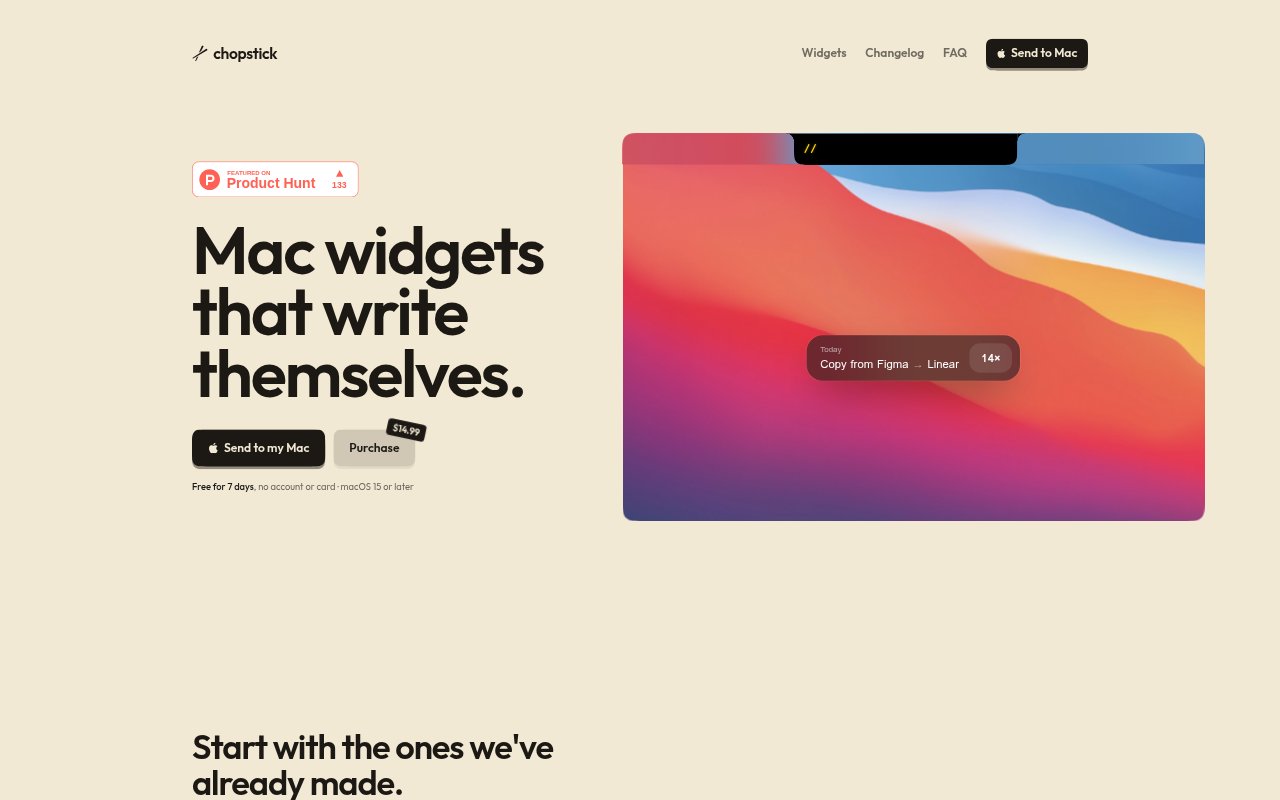
What is Chopstick?
Chopstick is a Mac app that notices repeated activity and uses a coding agent you already have to build widgets for your Mac’s notch. It includes ready-made widgets for tasks such as checking your next meeting, starting a focus timer, and pinning copied text, and it can handle files dropped on the notch. The activity log stays on your Mac. Chopstick requires macOS 15 or later and offers a seven-day free trial with no account or card required.
Chopstick Features:
Activity Pattern Detection: Chopstick observes what you repeat on your Mac and uses those recurring activities as a starting point for building notch widgets.
Local Activity Log: The app keeps an activity log on your Mac, including a view of recent activity across apps and the apps used most.
Notch Widgets: Widgets appear in the Mac notch and can be used for tasks such as checking a meeting, starting a focus timer, or viewing what is playing.
Starter Widgets: Ready-made options include Commit & Push, AI usage, Next meeting, Call mic, Focus timer, Now playing, Pin copy, and Battery.
File Drop Actions: Files dropped on the notch can be sent, converted, or shrunk, giving the notch a role in common file-handling tasks.
Agent-Built Widgets: You can describe a widget you want and have your coding agent build it, rather than choosing only from the supplied widgets.
Coding Agent Support: Chopstick works with Claude Code, Codex, Gemini CLI, Cursor, Copilot, and OpenCode.
Chopstick Benefits:
Fewer Repeated Steps: Turning recurring Mac activities into widgets can put familiar tasks within reach instead of requiring the same routine to be rebuilt each time.
Personalized Shortcuts: Describing a widget to a coding agent lets you shape the tool around a task that matters to you, beyond the included starter options.
Private Activity Record: Keeping the activity log on your Mac means this record is stored locally rather than being described as an online log.
Convenient File Handling: Sending, converting, or shrinking a file from the notch can keep these actions close at hand when working with files on your Mac.
Quick Status Checks: Widgets for meetings, battery, music, and AI usage make several kinds of status information available from the same notch area.
Use Cases:
Meeting Preparation: Use the Next meeting widget when you want to check what meeting is coming up while working on your Mac.
Focus Sessions: Start a focus timer from the notch when you are setting aside time to concentrate on a task.
Commit and Push: Use the Commit & push widget as a notch shortcut when making commits and pushing work is part of your recurring Mac routine.
Quick File Conversion: Drop a file on the notch when you need to send it, convert it, or shrink it as part of your work.
Custom Mac Workflows: Describe a repeated task to your coding agent when the supplied widgets do not cover the notch tool you want.