

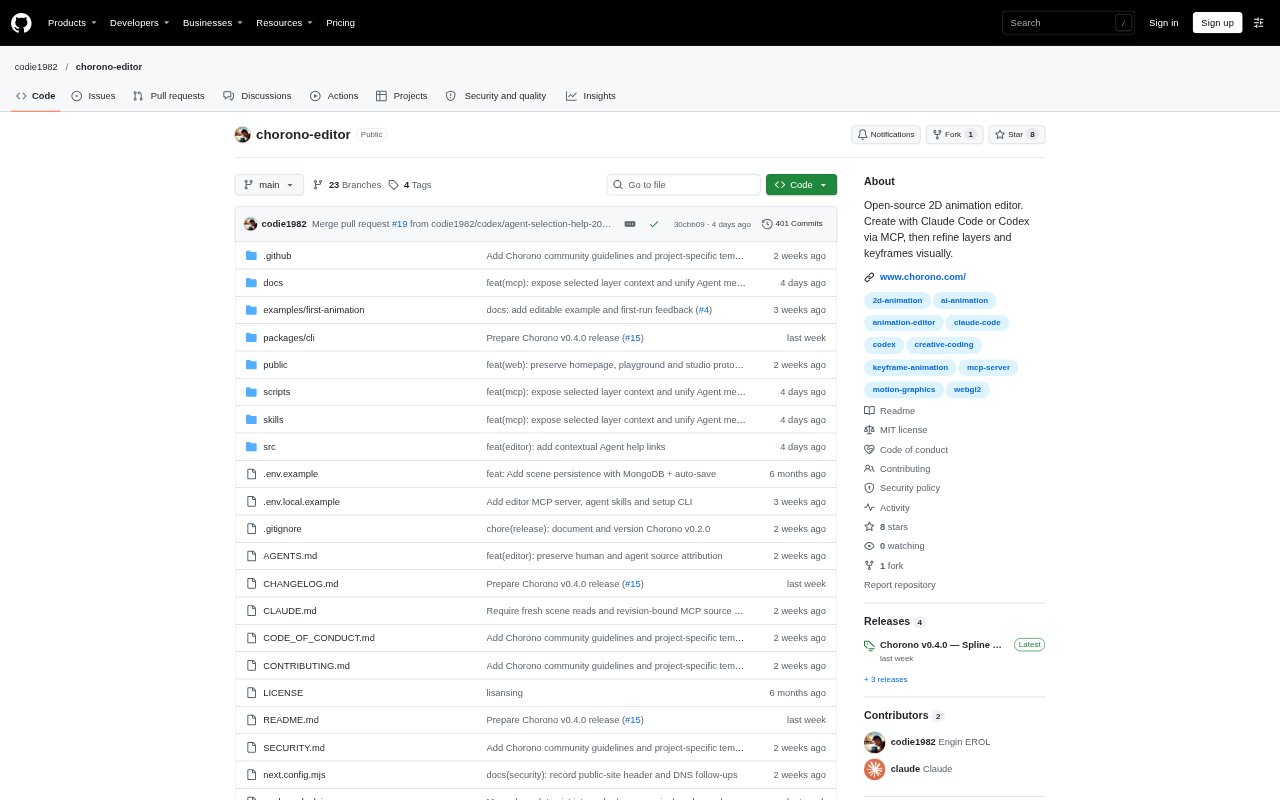
What is Chorono?
Chorono is a free, open-source 2D animation and motion graphics editor that runs on your computer and opens in a browser. You can build scenes by hand or connect Claude or Codex through MCP to create and revise them from prompts. It is aimed at creators who want editable layers and keyframes, as well as developers who want to export animations for web or native Android applications.
Chorono Features:
Timeline Editing: Work with keyframes in a timeline, dope sheet and curve editor, with modifiers available in the animation workflow.
Agent Control: Connect Claude or Codex through MCP to create scenes, inspect previews, refine animation and save editable projects.
Editable Projects: Keep layers, keyframes and animation settings in a portable project that can be reopened and revised.
Scene Preview: Preview animation frames, scrub timing and inspect keyframe values and easing curves while refining a scene.
Shape and Particle Tools: Create scenes with shapes, text, particles and editable spline paths, then adjust their animation in the editor.
App Export: Export scenes for playback with the separate framework-free web runtime or the native Android SDK.
Chorono Benefits:
Flexible Workflow: Switch between prompt-assisted creation and direct visual editing, so you can choose the approach that suits each revision.
Room to Refine: Editable layers and keyframes let you make focused changes without treating a finished animation as a fixed output.
Clearer Timing: Preview frames and compare easing curves to understand how timing affects movement before settling on a final version.
Reusable Work: Portable projects make it possible to return to a scene later, continue editing and carry its source into another revision.
Lower Entry Cost: The free, open-source editor provides a way to explore 2D animation and motion graphics without buying the editor.
Use Cases:
Animated Title Cards: Build a title card with text and shapes, then adjust its keyframes, opacity and movement before saving the editable project.
Kinetic Typography: Create a word-focused motion study, emphasizing selected beats with scale changes and staggered timing.
Prompt-Based Drafts: Turn a short animation brief into an initial scene with Claude or Codex, then inspect and refine the result in the editor.
App Animations: Prepare an animation scene in the editor and export it for playback inside a web application or native Android app.
Motion Graphics Practice: Study a working scene by inspecting its layers, keyframe values and easing, then make a focused edit to learn how the movement works.