

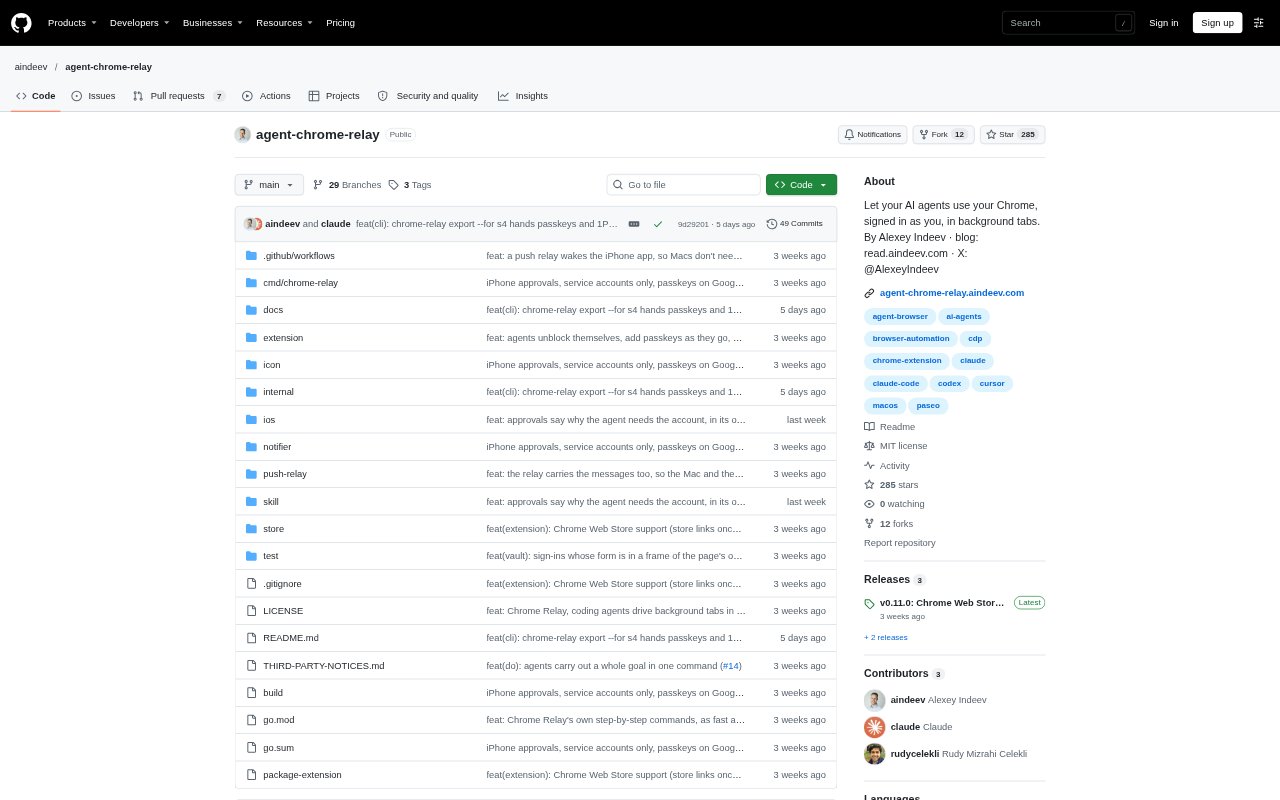
What is Chrome Relay?
Chrome Relay connects AI agents to your everyday Google Chrome on macOS, letting them work in background tabs using the browser profile you choose. It is designed for people who use coding agents such as Claude Code, Codex, Cursor, or Paseo and need those agents to handle tasks in websites where they are already signed in. Agents can carry out a whole browser goal from one command or control pages step by step, while Chrome Relay checks their actions and keeps the active tab in front.
Chrome Relay Features:
Background Tabs: Agent tabs open in a collapsed Chrome tab group and stay inactive, so the browser does not move away from the page you are using.
Goal Commands: The chrome-relay do command takes a goal, supplied data, and a completion check, then carries out the steps and verifies the result.
Stepwise Browser Control: Agents can use commands to open pages, inspect them, click controls, and fill fields, with checks before and after each action.
Profile Logins: Agents work in a Chrome profile you select, can use existing signed-in accounts, and can access shared 1Password logins if you enable that option.
Sign-In Approval: When an agent needs a 1Password login, Chrome Relay requests approval through Touch ID on the Mac or Face ID on a paired iPhone.
Activity Audit: A daily audit log records agent connections, pages, clicks, form actions, sign-in fills, and steps from whole-goal runs.
Chrome Relay Benefits:
Fewer Interruptions: You can keep working in your active tab while agents handle browser tasks, without their navigation taking over the screen.
Less Repetition: A single goal command can avoid making the agent pause for a separate decision after every browser action.
Safer Credentials: With 1Password enabled, agents can use shared login details without seeing the password or other secret values.
Reviewable Activity: The audit trail gives you a record to consult when checking what an agent did in Chrome.
Faster Repeat Tasks: Successful flows can be saved and reused with new data, reducing the need to decide each step again.
Use Cases:
Dashboard Checks: Ask an agent to open a signed-in business dashboard and check figures or other visible information while you work elsewhere.
Report Collection: Have an agent retrieve a report from a web app that is already signed in through your selected Chrome profile.
Internal Forms: Use a goal command to fill fields in an internal tool with supplied values and check for a completion message.
Staging Reviews: Send an agent to a staging site to inspect pages or carry out a browser-based review without changing your active tab.
Order Forms: Automate a multi-step order form by providing the needed field values and having Chrome Relay check the result.