

What is Chrome Relay?
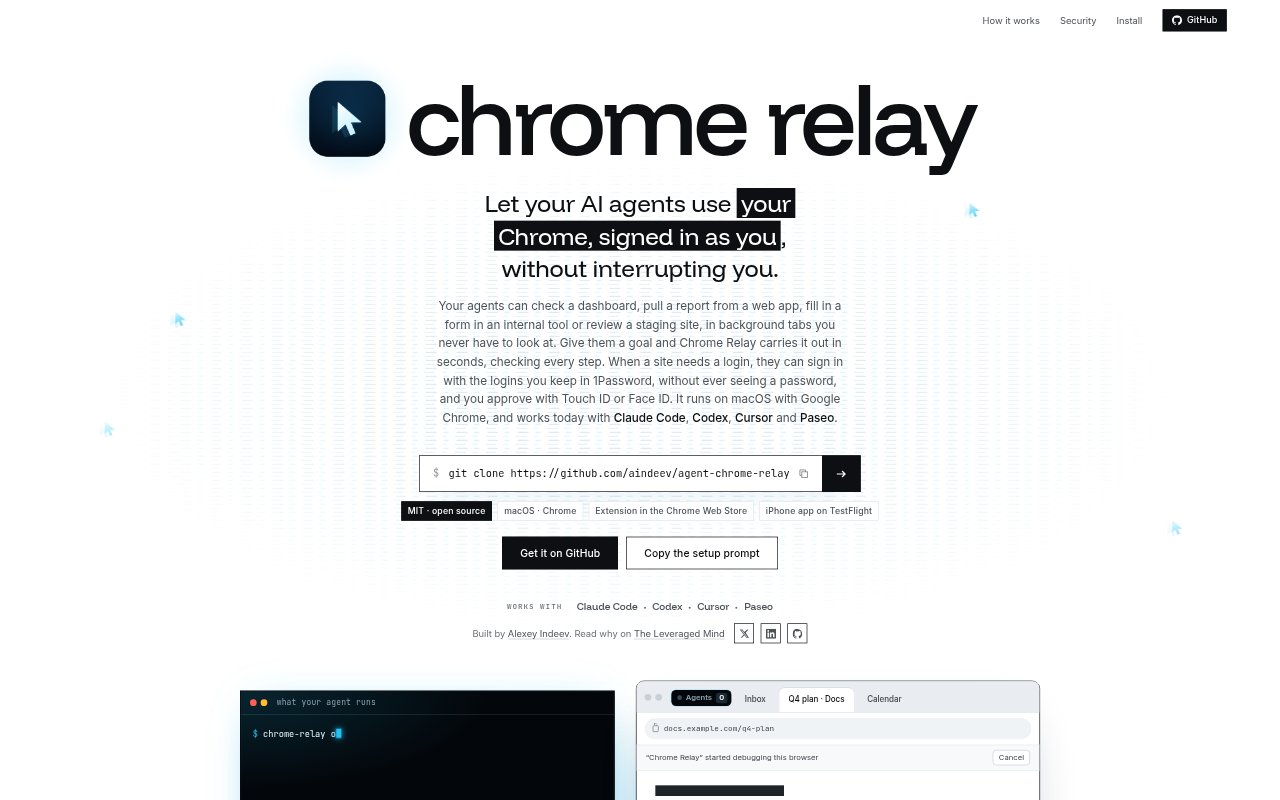
Chrome Relay lets AI agents operate your existing Google Chrome session on macOS, using pages and accounts that are already signed in. It works with Claude Code, Codex, Cursor and Paseo, with agents carrying out browser tasks in background tabs while you keep working in your active tab. It is an open-source MIT project for people who want agents to handle web-app tasks without interrupting their browser work or seeing passwords directly.
Chrome Relay Features:
Background Tabs: Agents open inactive tabs in a collapsed Agents group, so browser commands run without bringing Chrome forward or changing the tab you are using.
Whole-Goal Commands: With chrome-relay do, an agent can state a goal, provide known values and describe how to check completion, then have Chrome Relay carry it out.
Browser Controls: Agents can open pages, click controls, fill fields and run scripts through Chrome Relay commands, or use the open-source agent-browser with Chrome’s DevTools protocol.
Existing Accounts: Agents use a Chrome profile you choose, so they can work with sites where you are already signed in and select among signed-in Google accounts.
1Password Sign-In: When enabled, Chrome Relay can use shared 1Password vault logins, two-step codes and passkeys, entering them on the relevant site without revealing values to the agent.
Approval and Audit: Sign-ins require Touch ID on the Mac or Face ID on a paired iPhone, and the daily audit log records agent connections and browser actions.
Chrome Relay Benefits:
Keep Working: Because agent tabs stay in the background, you can continue typing or using your active Chrome tab while browser tasks run.
Fewer Manual Steps: A single goal can cover a sequence of browser actions, reducing the need to direct the agent through every click and field separately.
Use Familiar Access: Working from your selected Chrome profile lets agents reach signed-in services without requiring you to move work into another browser session.
Limit Secret Exposure: Credential values are hidden from the agent, while sign-in approval and per-agent access help you keep control of account use.
Review Agent Activity: The audit log gives you a record of browser actions and sign-in fills, making it easier to inspect what an agent did.
Use Cases:
Check Dashboards: Ask an agent to open a signed-in dashboard and check its current information while you continue working in Chrome.
Pull Web Reports: Use an agent to retrieve a report from a web app that requires access through your existing Chrome profile.
Fill Internal Forms: Have an agent enter known values into a form in an internal tool and check whether the requested steps are complete.
Review Staging Sites: Delegate a browser pass through a staging site without giving up the tab or application you are currently using.
Complete Web Orders: Give an agent the details and completion criteria for a multi-step order form, then review its actions in the audit log.