

What is Cirkit?
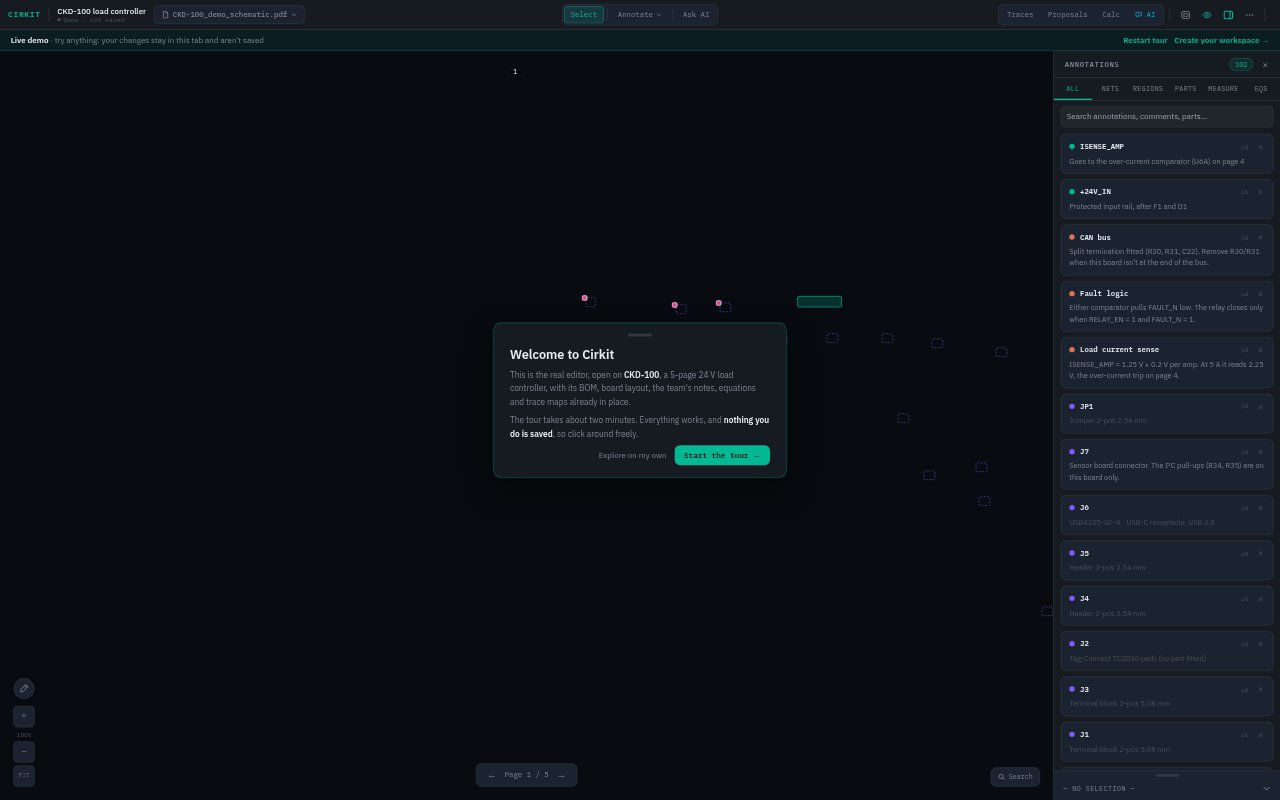
Cirkit turns electrical schematic PDFs into interactive documentation for hardware teams. Engineers upload schematics and a BOM, then add annotations, datasheets, board layouts, signal paths and calculations in the viewer. Technicians, applications engineers and new hires can explore the design, follow documented signal paths and ask questions grounded in the schematic, BOM and team notes. Projects can be shared with collaborators or through view-only links, so visitors can follow along without an account.
Cirkit Features:
Schematic Annotations: Add searchable notes, photos, measurements and equations directly to nets, parts or regions on a schematic page.
BOM Matching: Import a spreadsheet or PDF BOM, match rows to schematic designators, and view part numbers, values and packages on components.
Datasheet Lookup: Find datasheets through DigiKey, with Mouser as a fallback, then attach a result to a part for others to open in the viewer.
Board Layout Links: Connect schematic designators to footprints in uploaded board layouts, with support for KiCad, IPC-2581, ODB++, Gerbers and pick-and-place.
Signal Path Playback: Map a net's route across schematic pages and separate boards, then play back its steps to guide someone through the design.
Engineering Tools: Create equations using BOM values, calculate with step-by-step working, and build digital logic truth tables for equations with up to six inputs.
Cirkit Benefits:
Faster Troubleshooting: Searchable annotations keep previous findings close to the relevant circuit, helping teams locate useful context without relying on someone's memory.
Clearer Handoffs: View-only sharing lets technicians and customers explore documented schematics without needing an account or a live walkthrough.
Fewer Part Searches: BOM details and attached datasheets are available from the component, reducing the need to switch between the drawing and separate reference files.
Easier Onboarding: Recorded signal paths and page-aware answers give new teammates ways to understand a design without asking an engineer to explain every connection.
More Grounded Answers: The assistant can use the current page, a selected circuit area, BOM data and team notes, keeping questions tied to the project.
Use Cases:
Technician Troubleshooting: Share a schematic with a service technician so they can inspect annotated nets, check part details and search notes about earlier fixes.
Design Reviews: Sketch proposed component or wire changes over a PDF, explain the rationale, gather team comments and export a marked-up review document.
New Hire Training: Walk a new engineer through how a signal crosses pages or boards using recorded steps and animated playback.
BOM Verification: Check whether imported BOM rows match schematic designators and investigate unmatched items before relying on component data.
Board Assembly Support: Help assembly staff locate a schematic component on the physical board by opening its linked footprint and viewing its BOM row.