

What is clai?
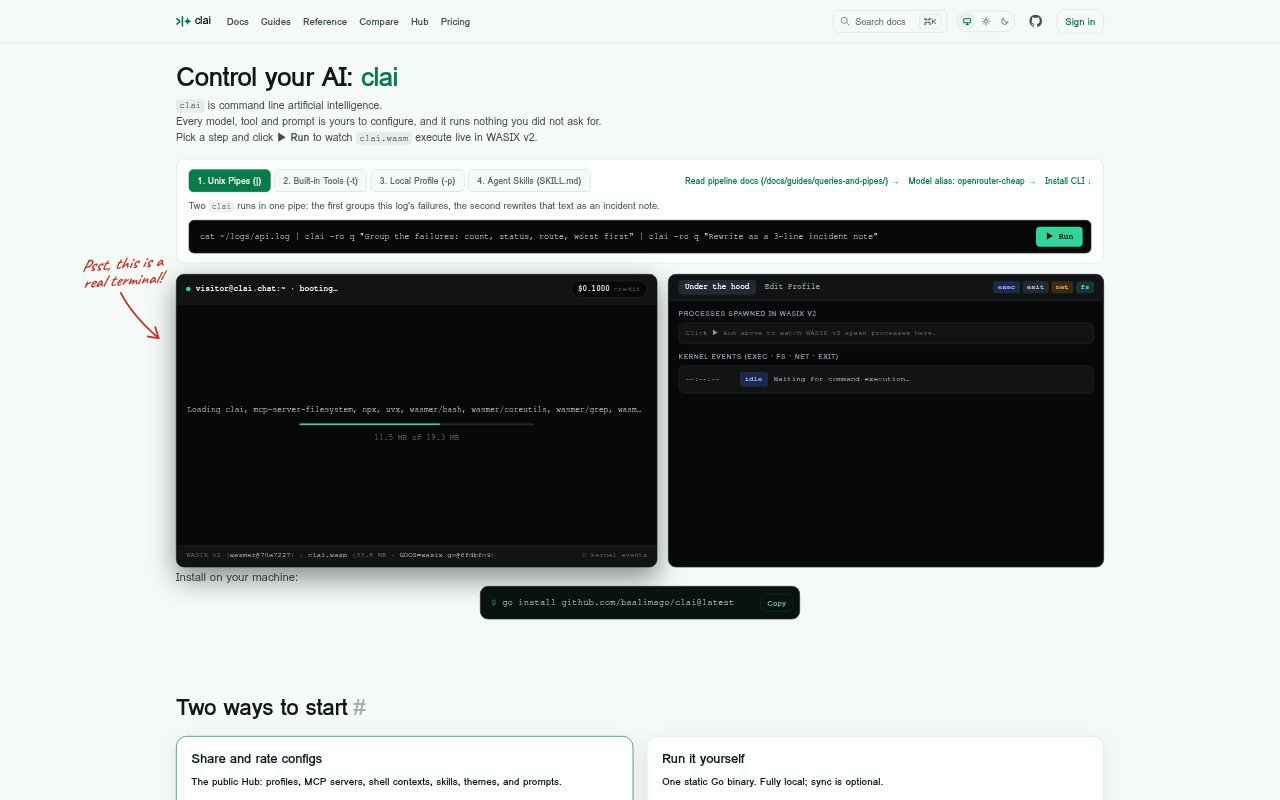
clai is an open-source command-line AI client for people who want to configure how models, prompts and tools are used from a terminal. It can query several hosted model providers as well as local Ollama, and supports one-shot requests, ongoing chats and Unix-pipe workflows. The static Go binary runs locally, with profiles and conversations staying on disk unless users opt into clai.chat’s Hub or cloud sync. The Hub lets people browse, download, publish and rate reusable configurations.
clai Features:
Model Access: The CLI can query OpenAI, Anthropic, Google, Mistral, DeepSeek, xAI, Ollama and OpenRouter using configured models and vendor credentials.
Piped Workflows: Use one-shot queries with clai q, or pipe in text such as logs and diffs to include it in a request.
Ongoing Chats: Start or continue a conversational thread with clai chat instead of sending every request as a separate one-shot query.
Profiles and Contexts: Configure models, profiles and shell contexts, and run only the steps and configurations you have selected.
Tools and Skills: Enable tools for a query, and configure MCP tools and Agent Skills as part of the clai setup.
Hub and Sync: Browse and download public configurations, or sign in to publish, rate and sync profiles, skills, shell contexts and other settings.
clai Benefits:
Local Data Control: Keeping configurations and conversations on the machine by default lets users work without automatically sending that material to a hosted service.
Lower Setup Friction: A local installation can be used with a vendor key or Ollama without an account, making it practical for a personal terminal workflow.
Reusable Setups: Saved profiles and shell contexts make preferred arrangements easier to reuse instead of rebuilding choices for each task.
Provider Flexibility: A single command-line workflow can suit people who work with different model providers or prefer to use a local model.
Shared Configurations: Publicly available configurations give users a way to find and reuse other people's setups rather than starting every configuration from scratch.
Use Cases:
Log Triage: Pipe application logs into a query to group failures, then use the resulting text as a starting point for an incident note.
Diff Inspection: Send a code diff through the terminal to ask a configured model about the changes without leaving a shell-based workflow.
Follow-Up Questions: Use clai chat to continue a thread when an initial answer needs clarification or further discussion.
Local Model Queries: Point clai at Ollama to make terminal queries using a locally available model rather than a hosted provider.
Setup Across Machines: Use cloud sync to keep configurations available on multiple machines, or browse the Hub for settings such as profiles and MCP servers.