
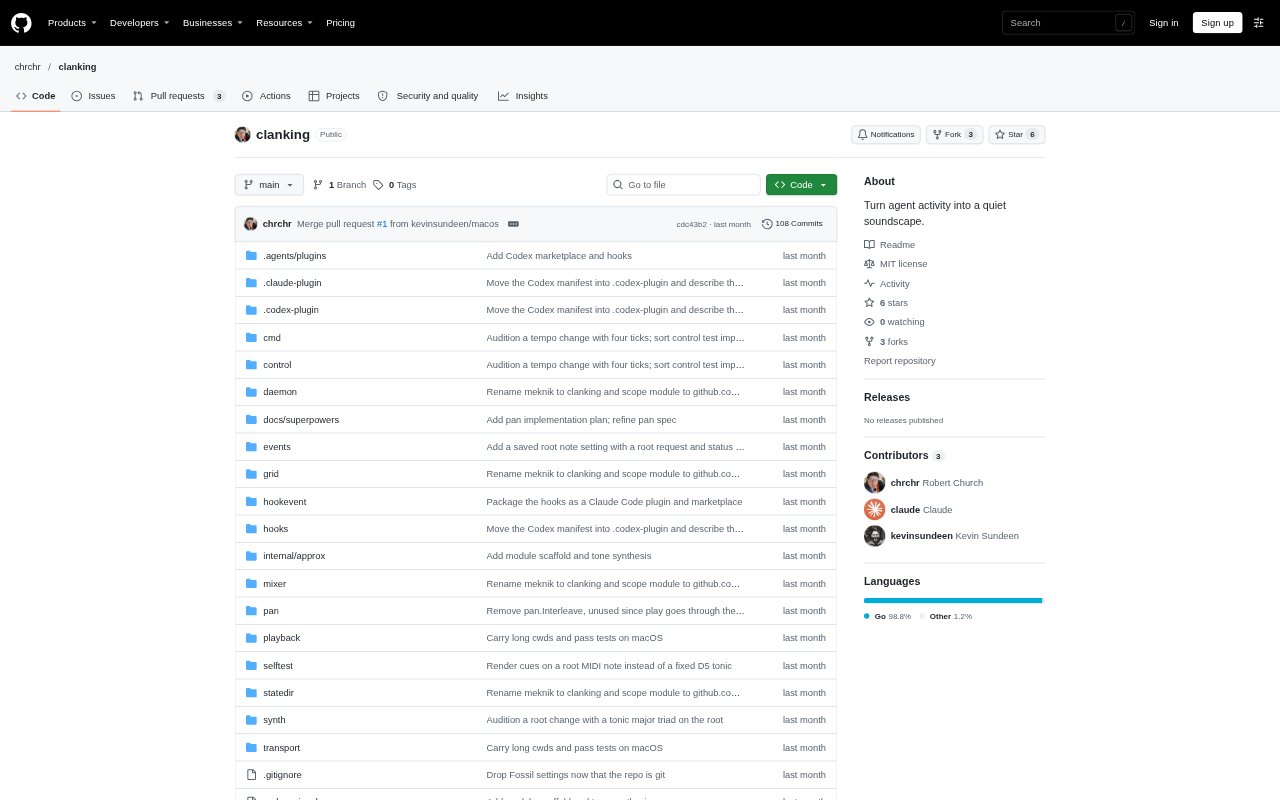
What is Clanking?
Clanking turns activity from coding agents into a subtle soundscape, using short synthesized cues to indicate what agents are doing. It is for developers who want an audible signal when an agent is working, waiting for input or permission, responding, finishing, or encountering an error. Clanking runs through coding-agent hooks and can play cues from multiple sessions at once, with each session given a stereo position based on its working directory.
Clanking Features:
Agent State Cues: Distinct sounds indicate tool calls, responses, requests for input or permission, completion, and errors.
Multi-Agent Audio: Clanking can play activity cues from multiple agents at once and combine them into a shared soundscape.
Session Positioning: Stereo placement varies by the agent session's working directory, helping distinguish sessions by where their sounds appear.
Synthesized Sounds: The program generates its own sounds, including short pitched ticks for agent tool calls.
Tempo Controls: You can change the tempo and root note from the command line or the optional GTK 4 interface.
Hook-Based Setup: Coding-agent hooks invoke the Clanking command-line tool to read events and play the corresponding cues.
Platform Audio: Clanking uses PipeWire and pw-cat on Unix-like systems, and SoX for sound playback on macOS.
Clanking Benefits:
Less Screen Checking: Audible state changes let you keep track of agent progress without relying only on the terminal display.
Parallel Awareness: A shared soundscape makes activity across several coding-agent sessions easier to notice at once.
Clearer Attention: Different cues help you recognize whether an agent is active, awaiting a decision, finished, or in trouble.
Session Separation: Positioning sounds by working directory can make simultaneous sessions easier to tell apart.
Sound Preferences: Tempo and root-note controls let you adjust the soundscape to better suit your listening preferences.
Use Cases:
Coding Alongside Agents: Listen for tool-call ticks while an agent works through a coding task, rather than repeatedly checking its output.
Managing Parallel Tasks: Keep audible track of several agent sessions running in different working directories.
Permission Requests: Notice when a coding agent is waiting for permission or input so you can respond and let it continue.
Monitoring Completion: Hear when an agent finishes a task or encounters an error while you focus on other work.
Tuning Agent Audio: Set the tempo and root note to make the cues more comfortable for a particular workspace or listening routine.