
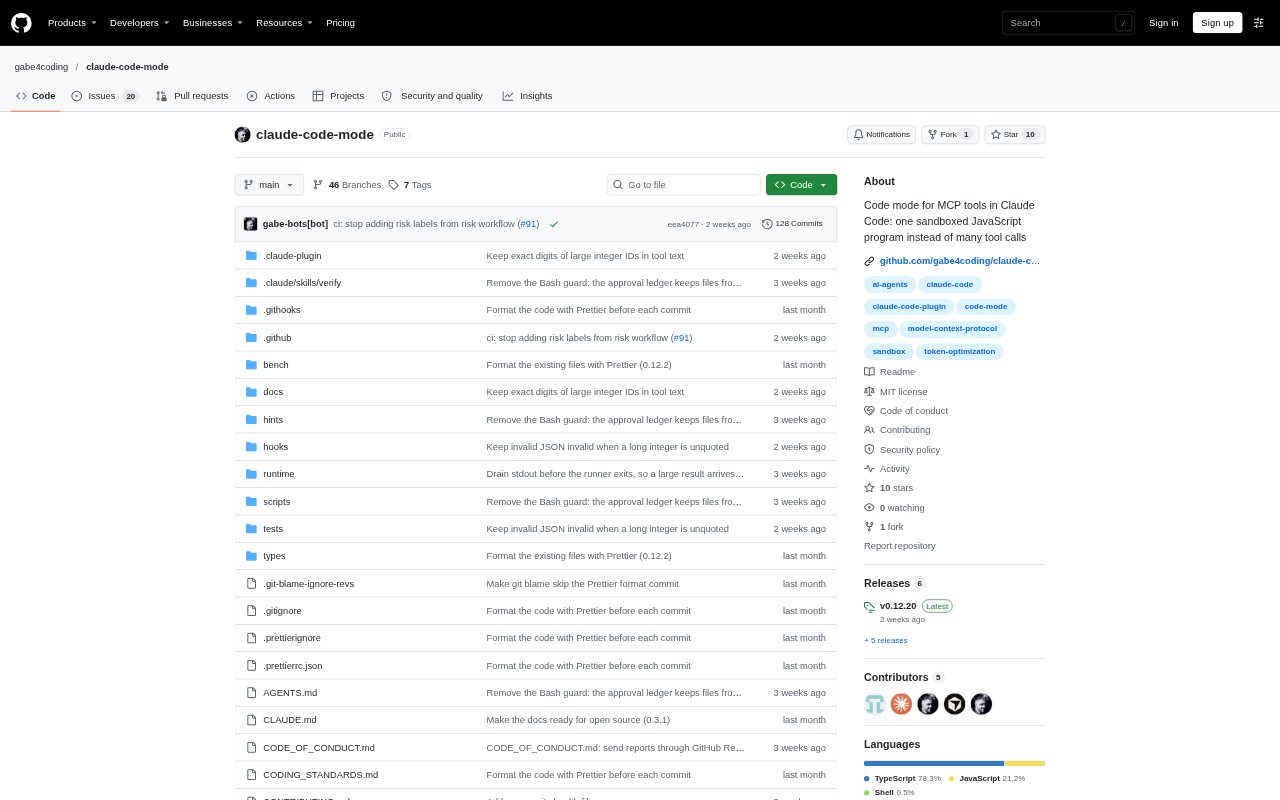
What is Claude Code Mode?
Claude Code Mode is a plugin for Claude Code that changes how Claude works with MCP tools. Instead of making several calls and adding each full response to its context, Claude writes one JavaScript program that runs calls in a sandbox, filters or joins the returned data, and sends back a smaller answer. It is for Claude Code users who need answers assembled from multiple MCP tools and want to keep intermediate results out of the conversation context.
Claude Code Mode Features:
Programmatic MCP Calls: Claude writes one JavaScript program to call multiple MCP tools, then processes their results before returning an answer.
Sandboxed Execution: Programs run in a separate Node process with a CPU limit and no filesystem access; network access is blocked on macOS and on Linux when unshare -rn works.
Result Filtering: The program can filter and join tool data in the sandbox so the response contains selected results rather than every full tool response.
Server Hints: Hints can describe each MCP server’s formats, required arguments, and limits, with proposed fixes requiring user approval.
Saved Functions: Working programs can be saved as reusable functions for later sessions after you read and approve the code.
Permission Checks: Each MCP call made inside a program still receives the normal permission check.
Call Projection: Output projection can reduce duplicate MCP calls; in a headless Opus 5.5 comparison, average duplicate calls per task fell from 1.37 to 0.10.
Claude Code Mode Benefits:
Less Context Clutter: Keeping intermediate tool output out of Claude’s context leaves more room for the question and the useful information needed to answer it.
More Focused Answers: Filtering results before returning them makes it easier to work with large responses and concentrate on the relevant records.
Fewer Repeated Steps: Approved saved functions let you reuse working code in later sessions instead of rebuilding the same processing logic.
Controlled Tool Access: Normal permission checks and sandbox restrictions provide guardrails while programs work with MCP tools.
Potential Cost Savings: A headless Haiku 5.5 benchmark reported the same 30 correct answers out of 30 at 43% lower cost per task with the plugin enabled.
Use Cases:
Find Stale Issues: Ask which open Jira issues assigned to you have not been updated in the last 14 days, then return only their keys and titles.
Combine Tool Results: Use several MCP calls to gather information for one question and join the returned data into a single answer.
Search Large Responses: Filter lengthy tool results, including responses with nested fields, so only records matching your criteria reach the final answer.
Reuse Data Workflows: Save an approved function that handles a recurring MCP data task and use it again in a later Claude Code session.
Review Tool Activity: Run a multi-tool task while retaining the normal permission check for each MCP call made by the program.