

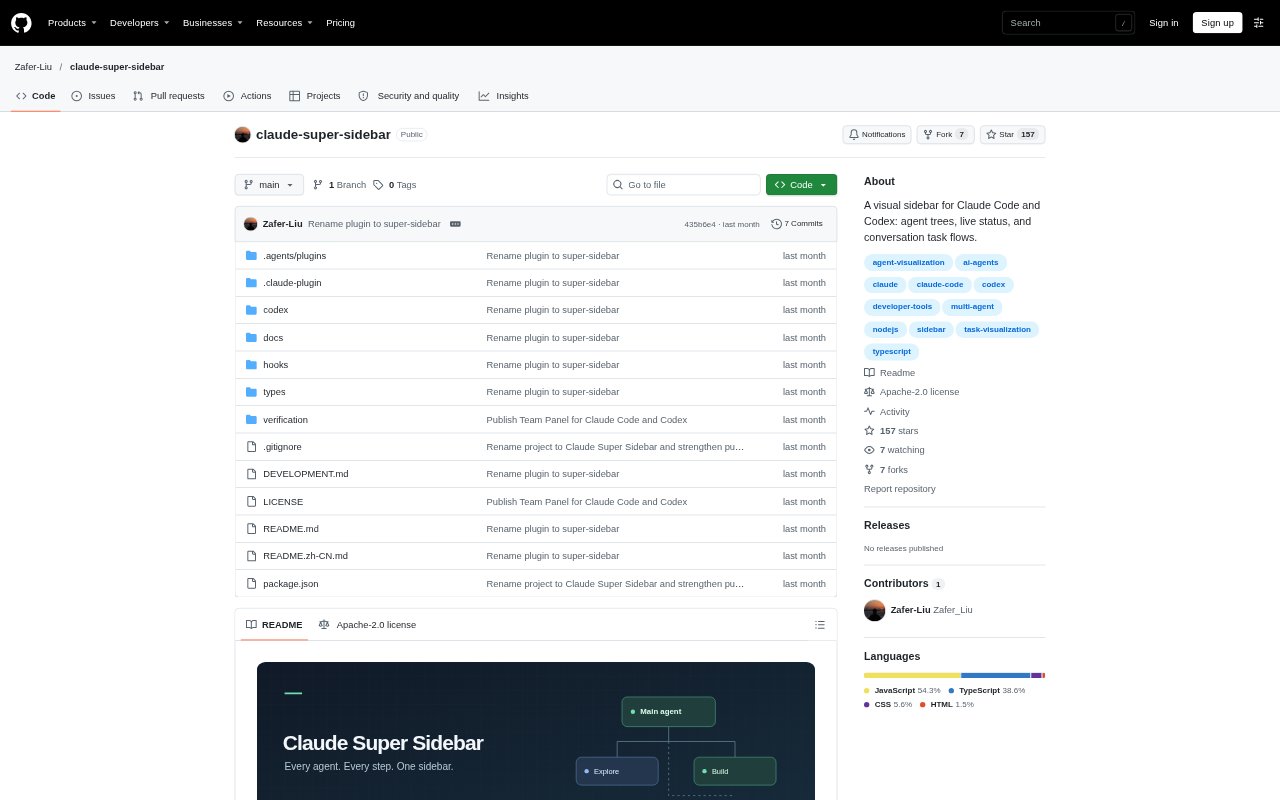
What is Claude Super Sidebar?
Claude Super Sidebar is a visual companion for people working with Claude Code or Codex. In Claude Code, it opens as a native pane that brings the main agent, subagents, and conversation work steps together. For standalone Codex CLI or App, it provides a read-only local browser dashboard that reads persisted session files. It is suited to developers who want to follow agent activity and task progress without switching between separate views; the Claude plugin requires a compatible host and matching CLI.
Claude Super Sidebar Features:
Agent Relationship Tree: The Claude pane and Codex dashboard show the main agent and subagents in a tree, with parent-child connections and expandable execution details.
Execution Status: Status indicators distinguish running, waiting, completed, and failed work; Claude shows active elapsed time, while Codex shows recorded time without inferring whether a process is live.
Agent Details: Expanded agent details can include model, mode, role, observed token usage, available context usage, elapsed time, and tool-call count.
Conversation Task Flow: Observed operations are grouped into work stages with concise titles and bounded details, while failures and missing results remain visible and results are kept separate from stage descriptions.
Plans and Verification: Claude displays observable plan text and Codex displays successfully submitted plan updates; explicit verification conclusions retain conversation evidence and are marked as assistant-reported.
Local Codex Dashboard: A local server reads persisted Codex JSONL session files incrementally, binds the panel to one conversation and its descendants, and shows up to 30 recent work steps.
Claude Super Sidebar Benefits:
Less Context Switching: Seeing agent relationships, status, and work steps together makes it easier to understand a session without piecing the activity together from separate views.
Clearer Progress: Separate states for waiting, failure, and completion help users distinguish a finished operation from work that still needs attention.
More Grounded Review: Keeping operation results and verification conclusions distinct helps users avoid treating completed tool execution as proof that a change works.
Useful History: A request-scoped flow and recent-step limit make the current round easier to scan without carrying forward the previous request's steps.
No Summary Model Call: Local task-flow parsing avoids an additional model call for summaries, and the Codex dashboard does not require an API key.
Use Cases:
Monitor Subagents: Follow a Claude Code session with multiple subagents when you need to see their parent-child relationships and inspect each agent's execution details.
Review a Coding Turn: Scan the stages and operation results from a recent request to understand what tools ran and where failures or missing results occurred.
Check Agent Plans: Compare the visible plan with observed work when reviewing a Claude plan or a Codex plan update submitted successfully.
Inspect Local Codex Sessions: Open the browser dashboard for a persisted Codex CLI or App conversation when you want a read-only view of its recent work and observed usage.
Verify Reported Outcomes: Review assistant-reported verification conclusions and their conversation evidence before deciding whether a coding agent's changes are ready.