

What is Claude Tandem?
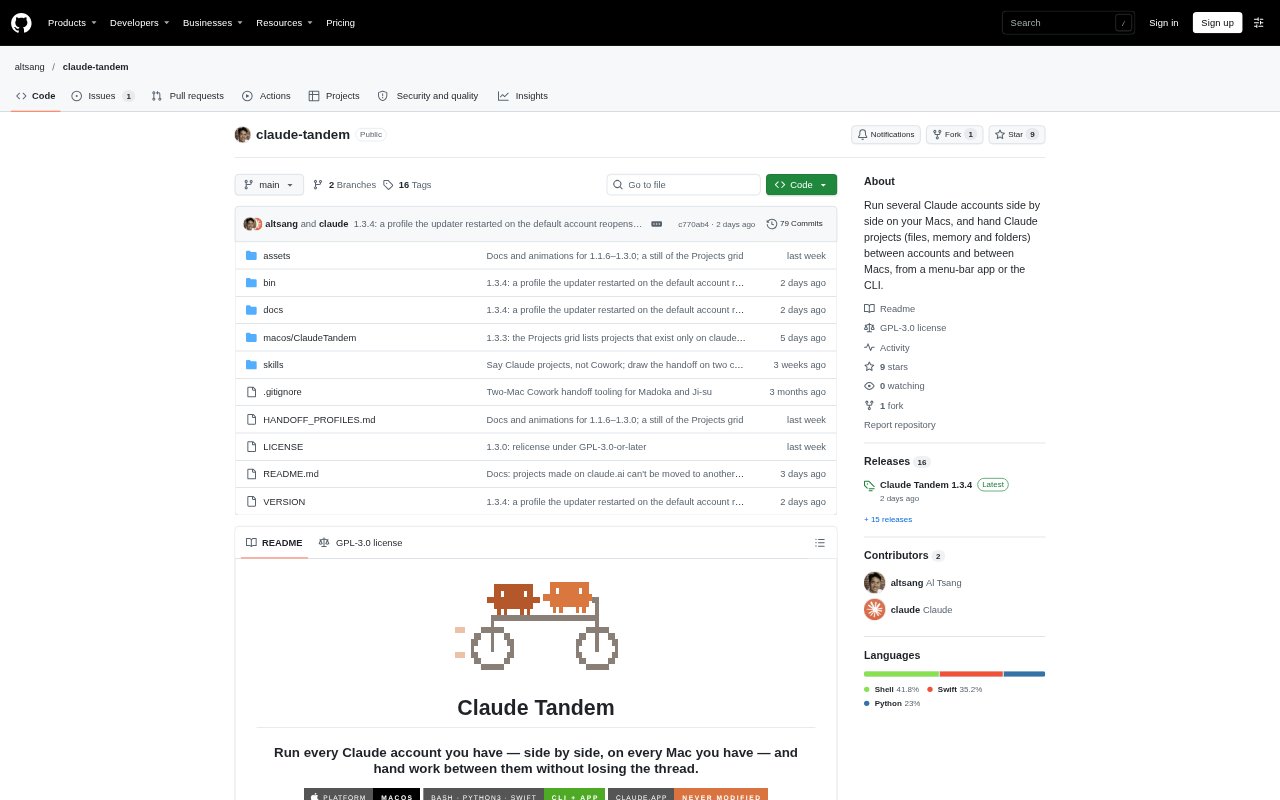
Claude Tandem is a macOS app and command-line tool for people who use more than one Claude account or work across multiple Macs. It creates separate profiles for the Claude app and Claude Code, while allowing skills and settings to be shared between profiles. It can also transfer Claude projects between accounts or Macs, carrying project files, memory, project setup and a session-written brief so work can continue on the receiving side.
Claude Tandem Features:
Account Profiles: Creates profiles with separate Claude app and Claude Code sign-ins, projects, project memory and sessions.
Shared Settings: Shares skills, settings, CLAUDE.md files, plugins, agents and commands across profiles.
Profile Identification: Uses names and badges to distinguish profiles in Dock launchers, running Dock icons, the menu bar and the app window.
Project Handoffs: Transfers a project's definition, folder link, memory snapshot, files and session-written brief between profiles or Macs.
File Verification: Moves project files through a shared drive and checks every transferred file with md5 verification.
Ownership Tracking: Keeps an append-only record of which account or Mac currently holds a project.
Menu Bar Controls: Shows profiles, account details and handoffs, and lets users send or receive projects from the app.
Claude Tandem Benefits:
Separate Sign-Ins: Use personal and work Claude accounts side by side instead of signing out of one to use the other.
Fewer Wrong Windows: Profile names and badges make it easier to pick the intended account when several Claude windows are open.
Continue Elsewhere: Bring project files and setup to another Mac or account without rebuilding the project from scratch.
Keep Project Context: A brief and merged memory snapshot give the receiving Claude account useful context for continuing the work.
Clear Project Ownership: The ownership record shows where a project is active, helping avoid edits from two locations at once.
Fewer Terminal Steps: The app handles handoff prompts and receiving notifications, so users can move projects without running the transfer commands.
Use Cases:
Personal and Work Accounts: Keep separate personal and company Claude accounts open on one Mac while maintaining distinct sign-ins.
Switch Near a Limit: Hand an active project to another account when the current account is approaching its usage limit.
Desktop to Laptop: Move a Claude project from a desktop Mac to a laptop with its files, memory and handoff brief.
Resume Claude Code: Copy Claude Code sessions between profiles so a session can be resumed from either profile.
Track Project Location: Check which Mac or account currently holds a project before continuing work on it.