

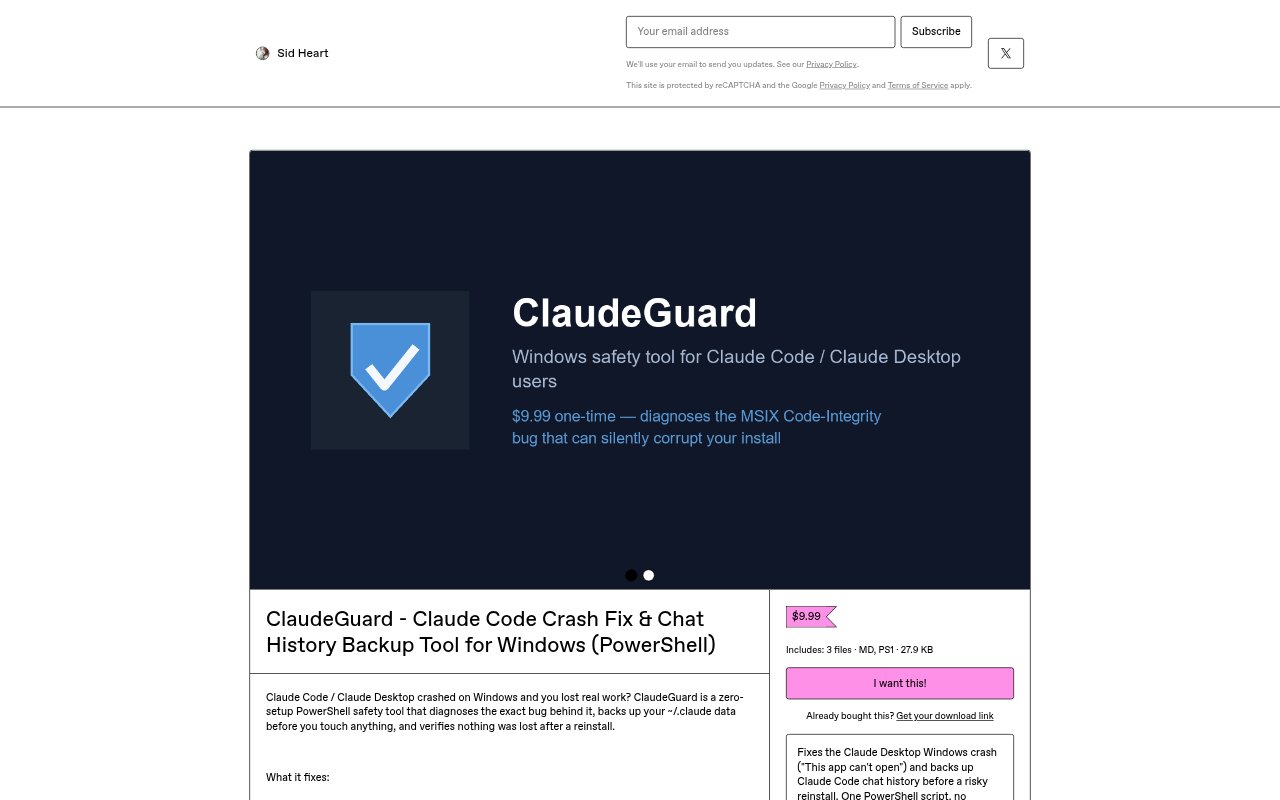
What is ClaudeGuard?
ClaudeGuard is a zero-setup PowerShell safety tool for Windows users of Claude Code and Claude Desktop. It is designed for situations where one of those apps crashes and real work may be lost. The tool diagnoses the specific bug behind a crash, provides crash-fix support, and backs up chat history. It is aimed at people who want help investigating Windows crashes while protecting their Claude conversations.
ClaudeGuard Features:
Crash Diagnosis: ClaudeGuard diagnoses the specific bug behind a Claude Code or Claude Desktop crash on Windows, giving users a focused starting point for investigating what went wrong.
Crash Fix: The tool is presented as a crash-fix utility for Claude Code and Claude Desktop, addressing the Windows failures that can interrupt ongoing work.
Chat History Backup: ClaudeGuard backs up Claude chat history, providing a way to keep conversation records safe when an app crash puts work at risk.
PowerShell Tool: ClaudeGuard runs as a PowerShell safety tool for Windows, rather than being described as a separate Claude application or a general-purpose chat assistant.
Zero-Setup Use: The tool is described as requiring no setup, so Windows users can turn to it without a configuration step before addressing a crash.
ClaudeGuard Benefits:
Protect Work: Backing up chat history can help reduce the risk of losing useful conversation context when Claude Code or Claude Desktop crashes during real work.
Focused Troubleshooting: A diagnosis of the specific bug can give users a clearer place to begin than approaching a Windows crash without a known cause.
Less Preparation: Zero-setup operation removes an initial configuration task, which is useful when users need to respond to an app problem rather than prepare another tool.
Fewer Unknowns: Pairing crash diagnosis with history backup helps users address both what went wrong and the risk to their conversation records in one safety tool.
Use Cases:
Claude Code Crashes: Use ClaudeGuard when Claude Code crashes on Windows and you need a diagnosis of the bug along with protection for your chat history.
Claude Desktop Crashes: Turn to the tool after Claude Desktop fails on Windows to investigate the specific crash and help safeguard the work held in its conversations.
History Protection: Use it when chat records matter to ongoing work and you want a backup in case a Windows crash interrupts access to Claude conversations.
Crash Investigation: Choose it when you need a Windows-focused way to investigate a Claude Code or Claude Desktop crash without setting up a tool first.