

What is Claudinho?
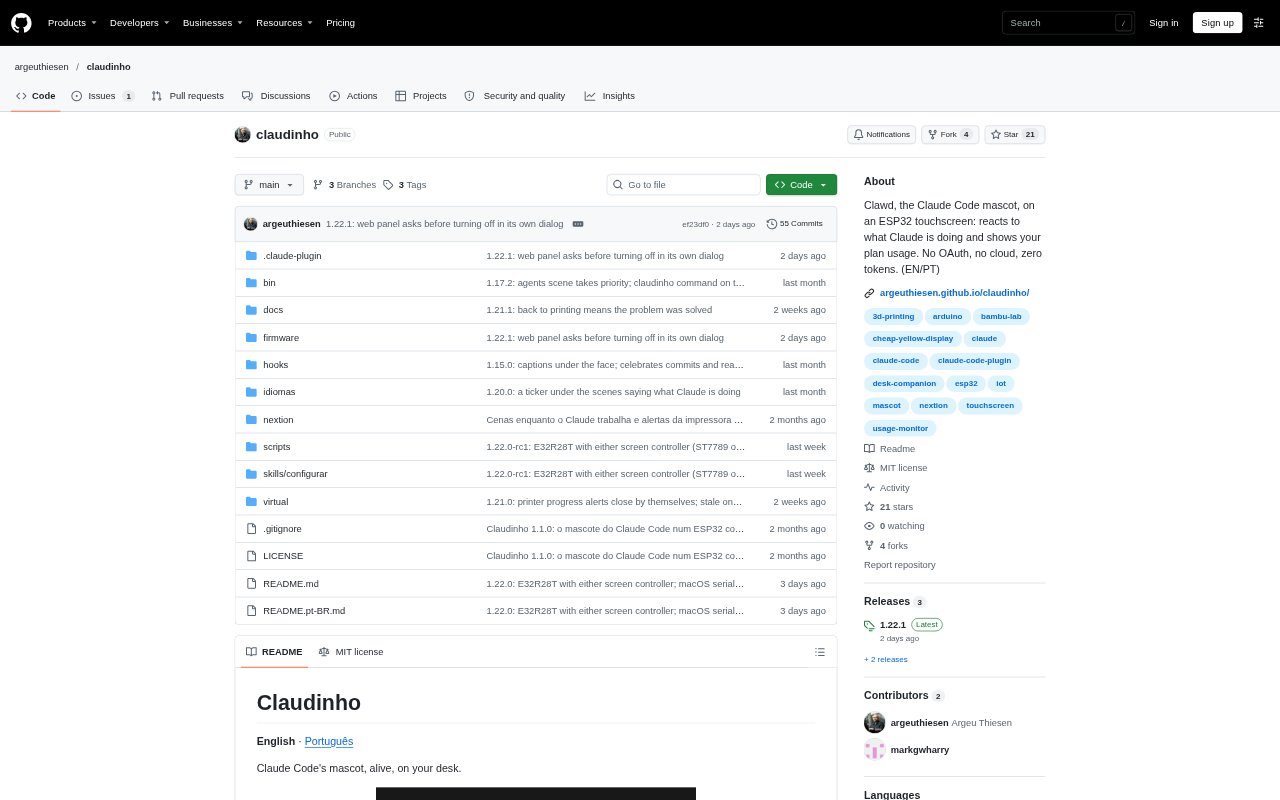
Claudinho is a Claude Code plugin that sends activity updates to an ESP32 touchscreen, where a small character reacts as Claude works. It also displays usage across Claude Code’s five-hour and seven-day plan windows. The project is for Claude Code users who want a dedicated desk display; it supports an E32R28T touchscreen board or a classic ESP32-C3 and Nextion setup. A browser-based virtual version lets users try it without a board.
Claudinho Features:
Activity Reactions: The display changes its expressions and scenes as Claude Code thinks, uses a tool, waits for input, finishes a task, or encounters an error.
Plan Usage: A usage display shows how much of the Claude Code plan has been used in the current five-hour and seven-day windows.
Task Ticker: A scrolling ticker shows Claude’s existing short descriptions of commands, agents, or in-progress to-do tasks, without displaying commands or filenames.
Local Web Panel: The board serves a network page showing its current face, usage, Wi-Fi, battery, recent events, and settings for sound, language, color, games, and demo mode.
Sound and Battery: On the E32R28T, an optional speaker plays generated beeps whose tone changes with the situation, while an optional battery supports portable use.
Guided Setup: A setup skill flashes firmware, configures Wi-Fi and the screen, and tests the device; later firmware updates can be sent over Wi-Fi.
Virtual Display: A local browser version can react to real Claude Code sessions and show real plan usage without requiring the touchscreen board.
Claudinho Benefits:
Visible Progress: A glance at the desk display can show whether Claude is working, waiting, or finished, reducing the need to check the terminal repeatedly.
Usage Awareness: Keeping plan usage in view helps users make informed choices about when to continue work or save a task for later.
Lower Setup Friction: Guided configuration and wireless updates reduce the amount of manual device setup needed after the initial firmware flash.
Private Operation: Communication stays on the local network, and Claudinho does not require Anthropic credentials, so account keys are not needed for its routine operation.
Try Before Building: The virtual version offers a way to evaluate the display alongside real sessions before buying or assembling compatible hardware.
Use Cases:
Desk-Side Coding: Keep a separate view of Claude’s current state while reviewing code or working in another window, rather than switching back to the terminal.
Long Coding Tasks: Monitor Claude’s progress during extended coding work and notice when it has completed a task or needs a response.
Plan Monitoring: Check five-hour and seven-day usage while deciding how to pace Claude Code work across a busy project or week.
Hardware Evaluation: Run the local virtual display with an existing Claude Code setup to see how the reactions and usage view fit a personal workflow.
Portable Display: Build the E32R28T version with an optional battery for a Claudinho display that can run away from a fixed desk power connection.