
What is CleanCode?
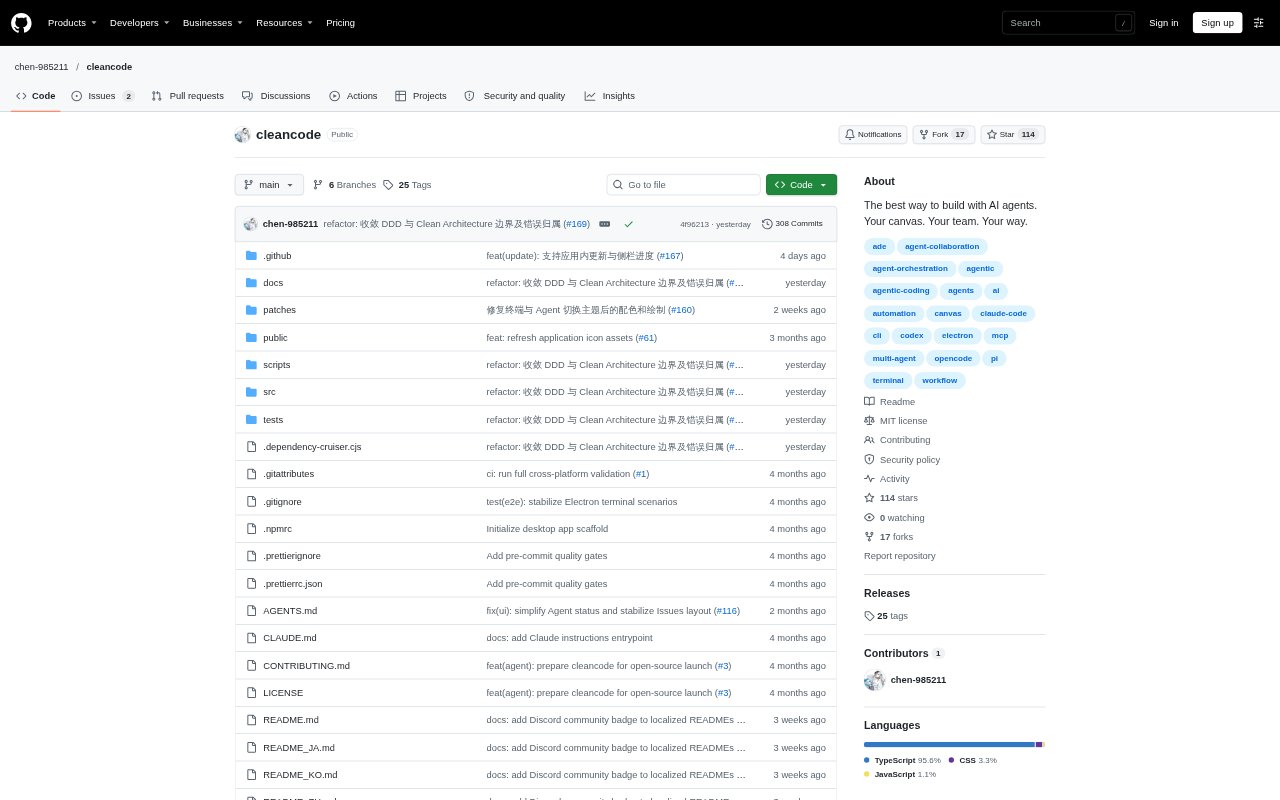
CleanCode is a desktop canvas environment for people working with AI coding agents, terminals, and project workspaces. It brings those tools together so users can direct development and automation tasks, watch progress, and step in to make decisions or adjustments. It supports multiple coding-agent command-line tools and runs on macOS, Windows, and Linux.
CleanCode Features:
Canvas Workbench: Arrange Agents, terminals, and groups together on a canvas, with stacking, expansion, grid layout, and automatic organization.
Agent Support: Launch configurations for 33 coding-agent command-line tools, with automatic detection of tools installed on the computer.
Agent Collaboration: Native CleanCode MCP tools let Agents operate the canvas, build workflows, create other Agents, and assign tasks.
Git Workspaces: Use Git worktrees to work on multiple changes in parallel, with a separate canvas, terminals, and Agent sessions for each branch.
Issue Development: Browse GitHub Issues and create or open a branch workspace linked to an issue.
Workflow Automation: Connect terminal commands, scripts, and non-interactive AI command-line tools, run steps according to dependencies, and view each step's state.
Workspace Templates: Set project defaults for Agents and terminal templates, add them automatically to new branch workspaces, and save common terminals, workflows, or groups for reuse.
CleanCode Benefits:
Visible Progress: Keeping sessions and task steps in view makes it easier to see what is running and where attention may be needed.
Familiar Tools: Using command-line Agents already installed on a computer lets developers work with tools and configurations they know.
Less Repeated Setup: Project defaults and saved templates reduce the need to recreate common terminal and workflow arrangements.
Parallel Changes: Separate branch workspaces help developers keep concurrent changes and their Agent sessions distinct.
Human Oversight: A shared canvas lets people review activity and adjust work while retaining control of goals, judgments, and key decisions.
Use Cases:
Parallel Branch Work: Developers handling several changes at once can open separate Git worktree workspaces for each branch and keep its terminals and Agent sessions together.
Issue Implementation: A developer can browse GitHub Issues and start a linked branch workspace to work on a specific issue.
Multi-Agent Coding: People who use more than one coding Agent can bring their command-line sessions onto one canvas and coordinate tasks there.
Automated Tasks: Developers can connect scripts, terminal commands, and non-interactive AI tools into workflows that run steps according to dependencies.
Repeatable Projects: Teams or individual developers can set up default Agents and terminal templates for a project, then reuse common workflow arrangements.