

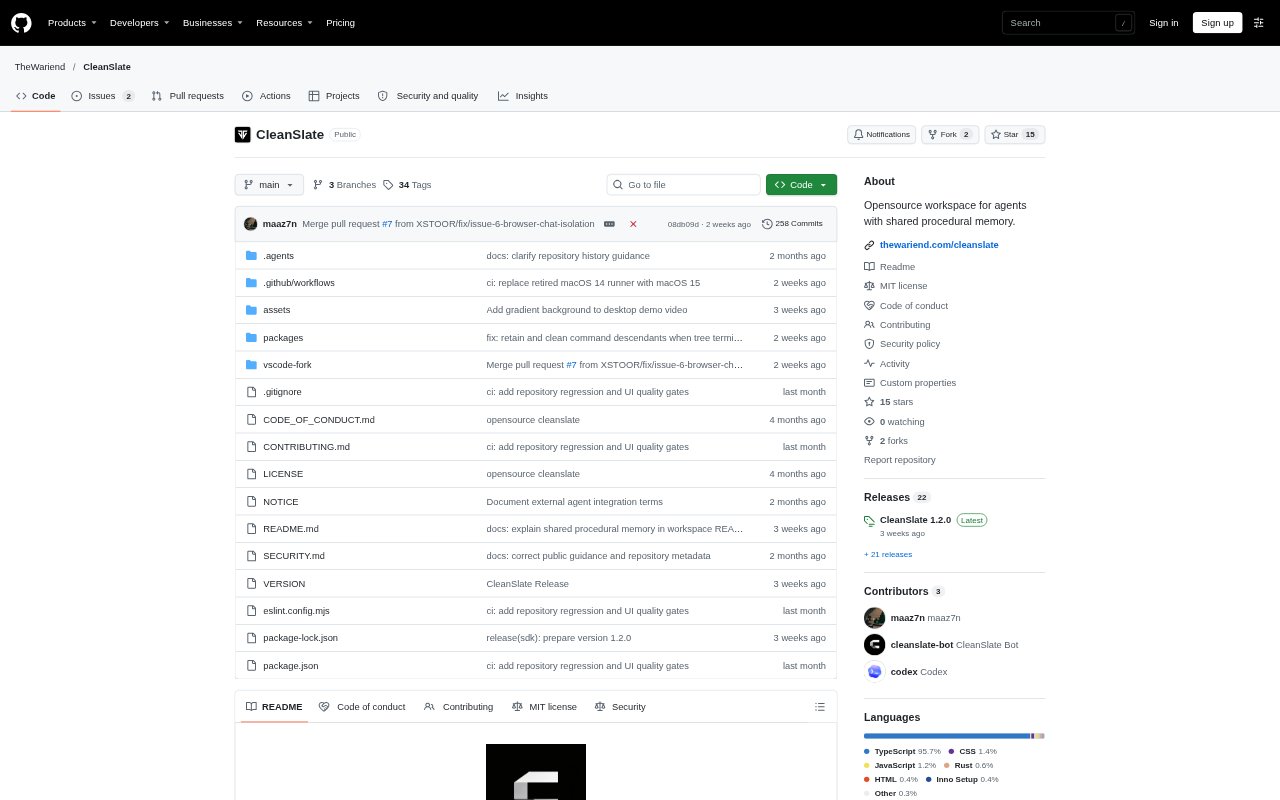
What is CleanSlate?
CleanSlate is an AI workspace for developers, bringing coding agents into an IDE, terminal, browser, and phone. It can read and edit code, run commands, and check its work in a browser; developers can review changes alongside the conversation. CleanSlate also offers cloud-based agents, reusable agent roles, voice conversations that can hand work to an agent, and an SDK for building agent workflows. Use it with your own supported model keys or managed AI usage.
CleanSlate Features:
IDE Code Agent: The IDE agent reads and edits project files, runs commands, and shows its activity and changed files for review.
Terminal Workflow: The CLI runs against repositories from a terminal, with plan, accept-edits, and manual modes to control its actions.
Cloud Agents: Start tasks in a browser, review an implementation plan before changes begin, and inspect the agent's work and running app.
Automatic Model Routing: Auto Router assigns requests to model groups for everyday replies, coding, reasoning, or high-effort work, choosing by cost within a group.
Agent Studio: Create agents with standing roles, including starter roles for research, prioritizing customer feedback, and reviewing code changes.
Voice Companion: Companion listens and replies aloud, then starts an agent task when a spoken request is ready to act on.
SDK Runtime: The SDK packages the agent runtime, tools, edit engine, and Node host for custom workflows without an editor dependency.
CleanSlate Benefits:
Visible Changes: Reviewing the agent's activity and diffs in context makes it easier to catch unwanted edits before they become part of a project.
Controlled Execution: Read-only planning and approval controls let developers explore or plan work before allowing file edits and command execution.
Flexible Models: Teams can use supported provider keys or managed AI, rather than being required to rely on a single model provider.
Lower-Cost Choices: Routing requests to the lowest-cost available model in a selected group can help avoid using a more expensive option for routine work.
Accessible Trial: The free option includes the IDE, CLI, SDK, and limited Cloud Agent usage, with no credit card required.
Use Cases:
Codebase Exploration: Use plan mode to search an unfamiliar repository and map out a change before the agent can edit files or run commands.
Bug Fixes: Ask an agent to investigate a failing test, make a code change, run checks, and review the resulting diff.
Web App Checks: Have a cloud agent open an app it has built in the workspace browser and verify its behavior.
Issue Implementation: Connect GitHub, choose a repository issue, and assign it to a cloud agent for a planned implementation.
Agent Workflows: Use the SDK to build a Node-based agent workflow that reads project files, runs commands, and applies edits.