
What is Clipdrop?
Clipdrop is a suite of AI tools for creating and editing images, aimed at people who need to produce or adapt visual content. It can generate images from text and modify existing pictures by removing backgrounds, cleaning up unwanted elements, changing lighting, or expanding the image canvas. Other tools resize images for social media and increase image resolution. Clipdrop also offers an API for bringing its image capabilities into a product.
Clipdrop Features:
Text to Image: Generate high-resolution, realistic images by describing what you want in a text prompt.
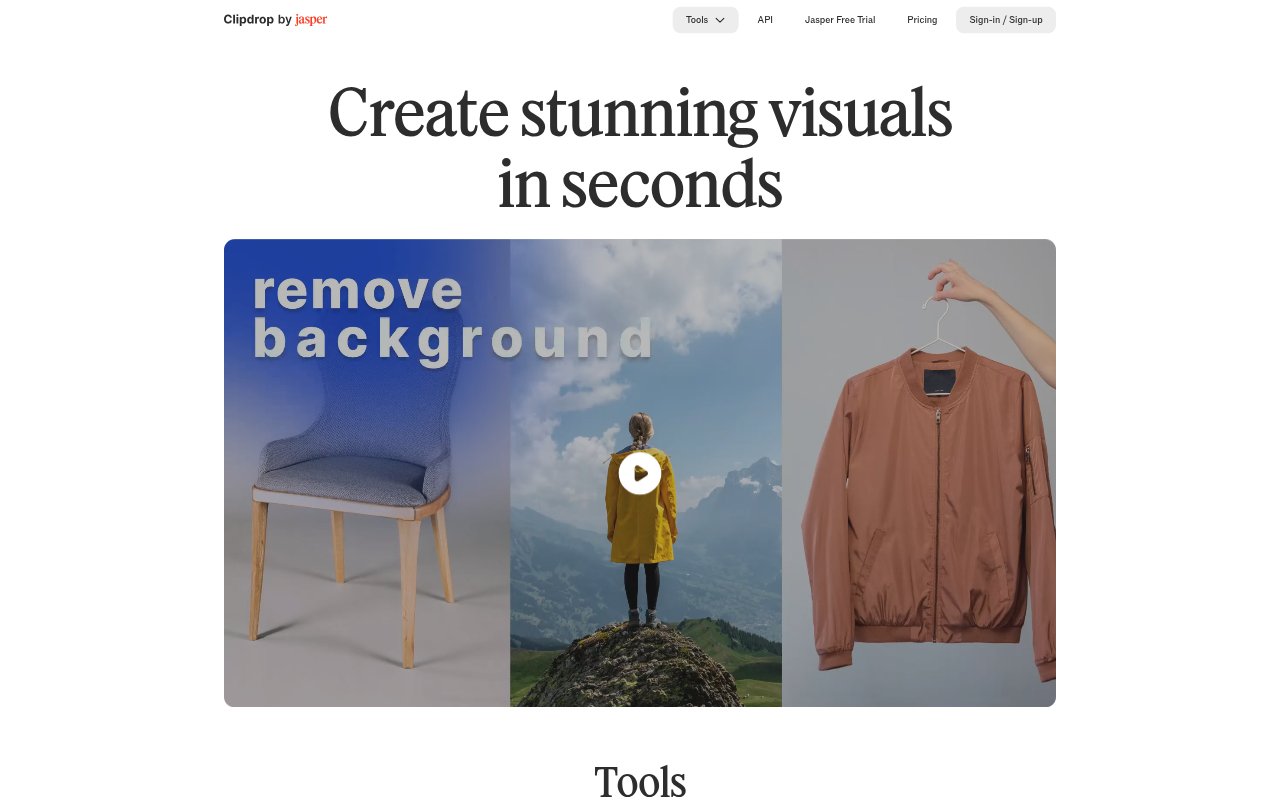
Background Removal: Extract the main subject from a picture and remove its existing background.
Background Replacement: Place a picture's subject into a different setting by replacing the original background.
Image Cleanup: Automatically remove objects, people, text, and visual defects from pictures.
Image Upscaling: Increase image size by 2x or 4x, with options to reduce noise and recover detail.
Image Relighting: Adjust the lighting in an image by applying different light effects.
Canvas and Resizing: Expand photos to different image formats with Uncrop, or resize images for social media using Universal Resizer.
Clipdrop Benefits:
Faster Editing: Automated cleanup and background work can reduce the hands-on editing needed to prepare a picture for use.
More Reusable Assets: One image can be adapted to different settings and formats, making existing visual assets useful in more contexts.
Sharper Results: Upscaling with noise reduction and detail recovery can make smaller or less crisp images more suitable for larger displays.
Visual Consistency: Applying similar lighting or background treatments can help a set of images feel more cohesive.
Less Manual Retouching: Removing distracting objects, people, text, or defects helps users spend less time correcting pictures by hand.
Use Cases:
Campaign Concepts: Create realistic visual concepts from text prompts when preparing ideas for a marketing campaign or creative brief.
Social Media Assets: Resize an existing image for different social media formats when preparing posts for multiple placements.
Product Photography: Remove a product photo's background or replace it with a different setting for a product page or promotion.
Photo Retouching: Clean up a photo by removing a passerby, unwanted object, text, or visible defect before sharing or publishing it.
Image Restoration: Upscale a small or noisy image when a larger version with recovered detail is needed for a design.
Format Adaptation: Expand a photo to fit a different image format when its original crop does not suit the intended layout.