

What is Clootee?
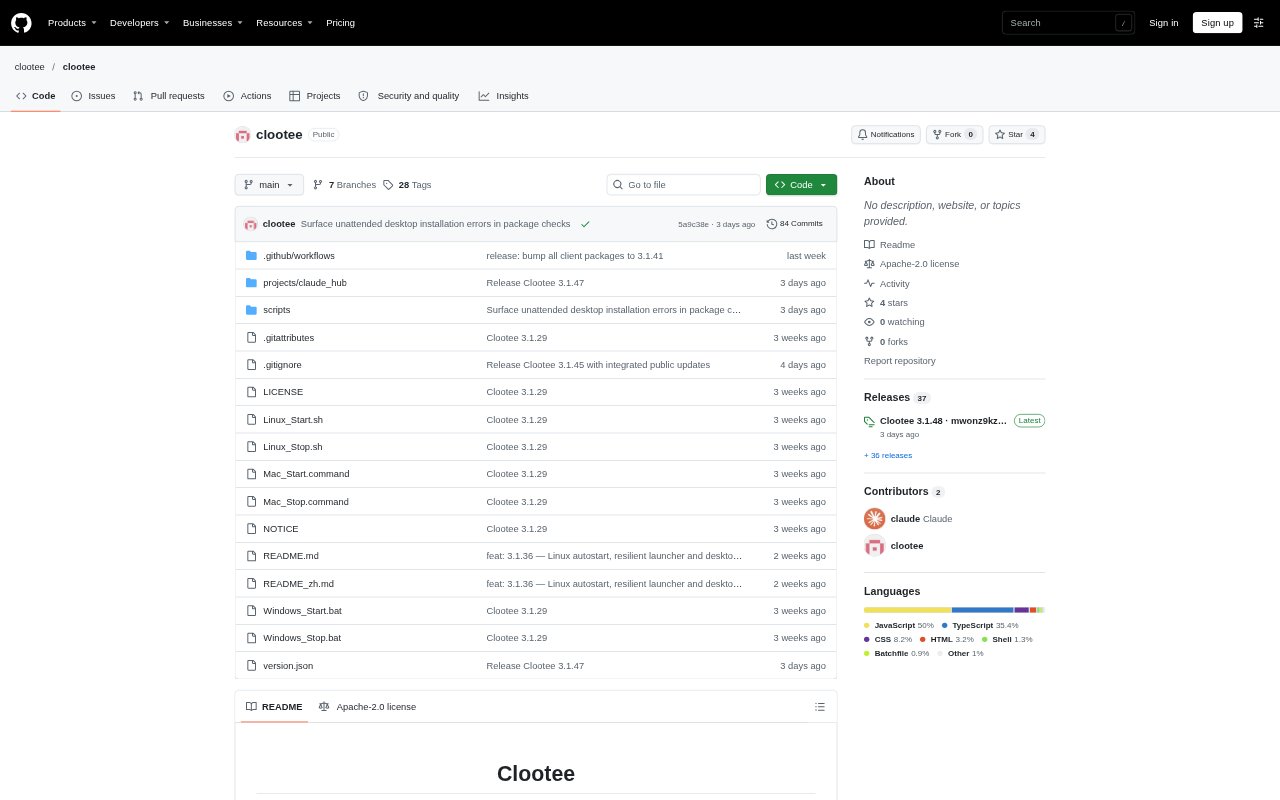
Clootee is a local web interface for installing and using Claude Code and Codex on Windows, macOS, and Linux. It handles setup of missing components and brings sign-in, workspace tools, and task sessions into one interface, so users do not need to start by working through terminal commands. It is intended for people who want to run these coding engines through a desktop-style app, while keeping their sessions and data on their own machine.
Clootee Features:
Setup Assistant: Clootee installs missing runtimes and tools from its interface, with a progress indicator instead of requiring users to set up Node, Git, and the engines manually.
Browser Sign-In: Users can sign in to an engine through a browser-based flow in Clootee, including when the server is remote.
Engine Choice: The same interface supports Claude Code and Codex, and offers providers it can currently reach.
Session Task Queues: Users can queue tasks for each session, run them in sequence, and pause or interrupt work when needed.
Run Transparency: The interface shows reasoning, tool calls and their inputs and outputs, timings, token counts, and surfaced engine failures.
Workspace File Manager: Each workspace has tools to browse, edit, search, and bookmark files.
Local Web Access: Clootee listens on the local machine by default, with SSH tunneling described for accessing a remote server through a browser.
Clootee Benefits:
Less Setup Work: People can get to using an engine without separately managing its runtime, command-line installation, and initial setup steps.
Fewer Blind Spots: Visible tool activity, output, and failure explanations make it easier to understand what an engine is doing or why it has stopped responding.
More Controlled Work: Per-session queues and pause or interrupt controls help users manage several tasks without losing control of their order.
One Working View: Keeping sessions, engine activity, and workspace files together reduces the need to switch among separate tools for routine coding work.
Local Data Control: API keys and sessions stay in Clootee's local data directory rather than being uploaded, giving users control over where that information resides.
Use Cases:
First-Time Setup: A developer who has not installed Node or Claude Code can use Clootee to prepare an engine and begin a session from the app.
Choosing an Engine: Someone who uses both Claude Code and Codex can work with either from the same interface rather than maintaining separate workflows.
Queued Coding Tasks: A developer can line up several tasks for one session, let them run in order, and pause or interject when priorities change.
Reviewing Engine Work: A user investigating an unexpected result can inspect tool calls, their inputs and outputs, timings, and token counts.
Workspace File Changes: A user can search, edit, or bookmark project files from the workspace while working with an engine.
Remote Server Sessions: A user running Clootee on a remote machine can open its interface in a local browser through an SSH tunnel.