

What is Cloudbrowser?
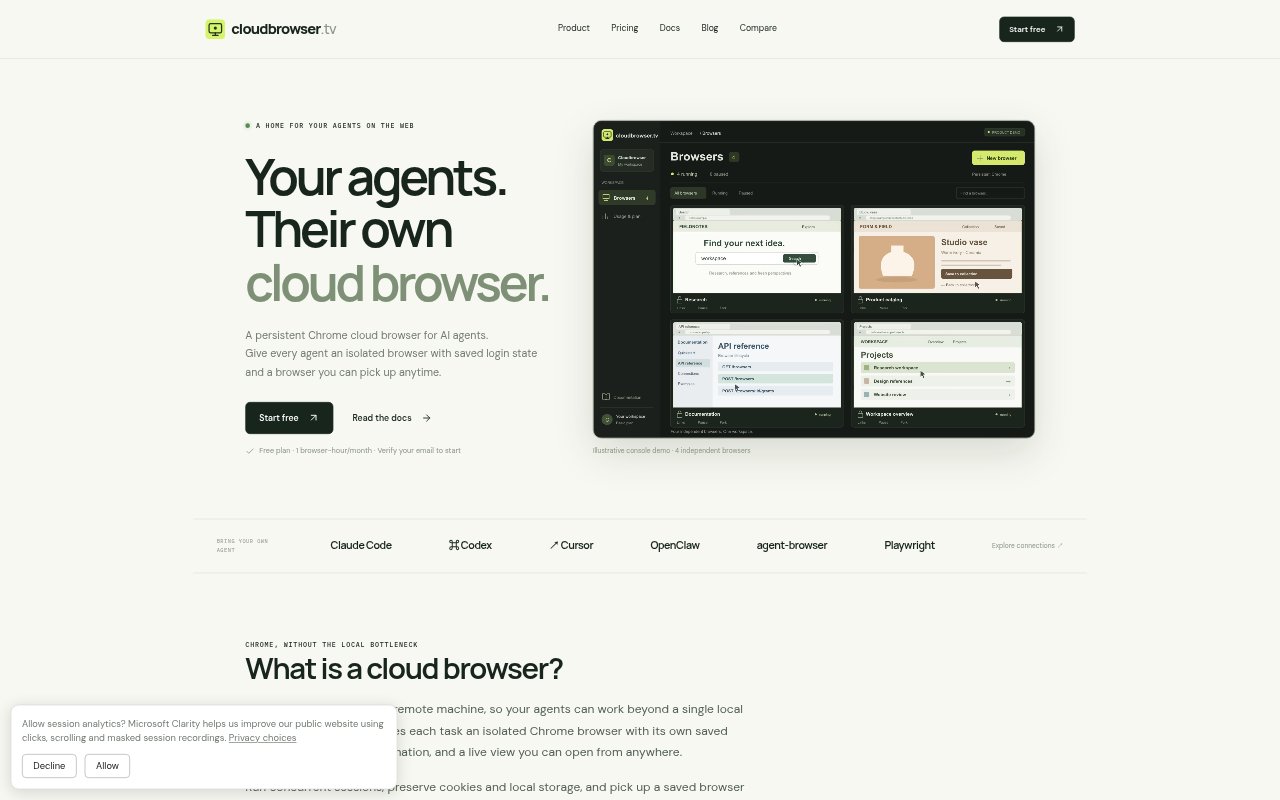
Cloudbrowser provides remote, persistent Chrome browsers for AI agents and the people who set them up. Each browser has an isolated profile, a CDP connection for automation, and a live view that lets a person watch or interact. You can save profile data between tasks, pause and resume browser compute, and fork a paused profile into independent copies. It is designed for agents that need a reusable browser environment rather than one tied to a local desktop.
Cloudbrowser Features:
Persistent Profiles: Chrome profile files, including cookies and local storage, remain available across pauses and resumes, though websites may still require a fresh login.
CDP Automation: Create a browser through the Console or REST API, then connect CDP-capable automation tools such as Playwright using its CDP URL.
Live Browser View: Open a live view to watch or interact with a browser, with read-only and control permissions available.
Isolated Sessions: Give separate tasks their own Chrome browsers and profiles, with concurrent browser limits depending on the selected plan.
Pause and Resume: Pause a browser to stop running compute while retaining its profile, then resume Chrome and reconnect when needed.
Profile Forking: Pause a browser and fork its saved profile into an independent browser, giving a new task its own starting point.
Cloudbrowser Benefits:
Less Repeated Setup: A human can sign in once and hand the same browser to an agent, avoiding repeated setup when the website session is still valid.
Independent Workflows: Separate browser profiles give parallel tasks distinct environments instead of making them share one browser's state.
Human Oversight: The live view gives people a way to check an agent's browser activity and take control when appropriate.
Reduced Idle Compute: Pausing a browser when work is done stops its running compute, rather than charging runtime while it remains active.
Reusable Starting Points: Forking a prepared profile lets separate tasks begin from the same setup without changing the original browser.
Use Cases:
Signed-In Agent Tasks: Have a person sign in to a website, then let an agent continue work in that browser profile while the session remains active.
Parallel Browser Jobs: Run multiple agent tasks at once in separate Chrome environments so each task has its own browser state.
Playwright Automation: Connect a Playwright workflow to a remote Chrome browser through its CDP URL instead of relying on a local desktop browser.
Reviewing Agent Activity: Open a live view while an agent works to observe its browser or interact with it when control access is available.
Branching Task Setup: Fork a paused browser profile when several tasks need the same initial browser setup but must continue independently.