

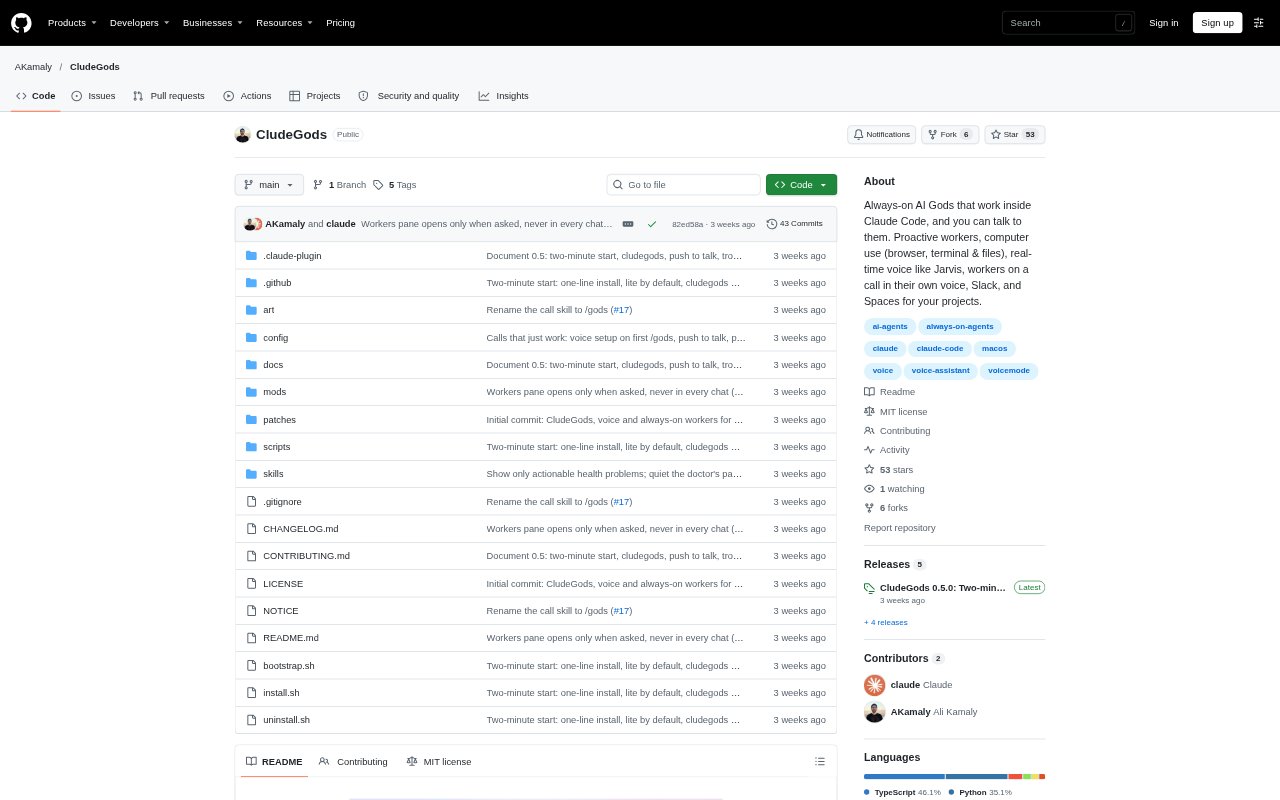
What is CludeGods?
CludeGods is a macOS toolkit that adds voice conversations and standing AI workers to Claude Code. It is intended for people who want to talk through tasks, delegate work to separate Claude Code chats, and review worker drafts from a desktop app. Voice processing runs locally on the Mac, while the spoken transcript is sent to Claude as part of the session. The project is in alpha and is built on Claude Code and VoiceMode.
CludeGods Features:
Live Voice Calls: Start a voice session with the /gods skill, hear Claude respond aloud, and interrupt its speech to redirect the conversation.
Spoken Progress: A narrate hook turns Claude’s tool calls into brief spoken updates during a live call, so you can hear what it is doing.
Standing Workers: Create separate Claude Code chats with their own roles, voices, working hours, schedules, and task boxes in the Workers pane.
Draft Approval: Workers can put drafts in an outbox for review, where you can approve, request a change, or decline an item.
Spaces and Pages: Create shared Markdown spaces with searchable pages, and control which spaces each worker may write to.
Slack Bridge: Mention an allow-listed app in a Slack workspace to send a task to a worker and receive its reply in the same thread.
CludeGods Benefits:
Hands-Free Updates: Spoken answers and progress reports let you follow a task without continually watching the Claude Code session.
Parallel Work: Separate worker chats make it easier to delegate a task while keeping your main Claude Code conversation available.
Review Before Sending: Outbox drafts give you a chance to check or revise worker-produced material before it goes out.
Controlled Access: Worker tool presets let you limit some workers to reading or drafting, reducing the actions they can take.
Local Audio: Local speech processing keeps audio on your Mac rather than sending it to a remote voice service.
Use Cases:
Debug a Build: Talk through a failing build with Claude while hearing updates as it reads logs, searches code, and checks the problem.
Recurring Research: Schedule a worker to check in on a research role and leave findings or other drafts in its outbox for review.
Draft Release Notes: Send a worker a Slack request to prepare release notes and review its response in the originating thread.
Maintain Project Notes: Use shared Markdown pages to give workers project context and keep their notes alongside other project material.
Review External Actions: Have a worker prepare an email or post as a draft, then inspect the exact wording before approving it.