
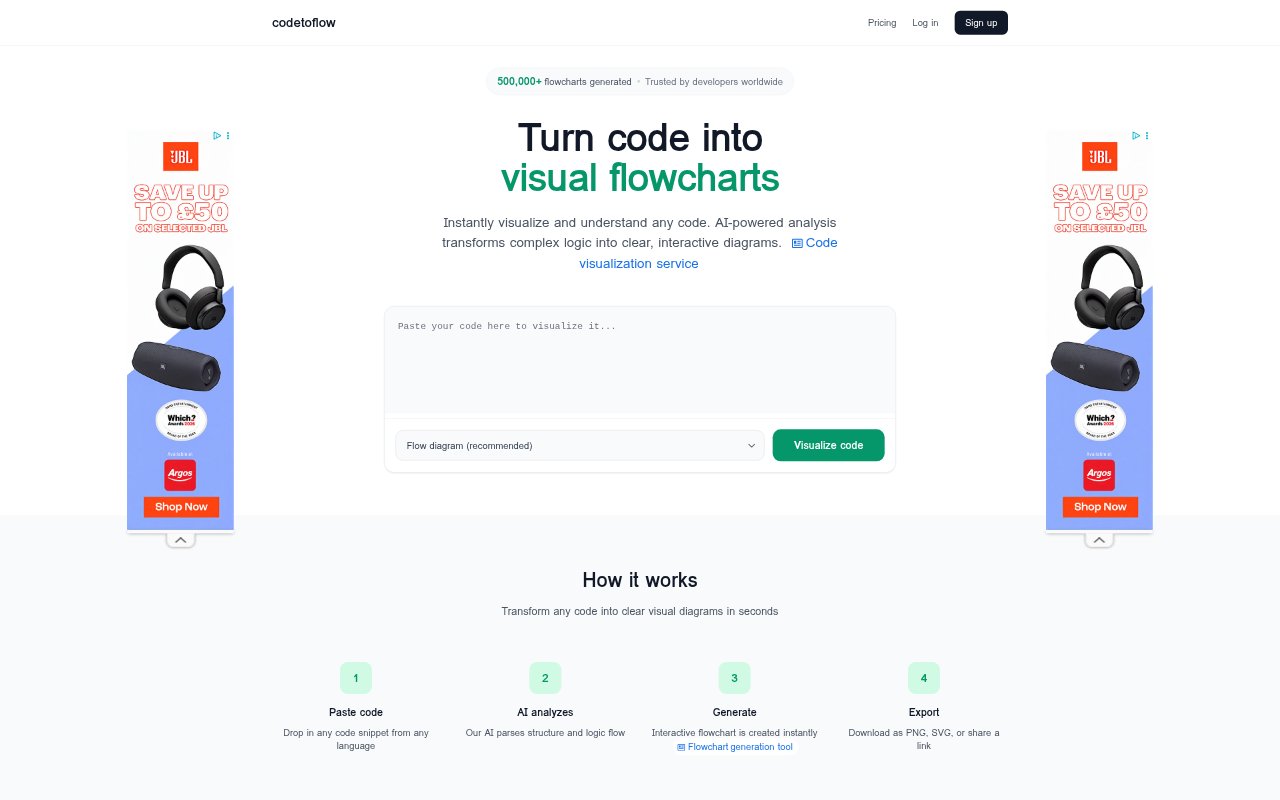
What is Code to Flow?
Code to Flow turns code snippets into interactive diagrams that make program logic easier to see and understand. It is designed for developers, students, and teams who want to inspect code, learn programming concepts, communicate logic in reviews, or create technical documentation. The tool also generates AI-powered explanations, and it supports a range of programming languages and diagram types.
Code to Flow Features:
Code Analysis: Paste a code snippet for AI analysis of its structure and logic flow, then generate a visual diagram.
Language Support: Work with code in languages including Python, JavaScript, TypeScript, Java, C, C++, Go, and Rust.
Diagram Types: Choose from flow, sequence, class, and user journey diagrams to represent different kinds of logic.
Diagram Editing: Edit and customize generated flowcharts to adjust their presentation for a particular explanation or audience.
Export Options: Download diagrams as PNG, SVG, or PDF files, or share a link to a diagram.
Code Explanations: Generate an AI-powered explanation alongside a diagram to help clarify the code's logic.
Code to Flow Benefits:
Clearer Logic: Seeing branches and steps represented visually can make complex program logic easier to follow than reading code alone.
Faster Inspection: A generated diagram gives developers another way to inspect code when tracking down confusing or hard-to-follow logic.
Visual Learning: Students can connect programming concepts to a visual representation, making code structure easier to discuss and review.
Easier Sharing: Exported diagrams and shareable links give teams a practical way to include code visuals in discussions and documents.
Code Privacy: Because submitted code is discarded after processing, users do not have to leave their snippets stored in the tool.
Use Cases:
Debugging Logic: A developer can turn an unfamiliar or complicated snippet into a flowchart to examine its branches while debugging.
Learning Concepts: A student can visualize a lesson's code as a diagram and use the explanation to work through its logic.
Code Reviews: A team can share a diagram during a review to explain how a piece of code moves through its logic.
Technical Documentation: A developer can create and export a diagram to illustrate program logic in technical documentation.
Developer Handoffs: A developer can pair a flowchart with an AI explanation when introducing code logic to another developer for verification.