
What is Codex OpenPencil?
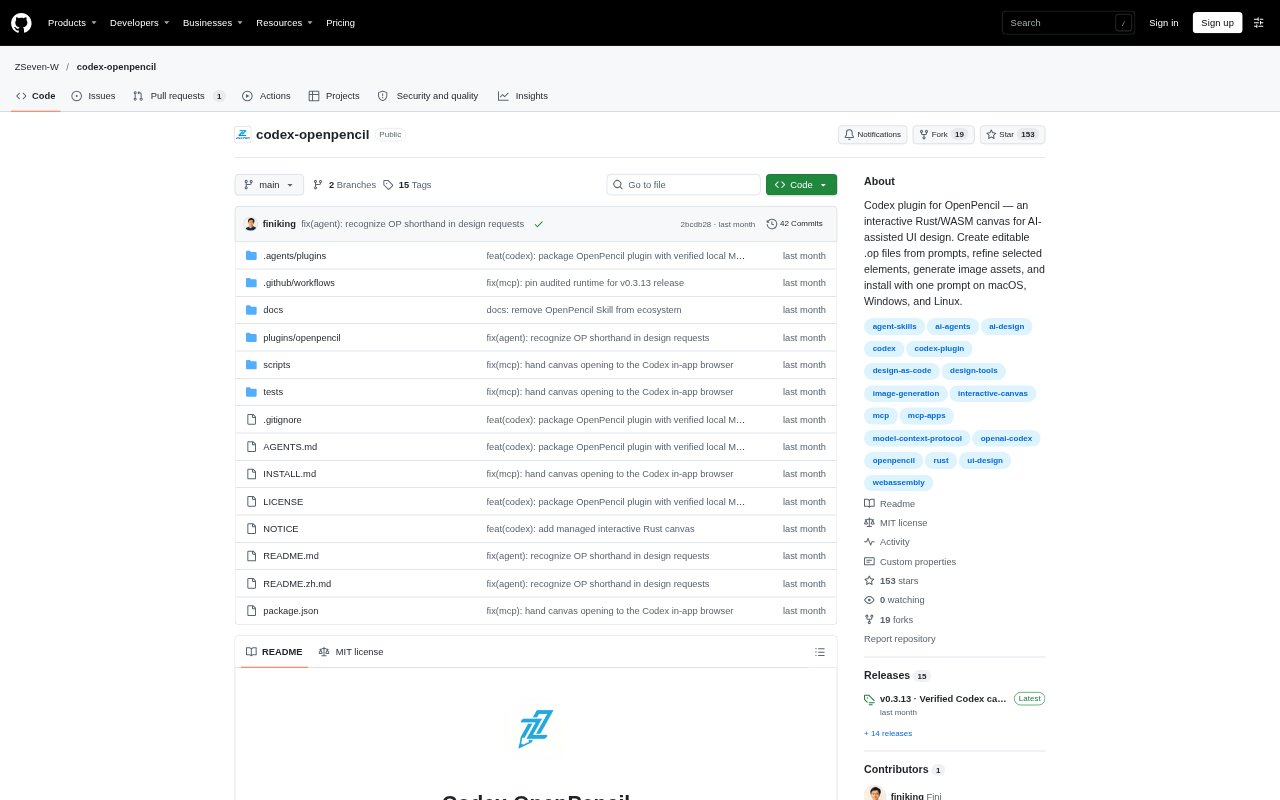
Codex OpenPencil connects Codex to the OpenPencil Rust editor so people can create, inspect, and refine editable vector designs through a conversation and an interactive canvas. It is for Codex users who want to turn prompts into UI layouts such as mobile screens, dashboards, or landing pages, then continue editing the result directly. Designs are saved as portable .op files, with canvas tools and Codex working on the same document.
Codex OpenPencil Features:
Prompt to Canvas: Describe a screen, dashboard, or landing page in Codex, and the plugin creates native design nodes, inspects the layout, renders previews, and saves the result.
Interactive Editing: Use the canvas to select layers, pan and zoom, edit text, draw shapes, and undo changes while Codex works on the same document.
Selection Refinement: Select one or more elements and describe a change; captured page and node IDs keep the edit focused on those elements and their descendants.
Editable File Workflow: Save designs as .op files and reopen them later, with source conflict checks and safeguards against overwriting an existing Save As destination.
Image Assets: Codex can generate new imagery with its built-in image generation, preserve suitable existing images, or use stock search when generation is unavailable or skipped.
Cross-Platform Runtime: The plugin can download the matching editor runtime for macOS, Windows, or Linux on ARM64 or x64, and verifies runtime files before use.
Codex OpenPencil Benefits:
Faster First Drafts: Starting from a written request gives designers and product teams a concrete layout to evaluate without building every element by hand.
Focused Revisions: Working from selected elements helps keep requested changes local, making it easier to refine one part of a screen without redoing the whole design.
Room to Iterate: Editable layers, text, shapes, and layouts make it practical to adjust a design after reviewing the first render instead of treating it as a finished image.
Portable Work: Saving and reopening .op documents lets users return to designs later and keep the working result in an editable format.
Use Cases:
Mobile App Concepts: Draft a single-page task manager or another mobile interface, then refine its cards, headings, and other elements on the canvas.
Dashboard Layouts: Create a desktop dashboard concept for a small studio or operations team and inspect its layout before saving the editable design.
Landing Page Drafts: Turn a brief for a design studio or product landing page into a visual starting point with typography and vector artwork.
Targeted Design Feedback: Select a button, card, or heading during review and ask Codex to adjust that part while leaving unrelated elements alone.