
What is Cogram?
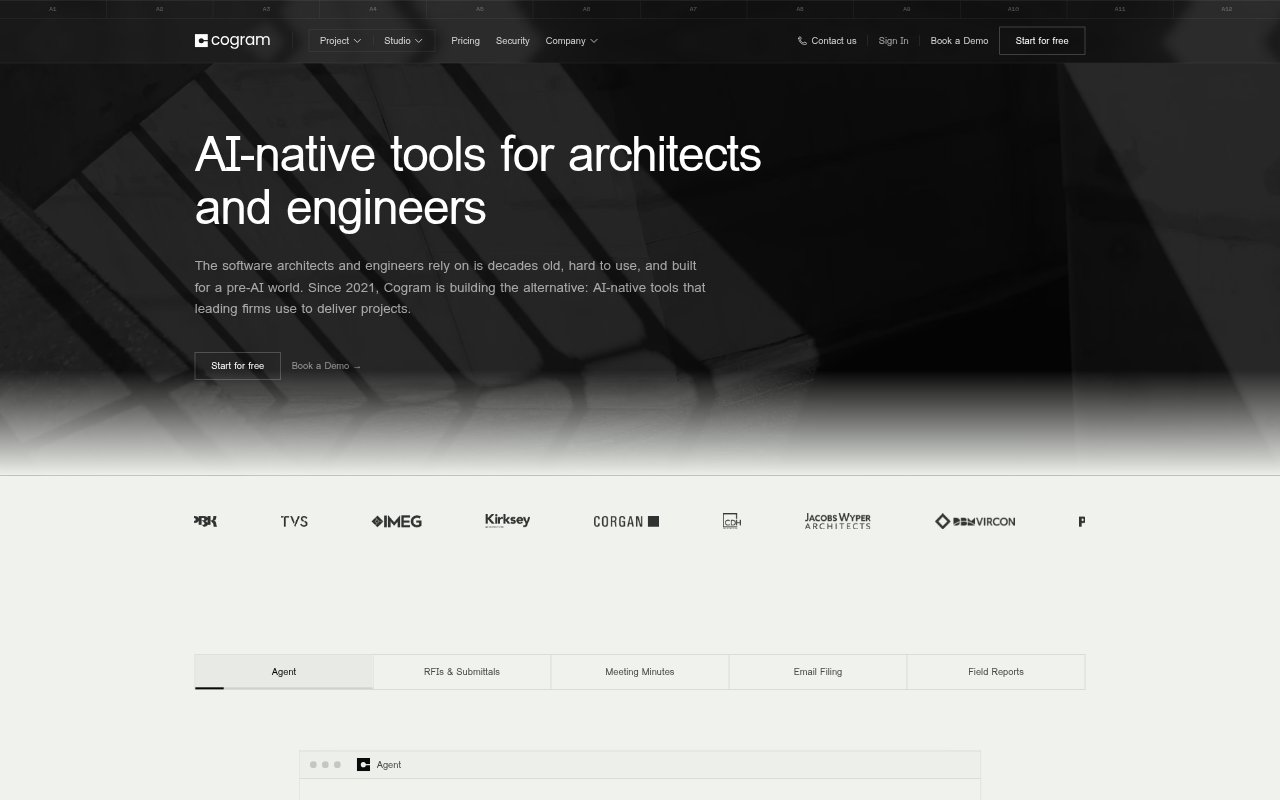
Cogram is an AI platform for architects, engineers, designers, consultants, and contractors. It brings project documentation and administrative tasks into one workspace, with tools for document questions, email management, RFIs and submittals, meeting minutes, and field reports. Teams can connect it to project-management, communication, and ERP systems, and use their own templates for minutes and reports. Individual plans are available alongside per-seat team pricing, with firms able to choose the products their teams need.
Cogram Features:
Project Agent: Ask questions about project documents and use an AI agent designed for the terminology and work of architecture and engineering.
Email Management: File and search project correspondence with AI, bringing emails from different projects into a more organized workflow.
RFI and Submittals: Log and review requests for information and submittals through a user-friendly workflow integrated with Procore.
Meeting Minutes: Generate minutes for virtual and in-person meetings using your firm's templates, with integrations for common meeting platforms.
Field Reports: Dictate site observations, add photos, and create field reports in your team's templates.
Firm Integrations: Connect Cogram with communication, project-management, and ERP tools, with custom integrations supported through its API.
Cogram Benefits:
Less Admin Work: Automating repetitive filing, minute-taking, and report creation can give project teams more time for project and client work.
Faster Project Recall: Searching project correspondence and asking questions about documents can help teams find relevant information without manually retracing every conversation.
Consistent Documents: Generating minutes and field reports in existing templates reduces reformatting and helps keep project records consistent.
Connected Workflows: Working with tools already used by the firm can reduce the need to move information between separate project systems.
Time Back: Automating documentation and administrative tasks can save users several hours per week, according to Cogram.
Use Cases:
Project Correspondence: File and retrieve email across active building projects when teams need to find earlier decisions or correspondence.
Client Meetings: Create meeting records from virtual or in-person discussions and prepare minutes in the firm's established format.
Site Observations: Capture spoken observations and photos during site visits, then turn them into a templated field report.
Submittal Reviews: Log and review project RFIs and submittals in a workflow connected to Procore.
Project Document Questions: Ask questions about project documents when architects, engineers, or consultants need to analyze information for ongoing work.