

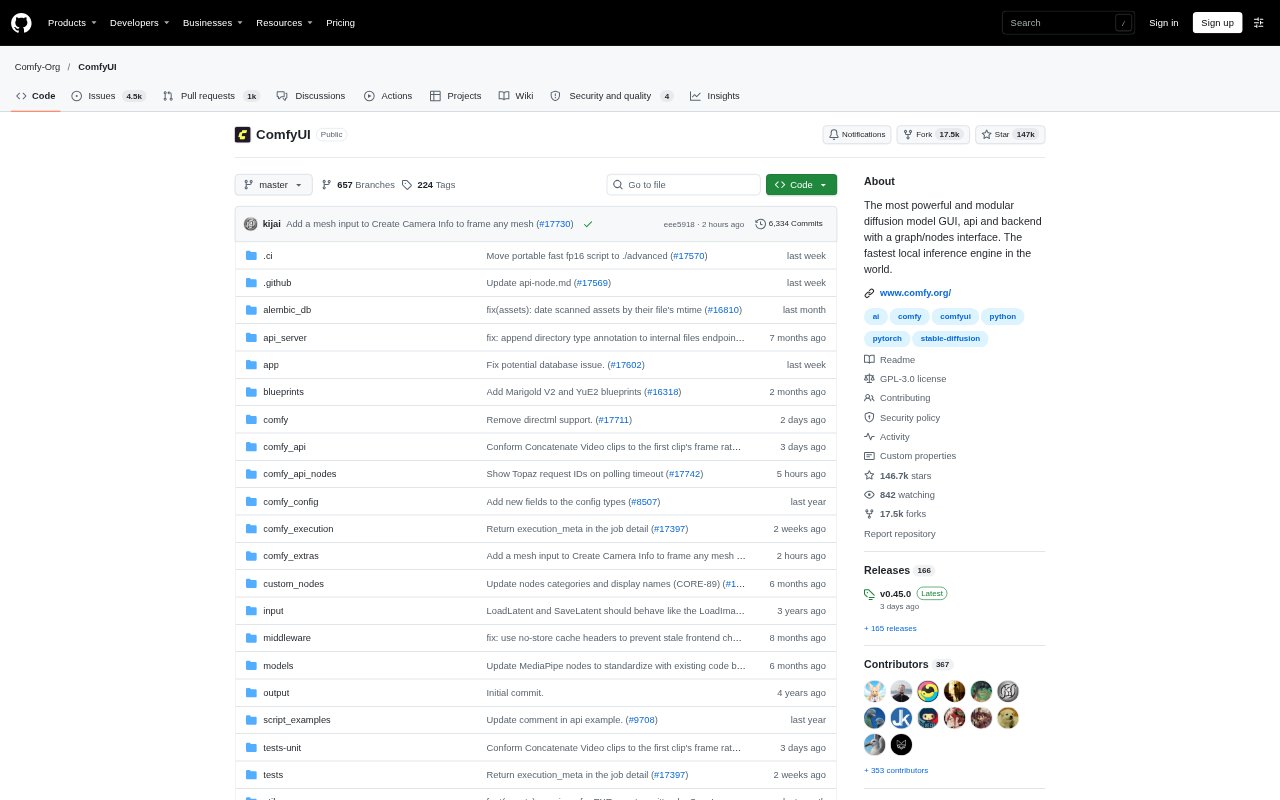
What is ComfyUI?
ComfyUI is a visual workspace for creating AI-generated images, video, audio, 3D assets, and text. Its node graph lets visual professionals connect models and processing steps, inspect each part of a workflow, and adjust parameters as they work. Use it on your own Windows, Linux, or macOS hardware, or run workflows in Comfy Cloud. It supports open-source models and offers Partner Nodes for selected proprietary models.
ComfyUI Features:
Node Graph: Connect models, processing steps, and outputs on a canvas, with visible and adjustable parameters throughout each workflow.
Model Support: Work with supported image, video, audio, 3D, vision, and text models, including open-source options and selected Partner Nodes.
Image Tools: Use built-in tools for inpainting, outpainting, masks, compositing, reference conditioning, upscaling, and image processing.
Reusable Workflows: Save and load workflows, reuse subgraphs and templates, or present a sophisticated workflow through App Mode.
Local Execution: Run workflows locally with queueing, partial graph re-execution, memory management, model offloading, and quantized model support.
API Deployment: Expose workflows through API endpoints for application integration, or package models, custom nodes, and dependencies for deployment.
ComfyUI Benefits:
Visible Decisions: Inspecting each model and processing step makes it easier to understand how a result was produced and refine it.
Workflow Reuse: Saved graphs, templates, and subgraphs let teams repeat a process without rebuilding its connected steps each time.
Flexible Setup: Local, cloud, and API options let creators choose where to build, run, or integrate their workflows.
Focused Iteration: Partial graph re-execution allows changes to be tested without rerunning every step of a workflow.
Model Choice: Support for different model types and providers gives creators room to match tools to the output they need.
Use Cases:
Product Imagery: Build image-generation workflows for product scenes, using reference images and image-editing tools to guide the visual result.
Video Ads: Create video workflows that combine a motion reference and keyframe to produce an advertising clip.
Image Editing: Develop repeatable editing processes for tasks such as inpainting, compositing, upscaling, and reference-guided changes.
Creative Pipelines: Connect image, audio, video, or 3D generation steps into a custom pipeline for recurring content production.
App Integration: Deploy a tested workflow behind API endpoints when an application needs to run the same generation process.