

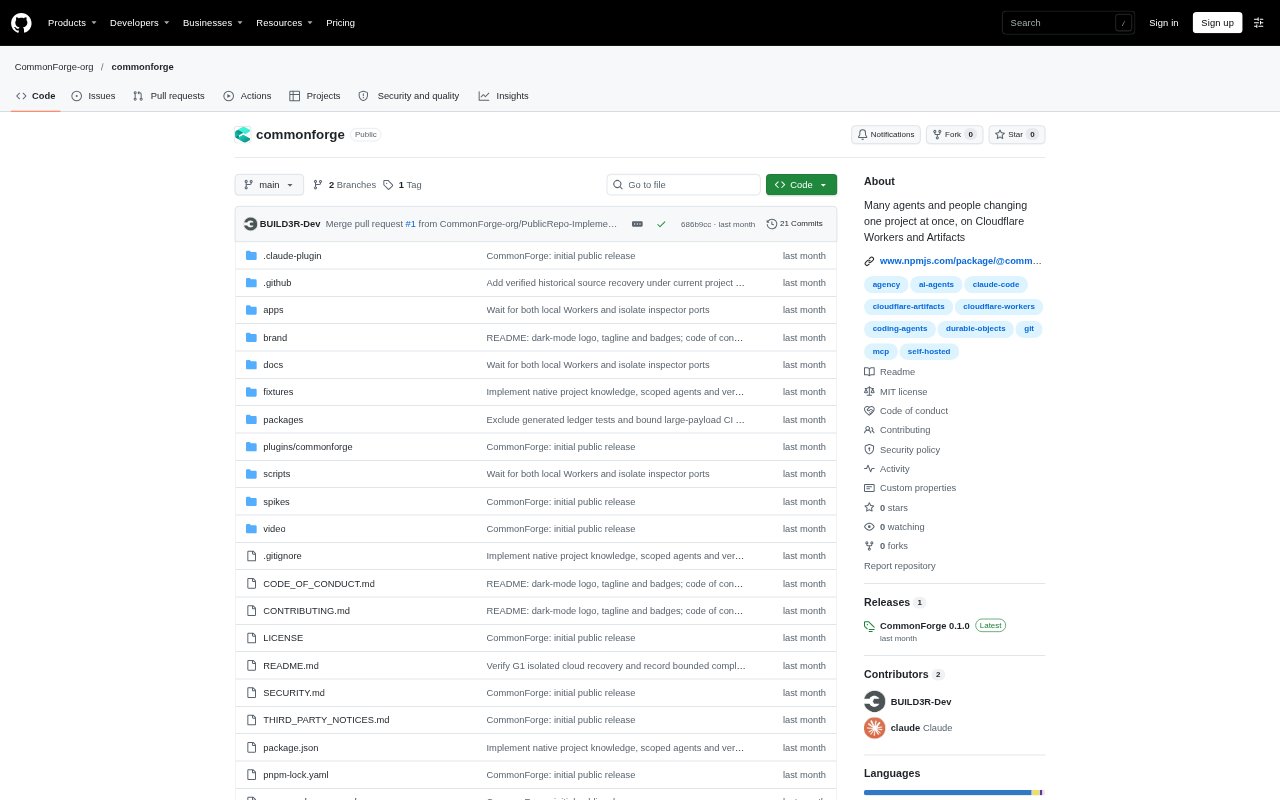
What is CommonForge?
CommonForge is a self-hosted platform for agencies, project owners, clients, and coding agents working on software projects together. Owners can manage client projects, control which folders clients and their agents can access, and route requested changes through task boards, staging, review, and publishing. A web app and the cforge CLI support the workflow, with deployment to the owner's Cloudflare account.
CommonForge Features:
Project Knowledge: Owners can keep confirmed rules, behavioral scenarios, pinned task context, independently verified changes, and correction history with a project.
Client Task Board: Clients can create tasks describing a requested change, while the board tracks work through states such as Working, In staging, Waiting for approval, and Live.
Agent Handoff: A copied prompt guides a coding agent through signing in, checking out the task, making changes, and submitting its work with the cforge CLI.
Folder Access: Owners can set each folder to Can change, Read only, or No access for a client, and a new client starts with read-only access.
Isolated Task Repositories: Each task uses its own Artifacts repository and short-lived credentials scoped to that repository.
Staging and Publishing: Submitted changes can go to a shared staging site for review, while approval, acceptance as a version, and publishing remain separate steps.
CommonForge Benefits:
Less Repeated Context: Keeping project rules and correction history available helps agents and people continue work without relying on someone to restate past decisions.
Controlled Client Scope: Folder-level permissions help owners limit which parts of a project a client's agent can change, read, or access.
Clearer Review: Separating submitted work from production gives clients and developers a place to inspect a change before it goes live.
Visible Change History: The change storyboard records what was requested, what changed, what was verified, and what decision comes next.
Safer Version Decisions: Explicit approval and publishing steps, together with checks on proposals, help prevent unreviewed or outdated work from becoming the accepted version.
Use Cases:
Agency Client Projects: An agency can organize each client as an organization and project, then invite the client to request updates to their site.
Agent-Run Website Updates: A developer can hand an agent a client's task prompt so it checks out the permitted project files, makes the change, and submits it.
Client Staging Review: A client can try a submitted website change on the shared staging site and approve its promotion when it meets the request.
Production Release Review: An owner or developer can validate a proposed change, accept it as a new version, and publish it through distinct actions.
Restricted Client Editing: An owner can let a client propose edits to selected folders while keeping other folders read-only or inaccessible.