

What is Compactly?
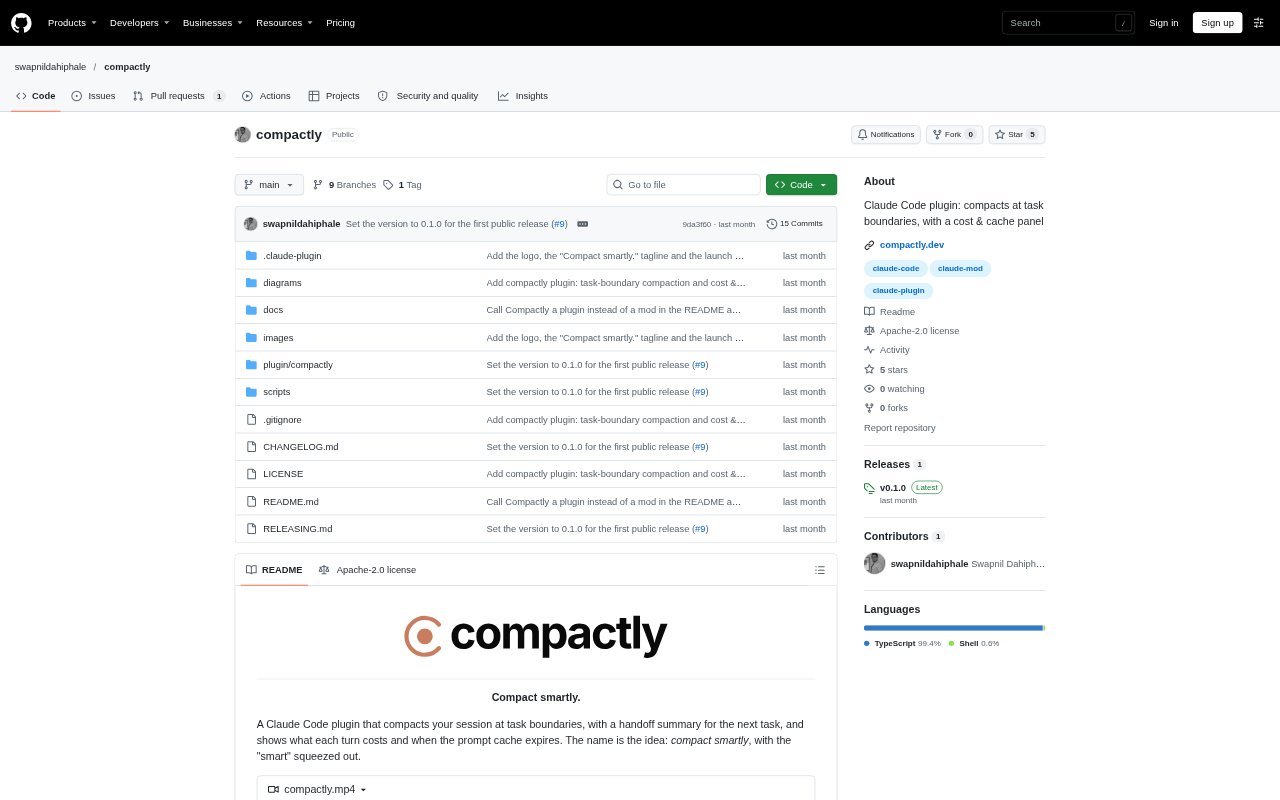
Compactly is an open-source plugin for Claude Code that manages context compaction around task boundaries rather than waiting for the context window to fill. It can assess a new prompt and recent session activity, prepare a handoff for the next task, and resume that prompt in the same session with a smaller context. A cost and cache panel helps developers inspect session spending and cache status. It requires Claude Code 2.1.295 or later and is available under the Apache-2.0 licence.
Compactly Features:
Automatic Compaction: In auto mode, a judge assesses the session and next prompt, then compacts when it identifies a likely task boundary and the context meets the configured threshold.
Task Handoffs: Compaction instructions carry forward open work, decisions and their reasons, and relevant file paths for the task that follows.
Prompt Resumption: When Compactly compacts before a new prompt, it holds that prompt and sends it in the same session after compaction.
Cost and Cache Panel: The panel displays session cost, cost per turn, cache status, context usage, cache time remaining, and estimated rebuild cost if the cache goes cold.
Compaction Controls: Use auto, suggest, or off mode, adjust the context threshold, choose a judge model, or run a compaction directly with the /compactly command.
Boundary Feedback: Rate automatic compactions with positive or negative feedback, or use suggest mode to review a suggested boundary instead of allowing automatic compaction.
Compactly Benefits:
Less Context Carryover: Starting a new task with a smaller context can reduce how much earlier conversation Claude Code needs to reread on later turns.
Clearer Task Continuity: A focused handoff helps preserve decisions and unfinished work, making it easier to continue without reconstructing the session from its full history.
Spending Visibility: Per-turn and session cost details make it easier to understand how context and cache activity affect a coding session's expenses.
Fewer Manual Checks: Automatic boundary checks can take the timing decision off your mind while you focus on completing the next piece of work.
User Oversight: Suggest mode and feedback give developers ways to keep control when a proposed boundary does not match the work in progress.
Use Cases:
Long Coding Sessions: Use it when a Claude Code session has accumulated substantial context and you are moving from one completed development task to another.
After Git Milestones: Use suggest mode to surface possible compaction points after a commit, push, or pull request while deciding whether the work is truly at a stopping point.
Returning After a Break: Configure an eligible idle check for a long session so it can prepare a smaller handoff before you return, provided the session remains open.
Cost Review: Open the panel during a coding session to inspect turn costs, cache age, context usage, and the potential cost of rebuilding a cold cache.
Careful Automation: Use suggest mode or disable automation when you want to decide yourself whether a task is complete enough to compact.